 QGO
Multilingual Queue Software That Keeps Lines Moving
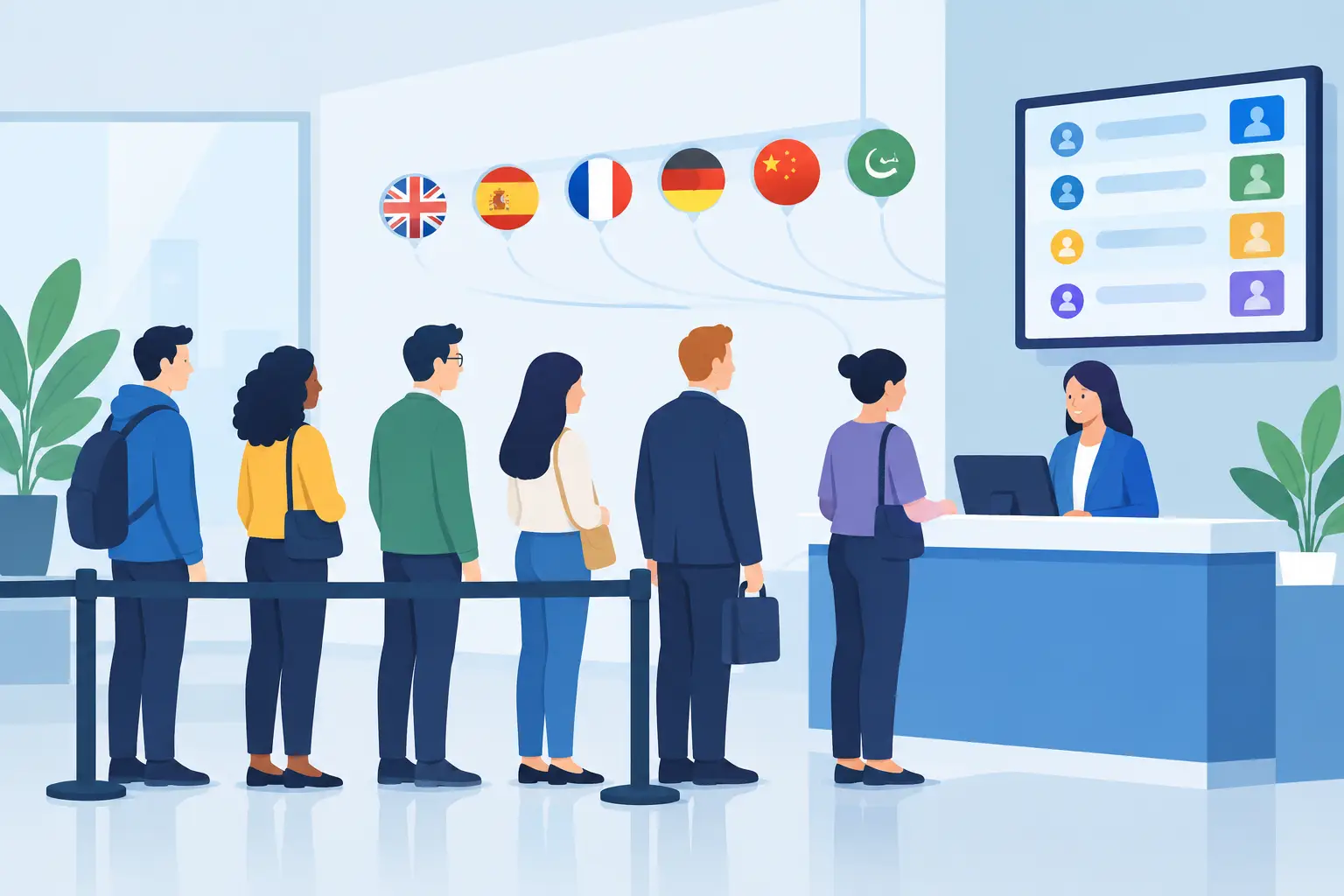
A customer walks in, sees a crowded service counter, and cannot tell where to stand or how long the wait will be. If they do not understand the instructions, the line becomes even harder to manage. Multilingual queue software gives every customer a clear way to join, wait, and return when it is their turn - in the language they understand.
For customer-facing businesses, language support is not a nice extra. It directly affects line speed, staff workload, and whether visitors feel confident staying. A mobile queue can replace the uncertainty of a visible line with simple, familiar actions on a phone.
Why language changes the queue experience
A physical line relies on assumptions. Customers need to recognize where it begins, understand who is being served, and know whether they should wait nearby. Those assumptions break down quickly in busy stores, clinics, hotel desks, restaurants, and event venues serving people from different backgrounds.
When instructions are only available in English, staff often become the translators. They explain the process, repeat wait-time details, point to signs, and answer the same questions while trying to serve the next person. That is time pulled away from the actual service interaction.
Clear language options remove friction at the start. Customers can read how to join the queue, confirm their position, and understand updates without asking for help. They are less likely to join the wrong line, leave because they think they were missed, or crowd the counter looking for answers.
The operational benefit is simple: fewer explanations, fewer line disputes, and more attention for the work that matters.
What multilingual queue software should do
Translation alone is not enough. A queue system needs to make the entire waiting flow understandable from the first tap through the service handoff. If the join screen is translated but the confirmation or notification is not, customers are still left guessing.
Look for language support across the customer journey. That includes queue instructions, service choices, confirmation messages, wait-status screens, and turn notifications. The wording should stay short and action-focused. A customer should not need to interpret a paragraph just to get in line.
The best experience also lets customers use their own device. Asking someone to download a native app, create an account, or operate an unfamiliar kiosk adds steps exactly when they want to move quickly. A lightweight mobile experience gives them a direct route into the queue.
For example, a customer scans a code or opens a simple queue page, selects the service they need, and joins. If they want easier access later, they can use their phone's Share button, choose Add to Home Screen, then tap Add. That is it. No app store search and no printed ticket to lose.
QGO supports 16 languages in a mobile-first queue experience, helping businesses communicate clearly without adding hardware to the floor.
The business case is bigger than translation
Language access helps businesses welcome a wider customer base, but the immediate value is operational. When customers can manage their own place in line, the queue stops being a staff-managed traffic problem.
Instead of standing in a tight cluster near the counter, customers can browse, sit down, check out other products, or wait outside when appropriate. They keep visibility into their place in line from their phones. Staff can focus on serving the person in front of them rather than policing who is next.
This can make a meaningful difference in locations where visible congestion hurts the experience. A packed pickup area makes a restaurant feel disorganized. A crowded reception desk can make a clinic feel stressful. A line across a retail entrance can discourage shoppers from coming in at all.
Digital queues reduce that visual pressure. They do not create more staff or eliminate every wait, but they make the wait easier to understand and easier to manage. That distinction matters. Customers are often more patient when they know they have been counted and can see progress.
Where multilingual queues make the most sense
Any business that serves a diverse local community, travelers, or international visitors can benefit. The strongest use cases tend to have a mix of walk-ins, variable service times, and moments when the front area gets crowded.
Retail stores can use a multilingual queue for fitting rooms, returns, consultations, electronics support, or high-demand product releases. Customers do not need to stand beside a service desk while waiting for help.
Restaurants and hospitality teams can organize pickup orders, host stands, check-in lines, or concierge requests. Clear mobile updates reduce the number of people asking whether their table, order, or room is ready.
Clinics, salons, and public service desks can give visitors a more private, less crowded waiting experience. A digital queue is especially useful when appointments run late and walk-ins need a clear next step.
Event venues can use it for credential pickup, merchandise, guest services, or entry support. Here, the trade-off is connectivity and throughput. If a venue has poor cellular or Wi-Fi coverage, test the customer journey before making the digital queue the only option.
How to launch without creating a new process problem
The goal is not to install another complicated system. The goal is to make joining the queue easier than asking an employee where to stand.
Start with one high-friction service point. Choose the line that creates the most questions, congestion, or staff interruptions. A return counter, pickup area, reception desk, or host stand is usually a better starting point than trying to digitize every customer flow at once.
Keep the first setup simple. Use plain service names, such as “Returns,” “Order Pickup,” or “Check In.” Avoid internal terms that customers will not recognize. Make sure the selected languages reflect the people who actually visit your location, not just the languages you expect in theory.
Then put the entry point where customers naturally pause. A clear sign at the counter or entrance works well. Staff should use one short sentence to guide customers: “Join the line from your phone here.” If someone needs help, staff can assist once without turning the process into a lengthy explanation.
Measure what changes during the first few weeks. Watch for repeated questions, abandoned queues, bottlenecks at specific times, and whether staff are spending less time directing traffic. Also ask frontline employees what customers find confusing. They will spot unclear wording or misplaced signage before a dashboard does.
Common mistakes to avoid
The most common mistake is treating multilingual support as a checkbox. If translated text is awkward, incomplete, or too long for a mobile screen, it can create more confusion than it solves. Use plain, direct language and test it with real customers or bilingual team members.
Another mistake is overloading the queue screen with too many choices. If customers face ten service categories, they may select the wrong one or hesitate. Combine options where possible, then let staff direct edge cases after the customer reaches the counter.
Do not hide the queue behind a complicated onboarding flow. Requiring passwords, app downloads, or lengthy forms can reduce adoption, especially for one-time visitors. For most walk-in lines, the best process is the one that takes only a few taps.
Finally, prepare staff for the change. They do not need formal technical training, but they do need to know how the queue works, how to call the next customer, and what to do when someone cannot use a phone. Keep an accessible alternative for those customers. Digital should reduce barriers, not create new ones.
Make waiting feel clear, not crowded
Customers do not expect every line to disappear. They do expect to know what is happening. Giving them instructions in a familiar language and access from the phone already in their hand makes that possible.
Start with the busiest point in your location. Make joining obvious. Keep the words simple. When customers can see their place in line without standing in one, your team gets more room to serve people well.
Give your customers a line they don't have to stand in
QGO turns any counter into a smart digital queue: customers scan a QR code, take a number on their own phone and get alerted when it is their turn. No app download, no hardware, 16 languages.
Try QGO free How it works