 QGO
How Do Digital Waitlists Work for Busy Stores?
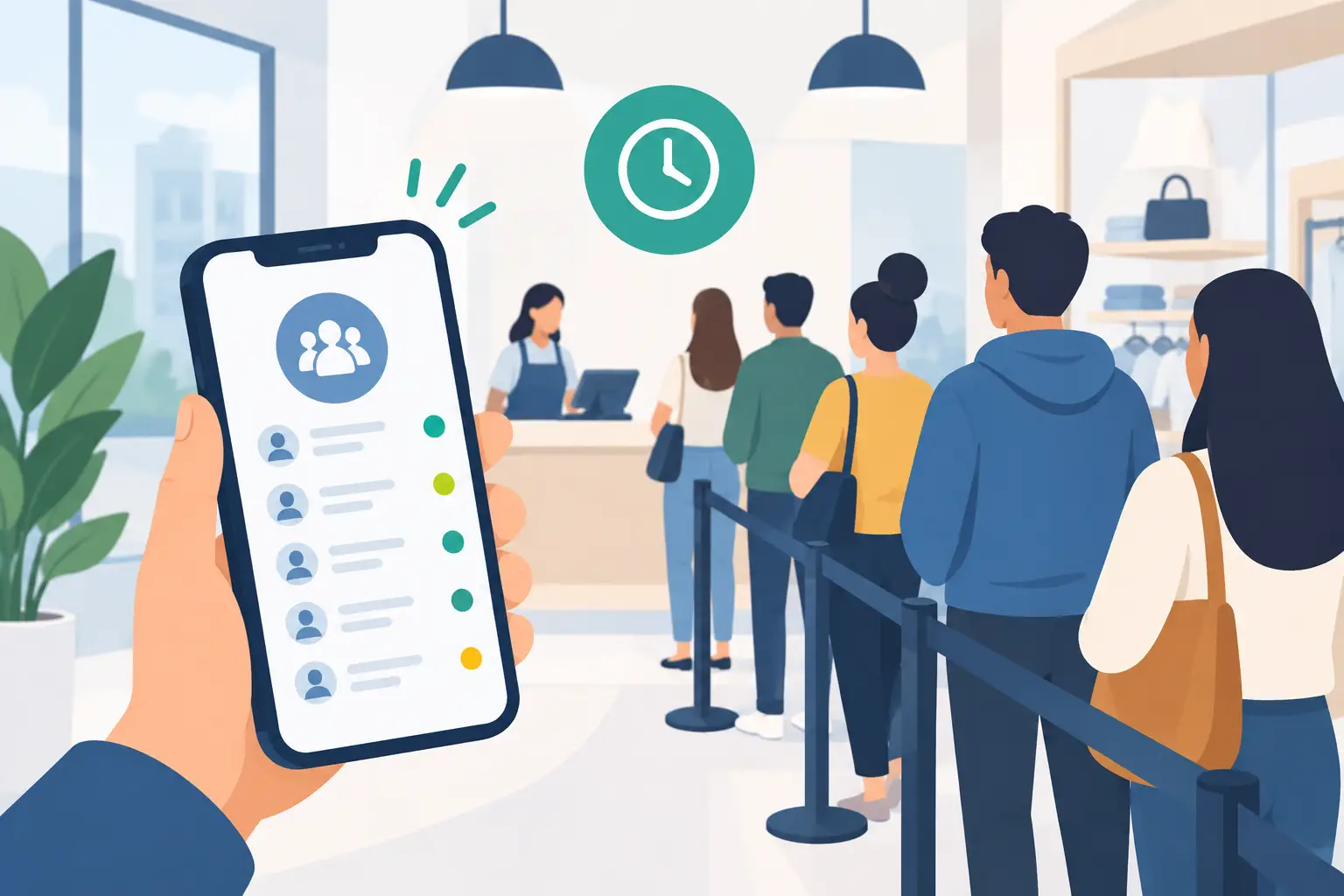
A crowded entrance tells customers one thing before your team says a word: this may take a while. That is where digital waitlists change the experience. How do digital waitlists work? Instead of standing in a physical line, customers join a virtual queue from their phone, see their place, and receive an update when it is almost their turn. Your staff gets a clearer view of demand without managing a room full of people.
How do digital waitlists work in practice?
A digital waitlist replaces the paper ticket, clipboard, or loose line near the counter with a shared live queue. A customer scans a QR code, opens a short link, or is added by a team member. They enter the details your operation needs, such as a name, party size, service type, or phone number.
The system confirms that they are in line and shows their status. Depending on the setup, the customer may see an estimated wait, their number in line, or both. When staff are ready for the next person, they move that entry forward. The customer receives a notification and returns to the counter, table, fitting room, service desk, or pickup area.
The queue is digital, but the service is still in person. That distinction matters. A waitlist does not replace your team or make a busy shift disappear. It gives customers freedom during the wait and gives staff one reliable place to manage the order of service.
What the customer experience looks like
The best digital waitlists ask for very little. A customer should be able to join in a few taps, then put their phone away. No account creation. No searching an app store. No printing a ticket they can lose.
At the entrance, counter, or host stand, a clear sign can direct guests to scan and join. Once they have entered the waitlist, they can browse nearby, sit down, finish shopping, or wait outside instead of watching a line inch forward. They still know they have a place.
When their turn gets close, the system sends a message. Some businesses notify customers when they are next. Others notify them a few spots ahead, giving people time to return. The right timing depends on your operation. A coffee pickup line may need a fast notification. A clinic or restaurant may need more lead time.
For customers who cannot or do not want to use a smartphone, staff should still have a simple way to add them manually. Digital queueing should reduce barriers, not create a new one. A good process gives every customer the same fair place in line, regardless of how they join.
What staff see behind the counter
On the staff side, a digital waitlist acts like a live service board. Team members can see who is waiting, when they joined, what they need, and where each person is in the flow. When a customer is served, staff mark them complete and call the next entry.
This is especially useful when one location handles more than one type of demand. A retail store might have returns, product consultations, and fitting room requests. A salon may have walk-ins around booked appointments. A restaurant may need to organize tables, pickup orders, and a host queue during the same rush.
Rather than asking staff to remember names, repeat wait-time estimates, or police a physical line, the queue creates a single source of truth. Managers can also spot pressure points. If one service type regularly builds a long waitlist, that is a staffing or process signal, not just a busy afternoon.
The workflow needs to stay simple. If employees have to tap through multiple screens to move one customer forward, the system can slow down the very service it is meant to support. Look for a setup that lets staff join, notify, call, and complete customers quickly.
Wait-time estimates are useful, not magic
Customers appreciate a realistic estimate more than a perfect-looking number that keeps changing without explanation. Digital waitlists usually calculate expected waits from the number of people ahead and the average time each service takes. Some systems can also account for party size, queue type, or staff availability.
Still, estimates are estimates. A return may take two minutes or twenty. A patient may need extra time. A customer may not return when called. Sudden staff breaks, delivery arrivals, and complex service needs all affect the pace.
The goal is not to promise an exact minute. The goal is to communicate clearly and update customers as conditions change. If your team knows a delay is likely, say so early. A visible status and timely notification are far better than making people ask, "How much longer?" every five minutes.
What makes a digital waitlist work well
The technology is only one part of the experience. Placement, staff habits, and notification rules decide whether customers actually use it.
Start with the join point. Put instructions where customers naturally pause: at the door, near the host stand, beside the service desk, or in the pickup area. Use direct language such as "Scan to join the waitlist" and make the QR code large enough to scan quickly. If guests have to ask what the code is for, the sign is doing too much work.
Next, decide what information is necessary. Collecting a name and phone number may be enough for a simple queue. Adding too many fields creates friction and slows adoption. If you need details for a specialty service, explain why and keep the form short.
Then train the team on a few non-negotiables: add every walk-in to the same queue, update status as service happens, and handle no-shows consistently. A waitlist loses trust when staff call people out of order without a clear reason. There will be exceptions, but employees should know when and how to make them.
Finally, make the return instruction specific. Tell customers where to go after they are notified. "Please return to the service desk within 10 minutes" is clearer than "Your turn is ready." That small detail prevents a second line from forming when several guests come back at once.
Digital waitlists versus kiosks and paper tickets
Traditional systems can work, but they often create extra maintenance and customer friction. Kiosks need hardware, power, placement, cleaning, and support. Paper tickets need printers, supplies, and a process for lost numbers. Both can leave customers standing near the queue because they have no easy way to check status elsewhere.
A phone-first waitlist shifts the experience to a device customers already carry. With QGO, customers can access a lightweight, installable web experience from their phone rather than downloading a conventional app or using dedicated queue hardware. That can make rollout easier across locations, especially when staff need a tool they can start using quickly.
The trade-off is that phone-based systems need clear signage and a fallback for customers without smartphones. They also depend on reliable connectivity and accurate phone information for notifications. Those are manageable requirements, but they should be planned for before launch.
Where digital waitlists have the biggest impact
Digital queues are most useful when people must wait in person but do not need to stand still to keep their place. That includes busy retail service counters, restaurant host stands, salon walk-ins, clinic check-ins, event entry points, public service desks, and crowded pickup areas.
They are also valuable when customer traffic is uneven. A business may be quiet for an hour, then get a sudden rush after work, during a promotion, or before an event. A digital waitlist gives the team structure when demand spikes without making the location feel like a packed holding area.
It may be less useful for a process that needs immediate, continuous attention from the customer, or for a very small operation where waits rarely happen. The best fit is not based on industry alone. It is based on whether a visible line is creating stress for customers or extra work for staff.
A good waitlist should feel almost invisible: join, go about your time, get notified, return. When that flow is clear, the line stops taking over your space and your team can focus on the person currently in front of them.
Give your customers a line they don't have to stand in
QGO turns any counter into a smart digital queue: customers scan a QR code, take a number on their own phone and get alerted when it is their turn. No app download, no hardware, 16 languages.
Try QGO free How it works