 QGO
7 Best Tools for Waitlists in Busy Locations
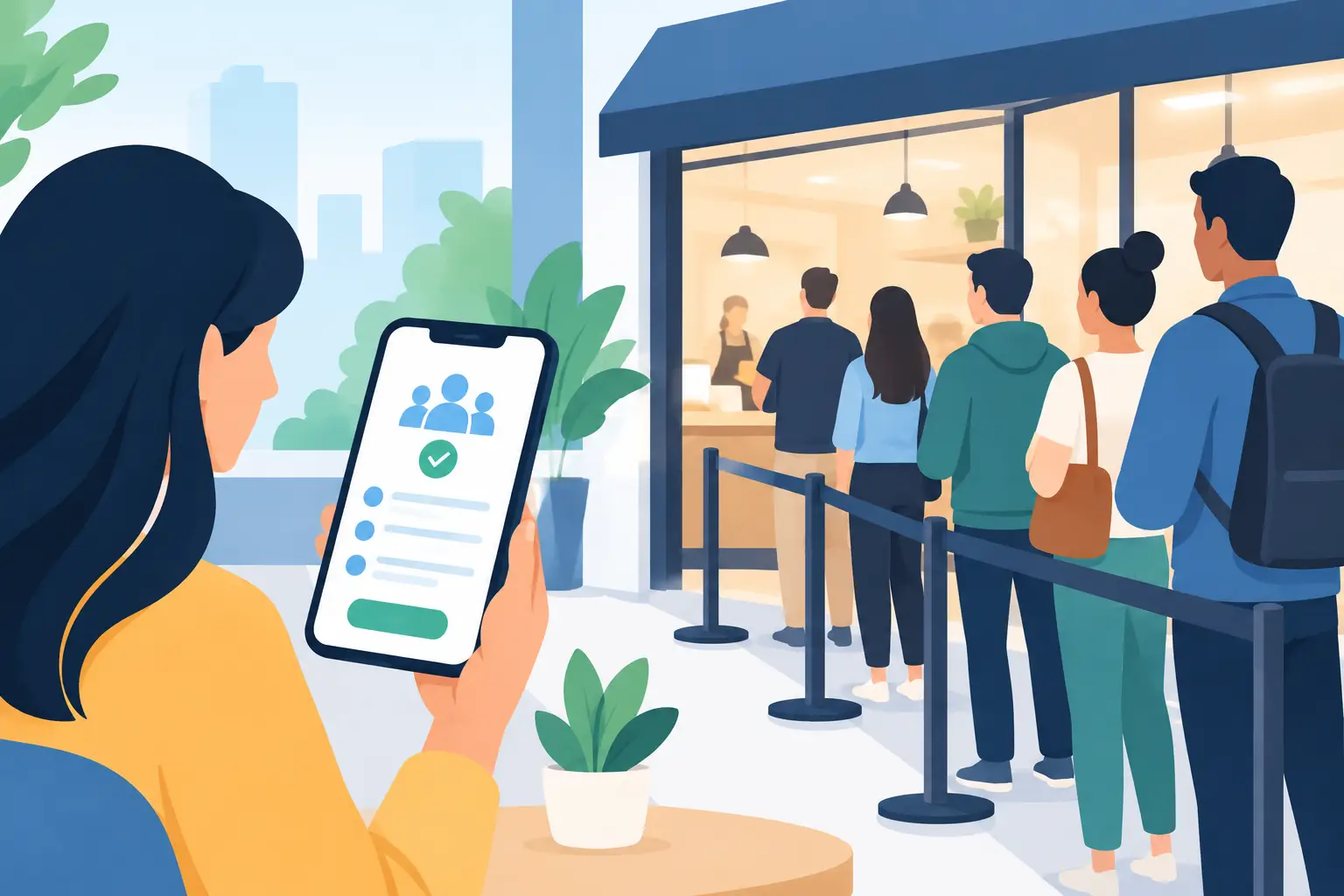
A crowded entrance changes how customers feel before your team says a word. The best tools for waitlists do more than take names. They move the line off the floor, tell people what is happening, and give staff a clearer view of who needs help next.
For a retail counter, clinic reception area, restaurant host stand, or public service desk, the right choice depends on one practical question: how much friction can your customers and staff tolerate? A system that asks for an app download, relies on a kiosk, or takes too long to train can create a new bottleneck while trying to solve the old one.
What the Best Tools for Waitlists Actually Do
A useful waitlist tool gives customers a fast way to join, shows staff the queue in real time, and sends updates before a customer reaches the counter to ask, “How much longer?” That is the baseline.
The better platforms also let teams set service types, assign estimated wait times, transfer customers between staff members, and track no-shows. For businesses with multiple locations, centralized controls and location-level reporting matter too. But more features are not automatically better. If your main issue is a visible line at a busy store entrance, a simple mobile queue may outperform a complex scheduling suite.
7 Tools Worth Considering for Waitlists
1. QGO for hardware-free mobile queues
QGO is built for businesses that need to turn a physical line into a mobile waiting experience without installing kiosks, printing tickets, or asking customers to download another native app. Customers can join from their phones and add the lightweight web experience to their home screen when they want quick return access.
This is a strong fit for retail, service counters, salons, clinics, venues, and pickup areas where people are already standing nearby with a phone in hand. It is especially practical when you want fast deployment across locations and a lower equipment burden. Support for 16 languages also helps teams serving multilingual communities or international visitors.
The trade-off is focus. A queue-first platform is designed to organize walk-ins and customer flow, not to replace every function in a full restaurant reservation system or medical practice platform.
2. Waitwhile for flexible customer flow
Waitwhile is a broad customer-flow platform used for virtual queues, appointments, check-ins, and capacity management. It can suit operators who need more than a simple waitlist and want to manage several customer journeys in one place.
Its flexibility is helpful for locations with different visit types, such as a showroom that handles walk-ins, booked consultations, and pickup orders. Teams should plan their setup carefully, though. More configuration options can mean more decisions for managers before the system is ready for daily use.
3. Qminder for service desks and branch operations
Qminder is a queue management option often suited to service desks, government-facing offices, financial branches, and other environments where staff need to route visitors to the right service or employee. It is useful when the question is not only who arrived first, but who is waiting for what.
Consider it when service categorization, staff dashboards, and branch analytics are central to your operation. For a small store that only needs to notify customers when it is their turn, that level of operational structure may be more than necessary.
4. NextMe for restaurant waitlists
NextMe is geared toward restaurant waitlists and guest messaging. Hosts can add parties, manage quoted times, and notify guests when tables are available. For restaurants with walk-in demand, this solves a familiar problem: guests can wait nearby rather than crowding the host stand.
It is a natural choice when table management is the core workflow. A retail operator, clinic, or repair counter may find a more general virtual queue tool better aligned with their service process.
5. Yelp Guest Manager for restaurant discovery and seating
Yelp Guest Manager combines waitlist and reservation features with a presence on Yelp. That can make sense for restaurants that want guest acquisition and front-of-house tools connected in one system.
The value depends on your reliance on the Yelp ecosystem. If your immediate goal is simply to reduce a line outside the door, evaluate whether the added reservation and marketplace components match the way guests find and visit your business.
6. Square Appointments for service businesses
Square Appointments works well for salons, spas, independent service professionals, and teams that already use Square for payments. Its primary strength is appointment scheduling, but it can also help organize clients when scheduled work and walk-ins overlap.
This is a practical route for service businesses that need payment, staff calendars, client records, and booking in the same operational stack. It is less specialized for high-volume, first-come walk-in queues where a customer may only need a quick place in line and a text update.
7. Acuity Scheduling for appointment-led teams
Acuity Scheduling is designed around appointments, availability, intake forms, and automated reminders. It can reduce wait times upstream by letting customers choose a time before they arrive.
For consultants, wellness providers, and businesses with predictable service durations, that is often the right answer. But appointment software does not fully solve a packed lobby caused by unscheduled arrivals, late appointments, or service delays. Many teams need a walk-in queue process alongside their booking calendar.
Choose by the Customer Journey, Not the Feature List
Start with the point where the wait begins. If customers arrive without appointments and form a line, prioritize a mobile-first joining flow, clear position updates, and fast staff controls. If customers reserve specific times, prioritize scheduling rules, reminders, and calendar integrations. If a host needs to manage tables, focus on restaurant waitlist and seating tools.
Then test the customer side in under a minute. Can someone join with their own phone? Do they need to create an account? Is an app download required? Can they understand the next step without an employee explaining it? Every extra tap affects adoption, especially during peak periods.
Also check the staff side during the busiest 15 minutes of the day. Your team should be able to add a walk-in, update an estimate, call the next customer, and resolve a no-show without leaving the main queue screen. If one staff member needs to become the queue expert, the system is probably too complicated for the problem.
Set Up a Waitlist That Customers Will Use
Keep the joining message direct. A sign at the entrance should tell customers exactly what to do: scan, join, and wait wherever they are comfortable. Avoid vague instructions or a long explanation of the technology.
Set realistic wait estimates from the start. A slightly conservative estimate is better than a promise your team cannot keep. When demand changes, update the estimate and notify customers early. Clear communication will not eliminate every delay, but it prevents customers from feeling ignored.
Train staff on a few repeatable actions: add a customer, update their status, notify them, and close the visit. Run a short live test before opening. Have one person join the line as a customer while another manages the queue. You will quickly spot confusing labels, missing service types, or notification timing that needs adjustment.
Finally, measure what matters: average wait time, abandoned waits, no-shows, peak arrival windows, and the number of customer questions at the counter. Those signals tell you whether the tool is reducing friction or merely digitizing it.
The right waitlist tool should make the line less visible and the next step more obvious. When customers can join in a few taps and get on with their day, your team gets back time for the service that brought them in.
Give your customers a line they don't have to stand in
QGO turns any counter into a smart digital queue: customers scan a QR code, take a number on their own phone and get alerted when it is their turn. No app download, no hardware, 16 languages.
Try QGO free How it works