 QGO
Paper Tickets Versus Digital Waitlists: Which Fits?
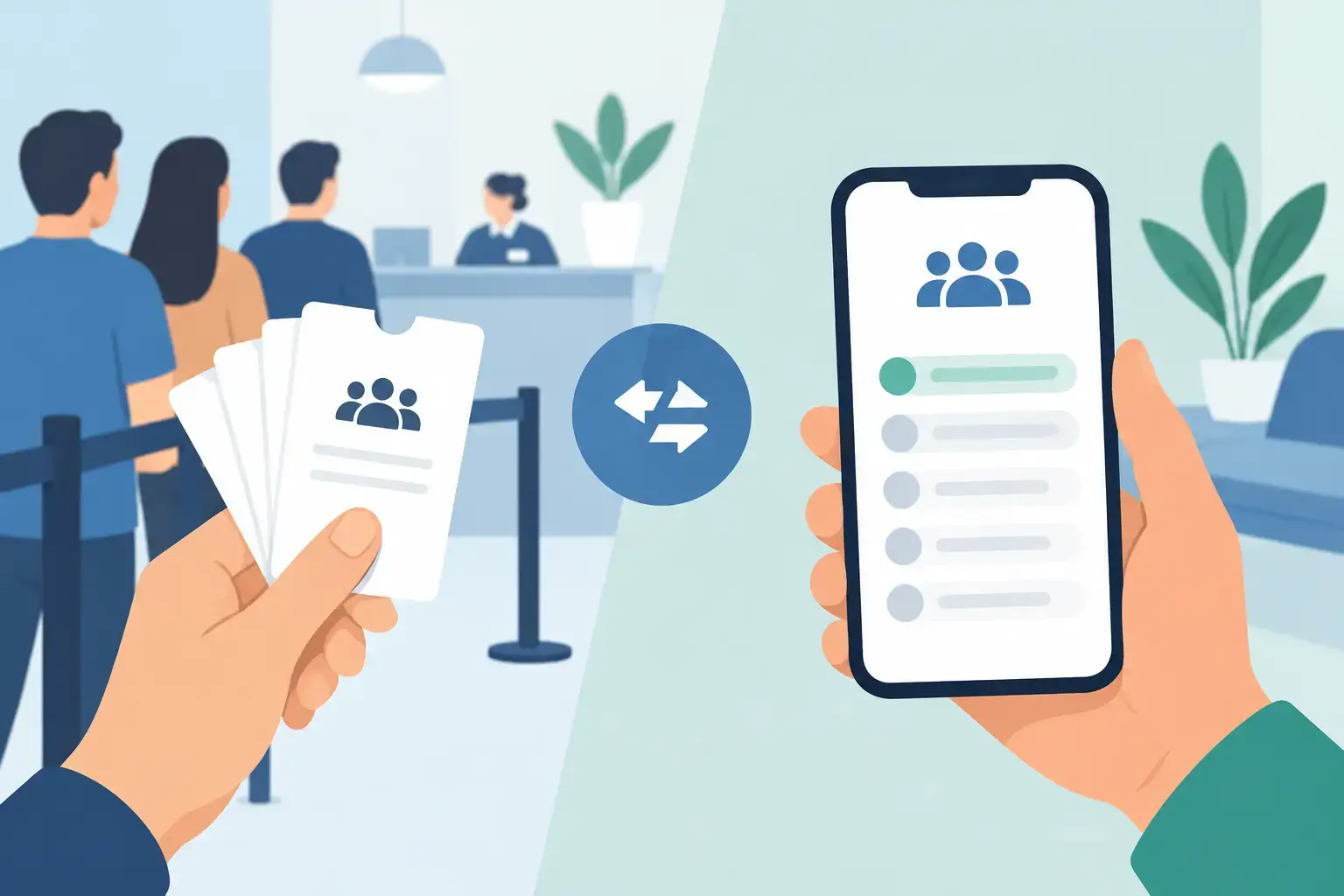
A crowded service counter creates two problems at once: customers do not know how long they will wait, and staff become line managers instead of service providers. The choice between paper tickets versus digital waitlists determines how much of that pressure your team carries and how much freedom customers have while they wait.
Paper tickets still have a place. They are familiar, fast to explain, and useful when phones are not practical. But a printed number cannot tell a customer whether the line is moving, whether their turn is close, or whether they can step away without losing their place. A digital waitlist can solve those gaps, but only if joining it is simple enough for real customers at a busy door.
Paper Tickets Versus Digital Waitlists at a Glance
Paper tickets work best when the process is short, the line is contained, and every customer can stay nearby. Think deli counters, small service desks, or a one-time event check-in with a clear waiting area. Take a number, watch the display, wait for the call.
Digital waitlists work better when customers want to browse, sit down, shop, park, pick up another errand, or wait outside. Instead of clustering around a counter, they join from their phone and monitor their position. Staff see an organized queue rather than a room full of people asking, "How much longer?"
The difference is not just paper versus screen. It is a choice between making customers physically stay in line and giving them a clear way to wait on their own terms.
Where Paper Tickets Still Make Sense
A ticket dispenser has one major advantage: nearly everyone understands it immediately. There is no scan step, no phone battery concern, and no need to explain a new process. For locations with a limited number of visitors and a simple first-come, first-served flow, that familiarity can be enough.
Paper can also be a sensible fallback. If a location has unreliable connectivity, serves customers who may not have a mobile device, or operates in a high-security setting where phones are restricted, a physical option protects access. This matters in public-facing services, clinics, and community locations where excluding even a small group of visitors is not acceptable.
But the simplicity is often only visible from the customer side. Someone must load ticket rolls, maintain the dispenser, answer questions about missed numbers, and deal with people who took a ticket and disappeared. When volume rises, staff may still need to call numbers repeatedly or settle disputes over who arrived first.
The hidden cost of a printed number
The cost of paper tickets is rarely just the roll itself. There is the machine, repairs, replacement stock, counter space, display hardware, and the staff time spent managing exceptions. If the dispenser jams during a rush, your queue process suddenly becomes manual.
Paper also gives you limited insight. You may know the current number being served, but not much else. How many people left before service? What was the average wait at noon? Which location is consistently overloaded? Without data, recurring bottlenecks stay anecdotal.
What Digital Waitlists Change
A digital waitlist moves the queue from a crowded physical area to the customer’s phone. Customers can see that they are in line, receive clearer updates, and return when their turn is closer. For a retail operator, that can mean fewer people blocking aisles or gathering around a pickup counter. For a salon, clinic, restaurant, or service desk, it can mean a calmer room and fewer interruptions.
The strongest digital systems also give staff a live operational view. Teams can add customers, adjust party details, mark people as served, and see the actual queue instead of reconstructing it from a stack of tickets. That visibility helps managers spot a rush early and move staff where they are needed.
There is a business benefit, too. A customer who is free to move is more likely to keep shopping, sit comfortably, or handle another task instead of deciding the wait is not worth it. The goal is not to make waiting enjoyable. It is to make it less disruptive and more predictable.
Mobile-first does not have to mean app-first
A digital waitlist should not create a new barrier at the door. Asking every customer to download an app, create an account, or navigate a complicated browser flow can replace one line with another.
The better approach is lightweight: scan or tap, join, and keep the queue available on the phone. QGO uses an installable web experience, so customers can add it to their home screen without a conventional app download. One tap to join can be the difference between a digital system people use and one staff have to explain all day.
The Trade-Offs That Matter Most
Digital is not automatically better for every location. The right decision depends on how your customers arrive, how long they wait, and how much support your team can provide during peak periods.
Customer access
Paper is universal at the moment of use. No phone, data plan, camera, or battery is required. Digital waitlists depend on a customer having a working device or accepting staff assistance. A strong setup plans for both. Offer a staff-assisted entry option, and keep a simple manual process for the rare customer who cannot join by phone.
Do not treat this as a reason to abandon digital. Treat it as an operational detail. Most customers may prefer mobile access, while a small number need another route. Your process should serve both without making either group wait longer.
Queue visibility
A paper ticket offers a number, but it rarely offers context. Customers watch a display, listen for calls, and guess how quickly the line is moving. That uncertainty creates repeat questions and visible impatience.
Digital waitlists can show status directly on the customer’s phone. When configured well, they reduce the need to stand near the counter just to avoid missing a turn. Clear status does not eliminate wait time, but it makes the wait feel more manageable because customers know what is happening.
Staff workload
With paper, staff frequently become announcers, ticket troubleshooters, and dispute mediators. With a digital queue, they can spend less time repeating numbers and more time serving the person in front of them.
That said, digital tools need an owner. Someone should know how to pause the queue, handle late arrivals, add walk-ins, and communicate an unexpected delay. The system is simple, but the operating rules must be clear. Decide in advance how long you hold a customer’s place and what happens when a party does not respond.
Cost and deployment
Paper-based systems can look inexpensive because the first purchase is familiar. Yet dedicated dispensers, displays, ongoing supplies, and maintenance add up across locations. Expanding to a new site often means buying and installing more equipment.
A mobile digital waitlist can reduce the hardware burden because customers use their own phones. That makes it easier to launch in a pop-up area, a new store, a seasonal service desk, or an overflow line. It also gives multi-location operators a more consistent process without rebuilding each queue from scratch.
Language and clarity
A ticket number translates poorly when the customer also needs instructions about check-in, return timing, or service requirements. Digital queue messages can make those details easier to present in the customer’s preferred language. For businesses serving mixed communities or visitors, that clarity can reduce confusion before it reaches the counter.
How to Choose for Your Location
Start by watching your busiest 30 minutes. Are customers standing in one place because they have to? Are employees answering the same wait-time question over and over? Do people leave the line to browse, then return worried they missed their number? Those are signs that a mobile waitlist can improve the experience.
Paper tickets may remain the right primary tool if visits are brief and customers must stay present for immediate service. They can also serve as a backup for customers who need help joining digitally. The mistake is assuming a familiar process is free of friction just because it has been used for years.
If you move to digital, keep the launch simple. Put the join point where customers naturally stop. Use plain language. Train staff on the few exceptions that matter. Test the flow during a busy shift, not only when the location is quiet. Customers should understand the next action in seconds: scan, join, check your phone, return when called.
The best queue system is the one your team can run calmly at peak volume and your customers can use without asking for help. Give people a clear place in line, a clear signal when it is time to return, and a little more room to live their day while they wait.
Give your customers a line they don't have to stand in
QGO turns any counter into a smart digital queue: customers scan a QR code, take a number on their own phone and get alerted when it is their turn. No app download, no hardware, 16 languages.
Try QGO free How it works