 QGO
Walk In Management Software That Clears Lines
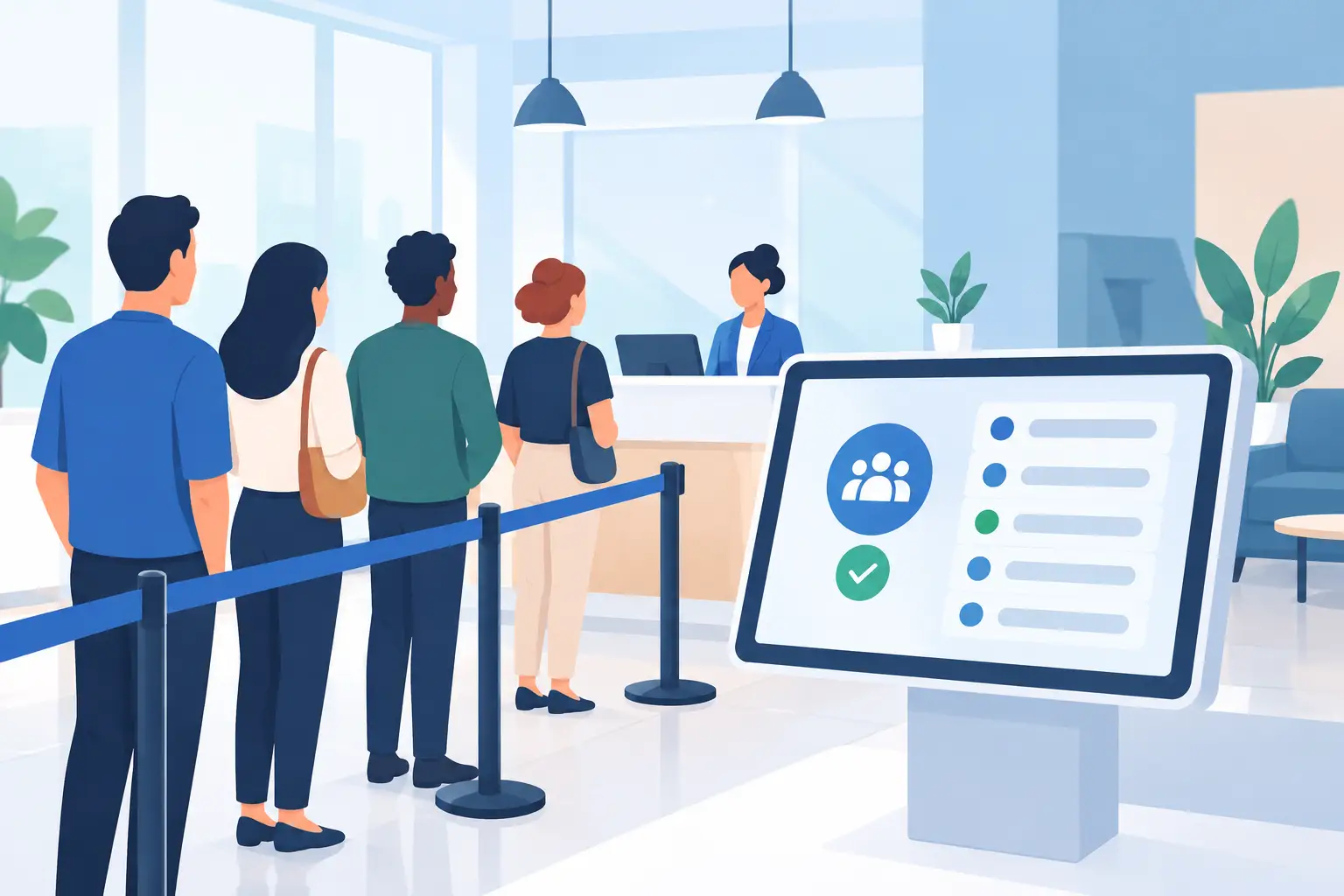
A crowded line changes the feel of a business fast. Customers see uncertainty, staff see interruptions, and the people waiting start asking the same question: “How much longer?” Walk in management software gives everyone a clearer answer without adding a kiosk, ticket printer, or another device to maintain.
The goal is not to make waiting feel exciting. It is to make it predictable. Customers should be able to join from their phones, see where they stand, and use their time instead of standing in a visible line. Your team should be able to focus on service, not crowd control.
What walk in management software should fix
A basic line is not always the problem. The problem is what happens around it: entrances get blocked, customers cannot tell whether they are in the right place, and employees lose time explaining the process. During busy periods, that confusion spreads quickly.
Good walk in management software creates one shared view of the wait. A customer joins the queue. Staff can see who is waiting. The customer gets updates as the line moves. No paper number to lose. No need to keep looking over a shoulder for movement.
For a retail store, that can mean fewer people clustered near a checkout, fitting room, service counter, or product release table. For a clinic, salon, restaurant, or public service desk, it can mean a calmer reception area and fewer repeated status questions.
The biggest benefit is usually not speed alone. Service times may still vary. What changes is the experience of that time. A five-minute wait with no information can feel longer than a 15-minute wait with a clear place in line and timely updates.
Start with the customer journey, not the feature list
Before choosing a system, map the few moments that create friction. Where does a walk-in customer first realize there is a wait? How do they join? What do they need to know while they wait? How does staff call them forward?
If those steps require a long explanation, the process is too heavy. The best setup feels familiar because it follows behavior customers already know: scan, tap, check status, return when it is their turn.
Mobile access matters here, but app downloads can become a barrier. A customer may not want to create an account or install a native app for one visit. A lightweight web experience that can be added to a phone home screen gives customers an app-like shortcut without adding that extra step.
Keep the entry point visible and simple. Put a QR code where the line starts, at the host stand, near the service desk, or on a window sign. Use direct language such as “Join the line” and “Check your place.” Customers should not have to guess whether the code is for a menu, a promotion, or the queue.
The operational details that make or break adoption
Queue technology works only when it matches the way your floor actually runs. That means deciding who owns the queue, how exceptions are handled, and when staff should update customers.
Give staff one clear workflow
Assign ownership by role, not by assumption. In a small shop, the shift lead may manage the queue. In a larger location, the host, receptionist, or service desk team may own it. Everyone else should know where to look for the current line and how to flag an issue.
Keep staff actions short: view the next customer, mark them served, skip or contact someone who does not respond, and move on. If the system adds several screens to a fast interaction, employees will fall back to calling names across the room or managing a handwritten list.
A short launch script helps. Show the team how a customer joins, how the queue appears on the staff side, and what to say when someone asks for help. Most customers need only one sentence: “Scan here to join, then check your phone for updates.”
Set expectations without overpromising
Wait estimates are useful, but they are estimates. A customer with a complicated return, a longer consultation, or an accessibility need can change the pace. Do not present a projected time as a guarantee when your operation cannot support that promise.
Use clear language around position and progress. Tell customers when they are getting close. If the wait changes, update them. People tend to be more patient when they receive honest information early instead of a surprise after they have already waited.
This is especially useful for appointment overflow. Someone who arrives early or walks in without a booking does not need to crowd the front desk. They can join a separate queue, monitor it from nearby, and return when staff are ready.
Make it work for the people you actually serve
A mobile-first queue should not become a mobile-only barrier. Some customers may need staff assistance, may not have a smartphone available, or may prefer another approach. Give your team a simple way to add those guests manually and manage them fairly in the same queue.
Language is another practical consideration. In neighborhoods with diverse customer bases, unclear instructions can create delays before the wait even begins. Support for multiple languages makes the joining process easier for regulars, visitors, and families helping one another through a service interaction.
Where digital queues create the most value
Walk-in management software is most useful where demand comes in waves. A steady, predictable flow may not need much more than a clear sign and good staffing. But when arrivals bunch up, a digital queue gives your operation room to breathe.
Retail teams can use it for customer service counters, fitting rooms, product launches, returns, high-demand collection windows, and checkout support. Instead of forming a line through the store, shoppers can continue browsing while holding their place.
Restaurants and hospitality teams can use it to organize walk-in seating or pickup traffic. Clinics and salons can separate scheduled appointments from walk-ins and late arrivals. Government offices, campus services, repair counters, and event venues can direct people into the right service path before a crowd develops.
It depends on the setting. A luxury consultation may need more personalized messaging than a quick pickup counter. A busy event may need multiple queues by activity or entry point. Start with the one queue causing the most visible friction, then expand only after the process is working.
What to look for before you buy
Do not judge a queue platform only by a long feature checklist. Look at the friction it removes and the friction it introduces. Hardware can be useful in some environments, but kiosks, printers, and dedicated devices bring purchasing, setup, power, repairs, and replacement costs.
For many customer-facing teams, a phone-based system is the faster path. Customers already carry the screen they need. Staff can manage the line without creating a new physical bottleneck at a kiosk.
Ask practical questions during evaluation. Can customers join in seconds? Can they check their status without downloading an app? Can staff learn the daily workflow in one shift? Can the system support multiple locations and different languages? Can it handle both walk-ins and appointment overflow?
Also look at deployment. A queue project should not require weeks of hardware planning before it can improve a single service desk. With QGO, customers can access a digital queue from their phones and add it to their home screen with a few familiar taps. That keeps adoption close to the way people already use mobile tools.
Measure the line after it disappears
A less visible line is not enough on its own. Track what changed. Watch average wait time, abandoned visits, staff interruptions, service volume, and customer feedback. If possible, compare peak periods before and after launch.
Pay attention to the questions employees stop hearing. Fewer “Am I next?” interruptions can be a meaningful operational gain, even when service capacity stays the same. That time goes back to greeting customers, solving problems, and completing transactions.
Review the queue weekly at first. If wait times are consistently longer than expected, the answer may be more staffing, different service routing, or a clearer intake process. Software makes the flow visible. It does not replace decisions about capacity.
A good digital queue gives customers permission to step away from the line without stepping away from your business. Make joining easy, keep updates clear, and let your team spend more time serving the next person than managing the crowd around them.
Give your customers a line they don't have to stand in
QGO turns any counter into a smart digital queue: customers scan a QR code, take a number on their own phone and get alerted when it is their turn. No app download, no hardware, 16 languages.
Try QGO free How it works