 QGO
Waitlist Software That Keeps Lines Moving
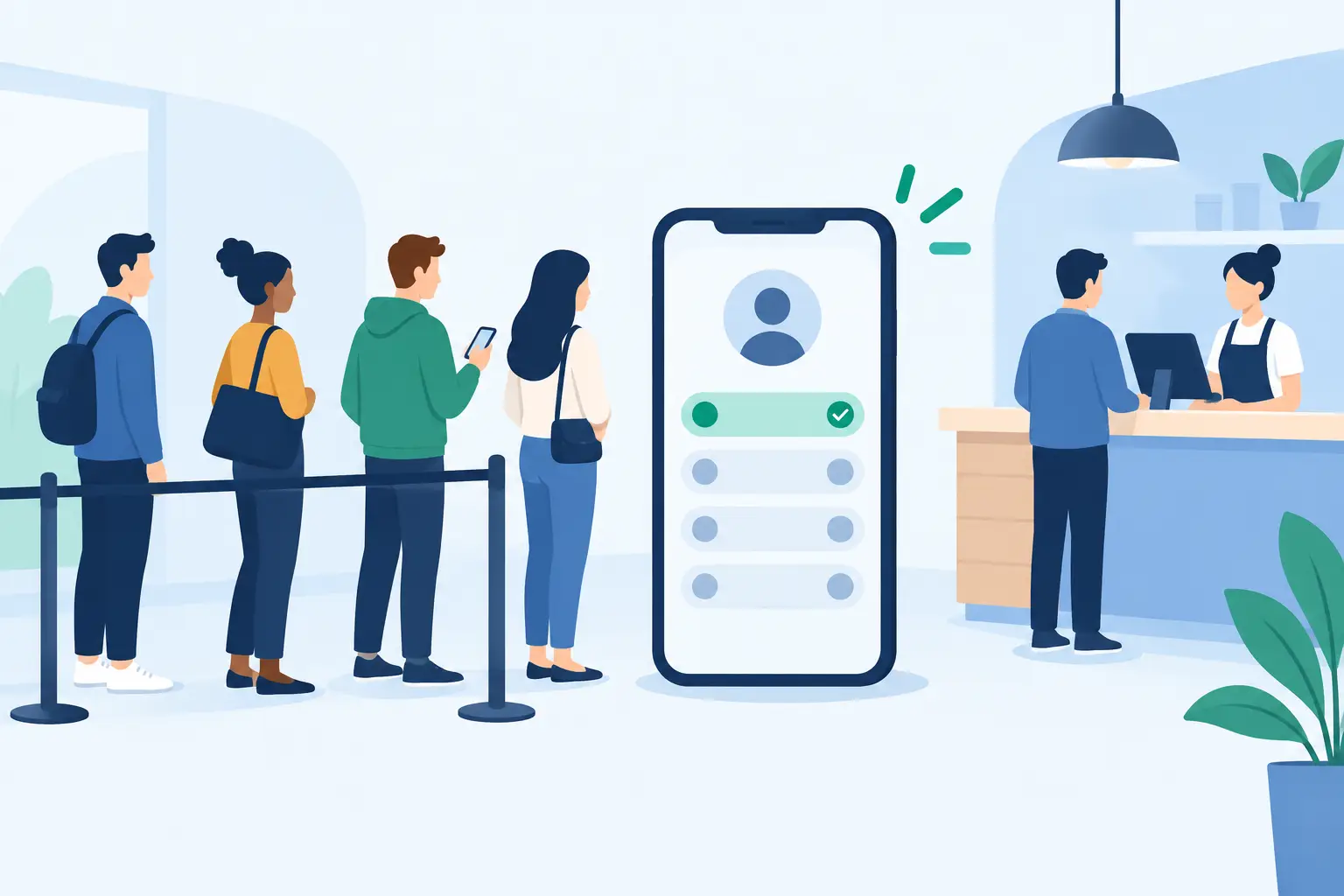
A crowded entrance sends a message before anyone speaks to your customer: this may take a while. Waitlist software changes that first impression by moving the line off the floor and onto the phone customers already have in their hand. Instead of standing near a counter, doorway, or host stand, they can check their place, watch their wait progress, and return when it is time.
For operators, that is more than a nicer waiting experience. It creates breathing room for staff, makes service areas easier to manage, and gives customers clearer expectations when demand runs ahead of capacity.
What waitlist software actually does
Waitlist software is a digital system for adding customers to a queue, organizing the order of service, and communicating wait status. A customer joins the line from a phone, while staff view and manage the queue from a simple operational screen.
The basic job is straightforward: capture the customer, place them in the right queue, track their progress, and notify them when action is needed. The difference comes from how little effort that process asks of both sides.
A good setup should not force customers to download another native app, create an account, find a kiosk, or hold onto a printed ticket. Those extra steps create drop-off at exactly the moment a business is trying to reduce friction. A mobile web experience can make joining feel more familiar: scan, tap, join, and get on with the visit.
This matters across more than restaurants. Retail fitting rooms, busy pharmacy counters, salon walk-ins, clinic check-ins, service desks, pickup areas, event entries, and public offices all face the same problem. Demand arrives in bursts, space is limited, and people want to know what happens next.
Why visible lines create bigger operational problems
A physical line is hard to ignore, but it is also hard to manage. Customers cluster around the service point because they worry about losing their place. Staff answer the same question repeatedly: “How long is the wait?” Other shoppers avoid the area entirely because the line looks worse than it may actually be.
The result is congestion that affects more than the people waiting. It can block aisles, crowd entrances, increase noise, and make employees feel like traffic controllers instead of service professionals.
Digital waitlists separate waiting from standing. Customers can browse, sit nearby, shop, grab a coffee, or wait in a more comfortable location. The business retains the order of service without needing people to physically defend their position in line.
There is a practical revenue angle, too. In a retail setting, a customer who can keep shopping may buy more than a customer trapped beside a counter. In hospitality, a guest can use the wait time rather than stare at a crowded host stand. In a clinic or service office, clearer status updates can reduce the tension that builds when people feel forgotten.
The features that matter most
Not every waitlist tool fits every operation. A single-location salon may need a clean walk-in queue and simple customer alerts. A multi-location retailer may need language options, location-level visibility, and consistent workflows across stores. Start with the real bottleneck, not a long feature checklist.
Mobile joining without unnecessary downloads
Customers should be able to join quickly from their own phones. That can start with a QR code, a short location-specific access point, or a message shared by staff. The experience should be light enough for someone who has never used it before.
An installable web experience can offer a useful middle ground. Customers can use it immediately in a browser-like flow, then add it to their home screen if they want faster access later. On iPhone, that familiar path is simple: tap Share, select Add to Home Screen, then tap Add. No app store search. No account setup just to hold a place in line.
Clear queue status
“Your wait is approximately 20 minutes” is more useful than “Please wait.” Customers do not need perfect predictions in every situation, but they do need honest guidance. Status updates help them decide whether to stay nearby, continue shopping, or come back later.
For staff, queue visibility should be equally clear. They need to see who is waiting, where they are in the order, and which customer is next. If managing the list takes more attention than managing the service itself, the tool is adding work instead of removing it.
Notifications at the right moment
A notification should prompt action, not create confusion. Businesses may alert customers when their turn is approaching, when they should return to a service area, or when they have been called. The best timing depends on the environment.
A restaurant may want to notify guests a few minutes before a table is ready. A fitting room team may call customers only when space opens up. A pickup counter may need a short “please proceed” message to prevent a new cluster from forming. The workflow should match the physical reality of the location.
Language access
If a location serves multilingual customers, queue instructions should not become a barrier. People are more likely to join correctly and respond on time when instructions appear in a language they understand.
This is especially useful for urban retail, tourist-facing venues, healthcare environments, and public services. QGO supports 16 languages, helping businesses give more customers the same clear path into the queue without creating separate manual processes for staff.
How to choose waitlist software for your location
The right choice depends on the flow you are trying to fix. Before comparing platforms, watch your line for a few busy periods. Where does it start? When does it grow? What information are customers missing? Which staff member gets pulled away to answer questions?
Then look for a system that solves those specific issues with the least possible setup. Hardware-heavy queue systems can make sense in environments where customers do not carry phones or where on-site displays are required. But kiosks, ticket printers, pagers, and dedicated terminals also bring purchase costs, maintenance, charging, paper, and replacement work.
For many customer-facing businesses, phone-first access is the more practical option. It is faster to deploy across locations, easier to update, and less dependent on a counter full of equipment. That said, a fully mobile approach should still account for customers who need help. Staff should know how to explain the joining process in one sentence and offer a quick assist when needed.
Ask these questions during evaluation:
- Can a first-time customer join in under a minute?
- Does the system work without a native app download?
- Can staff update the queue quickly during a rush?
- Does it support the languages used by your customers?
- Can it scale from one busy location to multiple sites?
- Does it reduce hardware and training needs instead of adding them?
Set up the customer flow before launch day
Waitlist software works best when the digital queue reflects a clear real-world process. Decide who joins the waitlist, what details are required, when customers receive updates, and where they should go when called. Keep the first version simple. You can refine timing and messages after you see actual behavior.
Train staff on the customer-facing language, not just the controls. “Scan here to join the waitlist and we will notify you when it is your turn” is clear. “You need to use the queue platform” is not. A small sign near the bottleneck can also help customers self-serve before they approach an employee.
Measure what changes after launch. Watch queue length, no-show rate, average wait time, staff interruptions, and congestion around service points. Customer feedback matters too. If people understand the process but still feel uncertain about timing, the issue may be the message cadence rather than the software itself.
The goal is not to make waiting feel exciting. It is to make it understandable, mobile, and less disruptive. When customers can see what is happening and staff can focus on service, the line stops being the center of the experience.
Give your customers a line they don't have to stand in
QGO turns any counter into a smart digital queue: customers scan a QR code, take a number on their own phone and get alerted when it is their turn. No app download, no hardware, 16 languages.
Try QGO free How it works