 QGO
Waiting Room Software That Reduces Line Stress
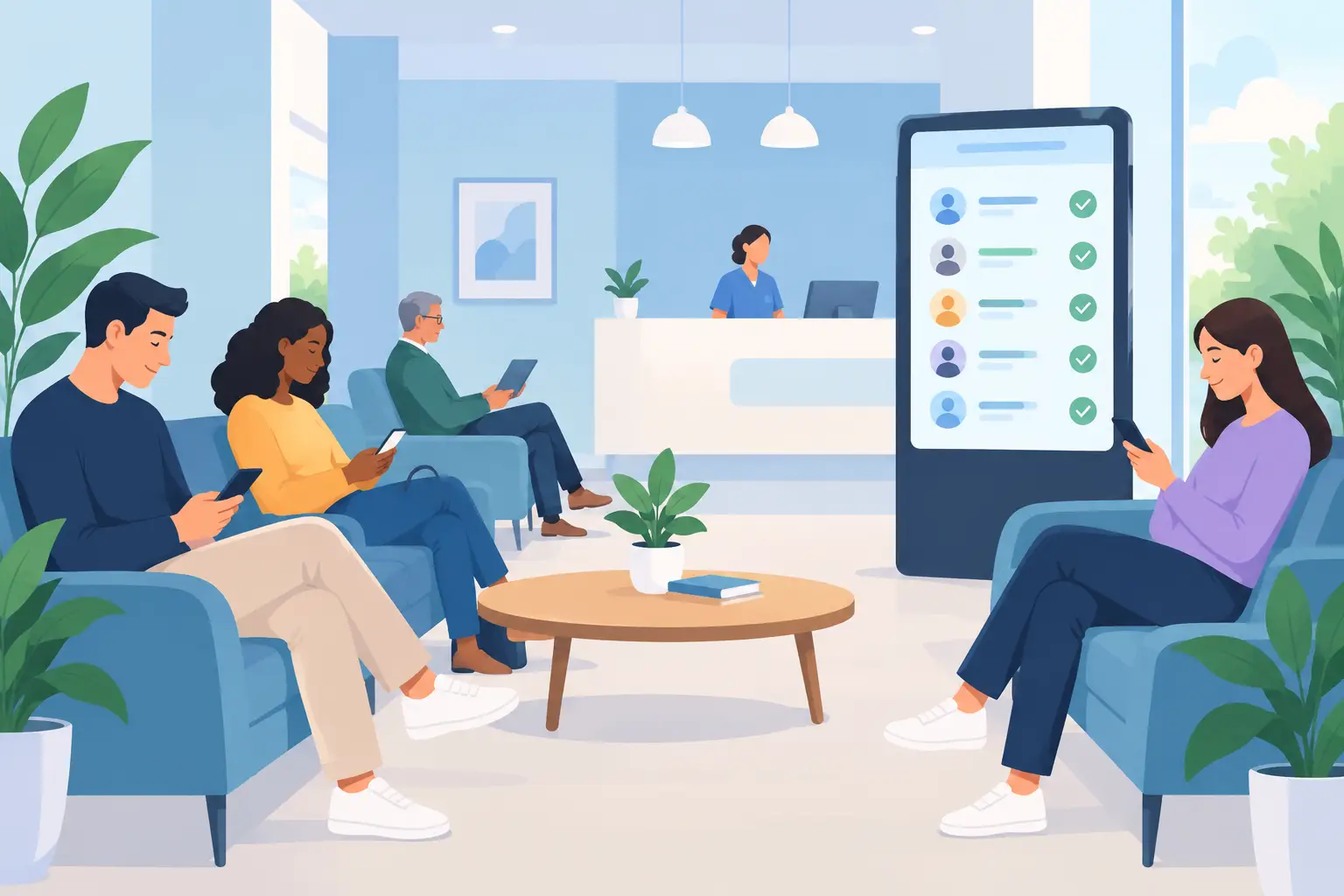
A crowded entrance changes the mood before a customer reaches the counter. People check the line, ask how long it will take, and sometimes leave. Staff end up answering the same question while trying to serve the people already in front of them.
Waiting room software gives that traffic a clearer path. Instead of asking customers to stand in a visible line, it lets them join digitally, see their place, and wait where they are more comfortable. For a busy store, clinic, restaurant, salon, or service desk, that can mean fewer interruptions and a calmer space without adding another complicated system.
What waiting room software actually does
At its simplest, waiting room software turns a physical line into a digital queue. A customer joins from their phone, receives their queue position or status, and checks for updates without returning to the counter every few minutes. Staff manage the order of service from one view.
The value is not the queue itself. Most businesses already have one. The value is making wait time visible and manageable for everyone involved.
Customers get a clear answer to: “Am I in line?” “How much longer?” and “Will I miss my turn if I step away?” Staff get fewer status questions, less crowding around the service point, and more control when demand changes.
That matters most when arrivals are uneven. A retail return desk can be quiet for an hour, then fill up after lunch. A restaurant may have a pickup rush just before dinner. A clinic may see appointment overflow when one visit runs long. A digital queue gives teams a way to organize those peaks without asking people to cluster in one place.
The difference between a queue and a better wait
Putting names on a list is easy. Creating a better wait takes more thought.
A useful system should tell customers what to do next without making them learn a new process. If joining requires a kiosk, printed ticket, account creation, or native app download, some customers will not complete it. That creates a second line: the line for people who can use the system and the line for people who cannot.
Mobile-first access works best when it feels familiar. Scan or tap. Join. Check status. Keep the page handy. No app store search. No password to remember. No hardware station that needs power, paper, cleaning, or support.
QGO takes this approach through a lightweight, installable web experience. Customers can keep it on their phone home screen if they choose, while businesses avoid building their process around dedicated queue hardware. The point is simple: the queue should fit into the customer’s phone habits, not demand a new habit from every visitor.
Clear communication is the other half of the experience. An estimated wait is helpful, but it should be treated as an estimate. Service times change. A complicated transaction, short staffing, or a sudden rush can move the line faster or slower. Good waiting room software keeps customers informed as conditions change rather than making a promise the team cannot keep.
Where digital waiting works best
Digital queues are useful wherever people arrive in person but do not need to stand at a specific spot until service begins. That includes obvious waiting rooms, but it also includes busy retail counters, pickup areas, fitting-room access, repair desks, host stands, government service windows, and event check-in points.
The best fit is usually a business with three conditions: demand comes in waves, staff spend time organizing the line, and customers have somewhere else they would rather be while they wait.
A salon can let a walk-in customer join while they browse nearby. A restaurant can keep pickup customers from gathering around the host stand. A retailer can make returns feel less frustrating during peak hours. A public-facing office can reduce crowding in a small lobby. In each case, the goal is not to hide a long wait. It is to make the wait easier to understand and less disruptive.
There are limits. If customers need security screening, paperwork review, or a detailed check-in conversation before entering a queue, a fully self-service flow may not be enough. If service requires people to remain in a specific area, digital updates do not replace that requirement. The right setup depends on how customers arrive, what information staff need, and whether people can safely step away.
What to look for in waiting room software
Start with the customer journey, not the feature list. Ask how someone joins when they are already frustrated or in a hurry. If the answer involves several screens, training, or an app download, adoption may drop when the line is longest.
Look for a system that keeps the process short and visible. Customers should be able to join using their own phone and return to their status with minimal effort. Staff should be able to see who is waiting, move the queue forward, and handle exceptions without switching between several tools.
Language support can make a real difference. A queue is only useful if customers understand it. Businesses serving multilingual communities, tourists, or international shoppers should consider whether customer-facing instructions are available in the languages people actually use. Support for 16 languages, for example, can reduce confusion at locations where English is not the first language for every visitor.
Also consider rollout effort. Legacy ticket systems can require kiosks, printers, maintenance contracts, counter space, and replacement supplies. Those costs may make sense for high-volume, fixed-location operations with complex requirements. For many businesses, though, a phone-based setup is faster to launch and easier to scale across multiple locations.
Finally, decide what the team needs to control. Can staff prioritize an urgent customer? Can they pause or adjust a queue when staffing changes? Can one location run different service lines for returns, pickup, consultations, or walk-ins? The answers matter more than a long catalog of features that no one uses.
Set the queue up for real-world behavior
The launch itself should be small and practical. Begin with one service area where visible lines are already causing friction. Define when customers should join, where staff will see the queue, and how they will call or notify the next person. Then test it during an actual busy period.
Do not rely on vague signs. Use direct language at the point where people hesitate: “Join the queue here.” Tell customers what happens next and whether they can move around while they wait. If they can add the queue page to their home screen, show the steps in plain phone language: tap Share, select Add to Home Screen, then tap Add. Done.
Staff messaging needs the same clarity. Teams should know when to invite a customer to join, how to handle someone who prefers not to use a phone, and what to say when wait estimates change. A digital queue should reduce awkward conversations, not force staff to invent a new explanation every time.
Keep a simple alternative for customers without smartphones or with accessibility needs. That may mean a staff member can add them to the queue or manage a small manual exception process. Mobile-first does not mean mobile-only. The best experience gives most customers independence while keeping service accessible for everyone.
Measure the signals that matter
A shorter visible line is a good start, but it is not the only signal. Watch how often customers ask for updates, how long staff spend managing the line, how many people leave before service, and whether the entrance or pickup area stays usable during rushes.
Customer feedback should focus on clarity. Did people know they were successfully in line? Did they understand when to return? Were notifications or status updates timely enough? A queue can be technically functional and still feel stressful if customers are uncertain about what happens next.
Review these patterns by location and time of day. One store may need a queue only on weekends. Another may need separate flows for pickup and service. A clinic may benefit more from overflow management than from an all-day digital line. Use the operating reality, not a standard template, to decide where the system belongs.
A line will always feel longer when no one knows what is happening. Give customers a simple way to join, a clear way to check their place, and permission to use their waiting time better. That is often enough to change the tone of a busy room.
Give your customers a line they don't have to stand in
QGO turns any counter into a smart digital queue: customers scan a QR code, take a number on their own phone and get alerted when it is their turn. No app download, no hardware, 16 languages.
Try QGO free How it works