 QGO
Top Ways to Ease Crowds at Busy Locations
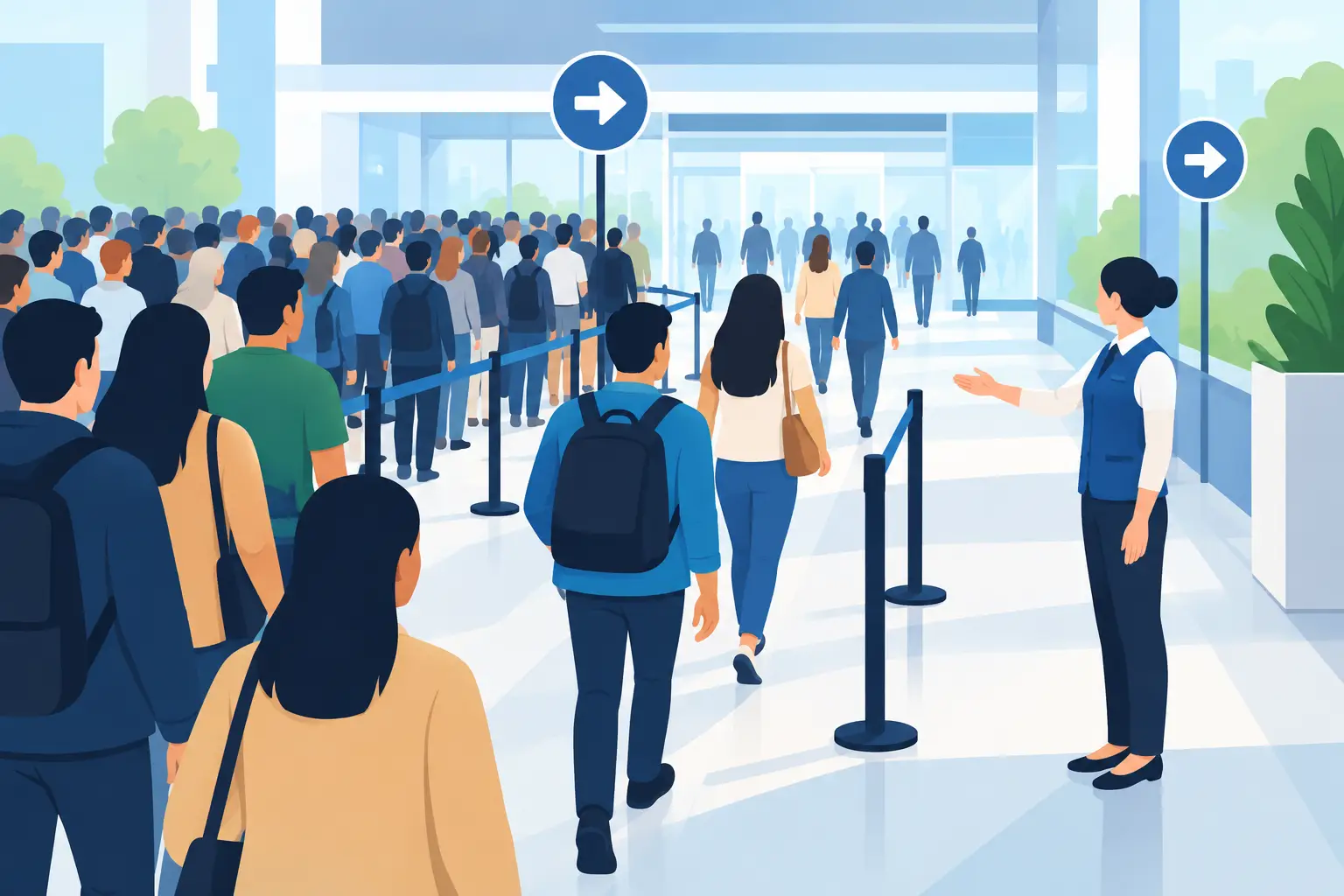
A crowded entrance is not just a space problem. It is a customer experience problem that customers can see before they speak to anyone. The top ways to ease crowds start by replacing uncertainty with clear next steps: where to go, what to do, and when service will be ready.
For a store, clinic, salon, restaurant, or service counter, the goal is not to keep every customer moving every second. That is rarely realistic during a rush. The goal is to prevent a growing cluster of people from becoming the waiting room, pickup area, or front door.
Start by finding the point where people stop
Most crowding begins at one predictable point. It may be the host stand, checkout counter, returns desk, pharmacy window, fitting room, reception desk, or pickup shelf. Watch the space during your busiest 30 minutes. Do not just count people. Notice why they stop.
Are they waiting to be acknowledged? Looking for instructions? Asking the same question? Standing near a counter because they do not know whether their order is ready? Each reason calls for a different fix.
A line can look like a staffing issue when it is really an information issue. If customers have no clear way to join, they form a visible line. If they cannot see their place in the process, they ask staff for updates. If pickup instructions are vague, they gather around the handoff point.
Map the customer path from arrival to exit. Mark every point where someone has to pause, decide, or ask for help. Those are your crowd pressure points.
Make the first step obvious
Customers should understand what to do within a few seconds of arriving. A short instruction at the entrance can prevent dozens of repeated questions during a rush.
Use direct language that matches the task. “Join the waitlist here.” “Check in before shopping.” “Pickup orders: scan to see your status.” “Need help? Join the service queue.” Avoid signs that explain your whole process. People in a crowded space scan, not study.
Placement matters as much as wording. Put the instruction before the point where a line usually forms, not behind it. If customers only see the sign after they reach the counter, staff still have to organize the crowd manually.
Keep the choice simple. If visitors need to choose between returns, appointments, pickup, and general service, label each option clearly. Too many categories can slow people down, but one catch-all line can create frustration when needs vary widely. Use the fewest options that still route people correctly.
Build instructions for the phone in someone’s hand
Mobile check-in works best when it feels familiar. Customers should not need to create an account, download a native app, or search an app store while standing at your door. One scan or tap should get them into the queue and show what happens next.
That low-friction entry matters for every audience, including older visitors, busy parents, tourists, and customers who simply do not want another app. A lightweight, installable web experience gives people the convenience of mobile access without adding a complicated onboarding step.
Move waiting away from the bottleneck
A physical line concentrates people in the least useful place: directly in front of the employee who needs room to work. Digital waiting changes that pattern. Customers can join the queue, monitor their status on their phone, and wait where it makes sense for the location.
In retail, that may mean browsing instead of standing at a service desk. In a clinic, it can mean waiting in a car or nearby seating area. At a restaurant, guests can walk around the block rather than crowd the host stand. At an event, attendees can explore other areas until it is their turn.
This is one of the most effective ways to ease crowds because it reduces visible congestion without asking customers to leave the process. They still know they are in line. They simply do not need to physically prove it by standing in one.
QGO supports this model with a mobile-accessible digital queue that customers can install from their browser to their phone’s home screen. There is no dedicated kiosk to maintain and no printed ticket to lose. For operators, that means less equipment at the entrance and fewer moving parts during peak periods.
Give customers a realistic wait expectation
People tolerate a wait better when they understand it. A vague “it will be a few minutes” often creates more frustration than a longer but honest estimate. If the wait changes, customers need an update before they feel ignored.
Use simple status language: “You are checked in,” “Two groups ahead,” “Please head to the counter,” or “Your pickup is being prepared.” The message should answer the question customers are already asking themselves.
Accuracy matters, but false precision is not helpful. If service times vary a lot, show a range or queue position instead of promising an exact minute. A clinic may face unpredictable appointments. A returns desk may get a complicated transaction. A restaurant can be delayed by a large party. Give people enough visibility to plan, without making a promise your team cannot keep.
For multilingual locations, offer instructions and wait updates in the languages customers actually use. Translation is not a cosmetic feature when it affects whether someone can join the right line, understand a notification, or arrive at the counter at the right time.
Separate quick tasks from complex service
Not every customer needs the same amount of staff time. When quick questions, pickups, payments, returns, and detailed consultations all feed into one line, the simplest tasks wait behind the longest ones.
Create separate paths when the volume justifies it. A pickup-only counter, express returns window, appointment check-in lane, or quick-help queue can protect the main service line from avoidable backups. The right setup depends on demand. Splitting queues too early can leave staff underused, while splitting them during predictable rushes can significantly speed up flow.
Look at your service data and staff observations together. If a pickup takes one minute and a consultation takes 15, they should not usually compete for the same next available staff member. If both tasks take roughly the same time, one queue may be easier for customers and staff to manage.
Use staff for service, not line policing
When a crowd builds, teams often assign someone to answer “Who is next?” and “How long is the wait?” all shift. That may calm the room temporarily, but it pulls a person away from the work that would reduce the wait itself.
Give staff a clear operating rhythm instead. One team member monitors exceptions, another handles active service, and the system communicates standard queue updates. Staff should step in when a customer needs help, has an accessibility requirement, misses a notification, or has a problem that automation cannot solve.
Train the team on a few consistent phrases. “You can join right from your phone.” “You are checked in. We will notify you.” “Pickup status is on your screen.” Consistency keeps every employee from inventing a different process during a busy period.
Fix the handoff, not just the line
A queue may move well until the final handoff creates a new crowd. This is common at pickup counters, cash wraps, food collection areas, and checkout exits. Customers arrive early, wait close to the counter, then remain there while checking orders or asking follow-up questions.
Design the final step with the same care as check-in. Tell customers when to approach, where to stand, what to have ready, and where to go after service. Create a small, clearly marked collection area if needed. Keep completed orders organized by a method staff can retrieve quickly without exposing customer information.
If customers routinely cluster around pickup, examine the notification timing. A message sent when an order is almost ready can create a second line. Send the arrival prompt when the order is actually ready for handoff, then make the handoff fast.
Measure the crowd you no longer see
A shorter visible line is encouraging, but it is not the only result to track. Monitor average wait time, abandoned visits, missed appointments, queue length by hour, service duration, and the number of repeat questions staff receive.
Also ask staff what changed. Did they gain room to work? Are customers arriving at the counter more prepared? Did a new queue category create confusion? The best flow is not the most complicated one. It is the one customers understand quickly and teams can run reliably on their busiest day.
Crowds will still happen when demand spikes. The difference is whether people are packed into a frustrated line or moving through a process that makes sense. Give each visitor one clear action, a visible status, and a simple next step. The space will feel calmer because the experience is calmer.
Give your customers a line they don't have to stand in
QGO turns any counter into a smart digital queue: customers scan a QR code, take a number on their own phone and get alerted when it is their turn. No app download, no hardware, 16 languages.
Try QGO free How it works