 QGO
Smart Store Operations That Cut Waiting Time
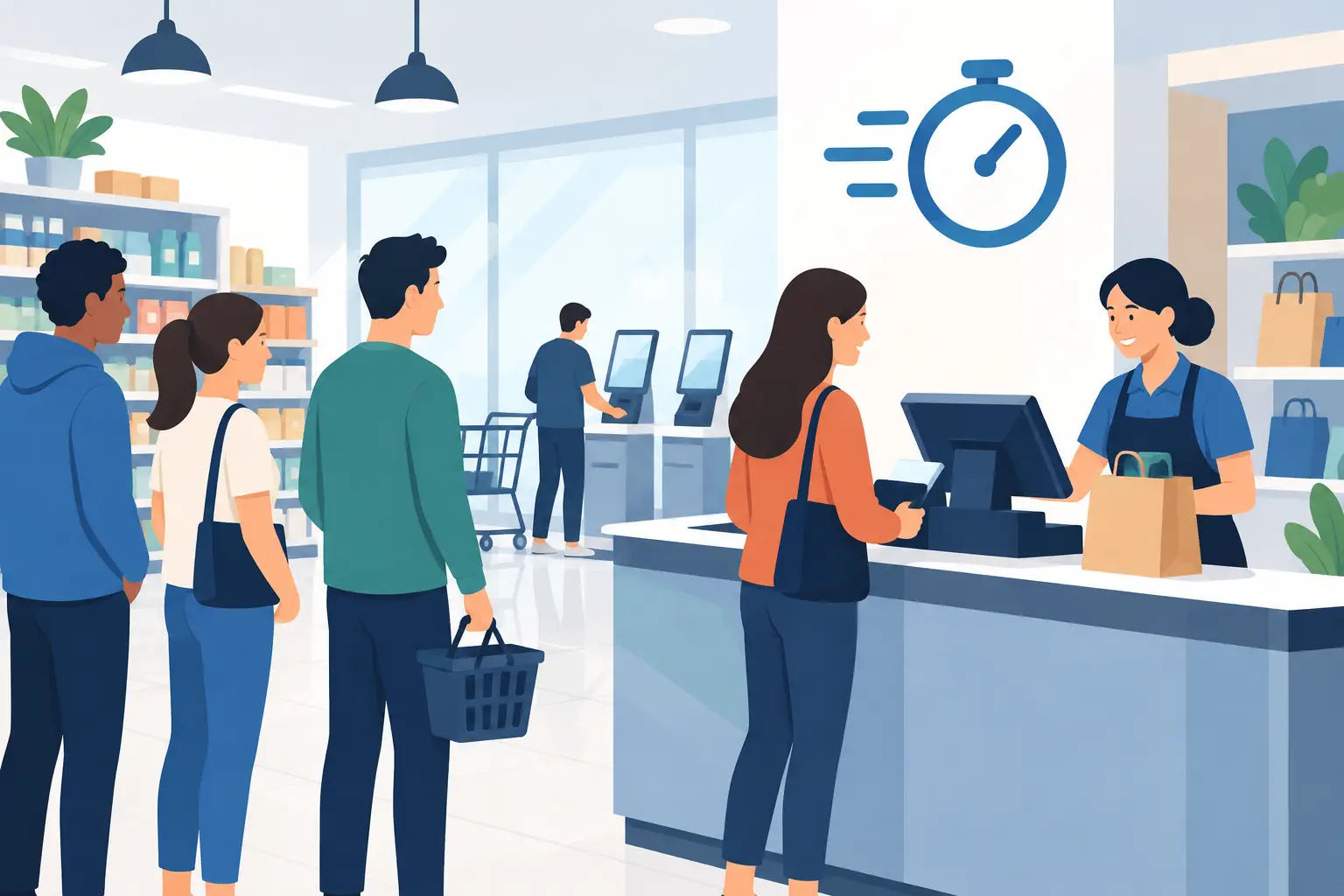
A crowded checkout area, pickup counter, or service desk changes the feel of a business fast. Customers see a line, assume the wait will be worse than it is, and may leave before staff get a chance to help. Smart store operations address that moment directly: make the next step clear, keep customers informed, and give staff a simpler way to manage the flow.
The goal is not to turn every store into a complicated tech project. It is to remove small points of friction that create big delays. When customers can join a queue from their phone, check their place, and return when it is their turn, the physical line stops taking over the room.
What smart store operations actually mean
Smart store operations are the everyday systems that help a location run with less confusion and less manual coordination. That can include digital queues, mobile wait updates, better pickup organization, appointment overflow handling, and clear handoffs between staff members.
The best version is practical. It should reduce work for the team, not create another dashboard someone has to babysit. It should also work for customers without asking them to download an app, create an account, or learn a new process while standing in a crowded lobby.
For many businesses, the first high-impact change is managing the wait itself. A visible line is hard to organize and even harder to explain. Staff are interrupted by the same questions: “How long is the wait?” “Am I next?” “Can I step outside?” A digital queue gives customers answers before they need to ask.
Start smart store operations with customer flow
Before choosing tools, watch what happens during your busiest 30 minutes. Do customers form one line or several? Do they need different types of help? Does a pickup customer get stuck behind someone who needs a longer consultation? Are employees calling names across a crowded room?
The answers reveal where the operation is losing time. Often, the issue is not staff speed. It is that customers arrive, wait, and ask for updates in a system that provides no shared view of what happens next.
Map the moments that create a line
Look at the customer journey from the entrance to the finished transaction. Identify the moments where people stop, hesitate, or ask for direction. In a retail setting, that could be a returns desk or fitting-room wait. In a salon, it may be walk-in overflow between appointments. In a clinic, it could be check-in congestion at the front desk.
Then separate customers by need when it makes sense. A single queue is often easiest, but it is not always fair or efficient. A quick pickup should not necessarily wait behind a complex service request. The right setup depends on staffing, service time, physical space, and how much choice customers need.
Make the next action obvious
A smart process starts with a simple instruction. Join the queue. Enter a name. See your status. That is enough for most customers.
Put the instruction where the wait begins: near the entrance, service counter, pickup area, or host stand. Use short language and a QR code customers can scan with the phone already in their hand. Avoid signs full of explanations. If a customer needs an employee to explain how to join, the process is doing too much.
Replace the physical line, not human service
A digital queue does not remove the need for welcoming staff. It removes the need for customers to stand in one place to prove they are waiting. That distinction matters.
Customers can browse, sit down, check other items, or wait outside while keeping their place. The room looks calmer because people are no longer packed into a visible line. Staff can focus on serving the next person instead of policing who arrived first.
QGO supports this approach with a mobile-accessible queue that customers can install to their home screen without a traditional app download. That keeps onboarding light: scan, join, and check your status from the phone.
The customer experience should be clear at every stage. After joining, show confirmation. As the wait moves, provide a status update or estimated position when appropriate. When it is time to return, use a direct notification or clear call instruction. Consistency matters more than fancy messaging.
There is a trade-off here. Too many updates can feel noisy, especially for a short line. Too few updates leave customers guessing. For a coffee pickup rush, a simple place-in-line view may be enough. For a salon, clinic, or service counter with longer waits, proactive status messages can reduce frustration and no-shows.
Give staff one simple operating rhythm
Technology works only when the team can use it during a rush. Staff should know who owns the queue, who marks customers as served, and what happens when someone does not respond. Keep those decisions simple and visible.
A useful operating rhythm looks like this: one team member monitors the active queue, the next available staff member serves the next customer, and exceptions are handled with a consistent rule. If a customer leaves temporarily, decide whether they keep their place. If an appointment arrives late, decide how it enters the flow. Write down the rule in plain language.
Training should take minutes, not days. Run a short test before a busy shift. Have one employee join the queue as a customer, then have another move that customer through the process. This exposes unclear signage, notification timing issues, and staff questions before real customers encounter them.
For multilingual locations, language support is part of the operating plan, not an extra. Customers should be able to understand how to join and what their status means without relying on a family member or staff translation. Clear digital instructions reduce pressure on the front line.
Measure what customers actually feel
Smart store operations should improve more than a report. Watch the signals that show whether the experience is getting easier: average wait time, abandoned waits, no-shows, staff interruptions, crowding near the counter, and customer complaints about unclear timing.
Do not judge the system by one number alone. A shorter average wait is good, but a calmer and more predictable 12-minute wait may be better than an unpredictable eight-minute one. Customers are generally more patient when they know their place and can use their time freely.
Ask staff what changed after a week. Are they spending less time answering line questions? Is the counter easier to keep clear? Are customers arriving at the right moment? Those observations often reveal more than a dashboard can.
When a digital queue is not the whole answer
Queue management will not fix every operational issue. If service takes too long because the team lacks inventory, training, or enough coverage, a digital line simply makes the wait more transparent. That is still useful, but it is not a substitute for staffing and process changes.
Likewise, some settings need a physical option. Customers without smartphones, limited connectivity, or accessibility needs should have a clear path to join with staff assistance. The digital option should reduce friction, not create a new barrier.
The strongest setup is usually a mix of simple technology and good floor management. Digital tools handle visibility and communication. People handle service, exceptions, and the moments that require judgment.
Start with one busy touchpoint rather than redesigning the entire location. Make joining easy. Let customers step away from the line. Give staff a repeatable process. When waiting feels organized instead of uncertain, your store has more room to serve people well.
Give your customers a line they don't have to stand in
QGO turns any counter into a smart digital queue: customers scan a QR code, take a number on their own phone and get alerted when it is their turn. No app download, no hardware, 16 languages.
Try QGO free How it works