 QGO
Salon Virtual Waiting Room for Better Visits
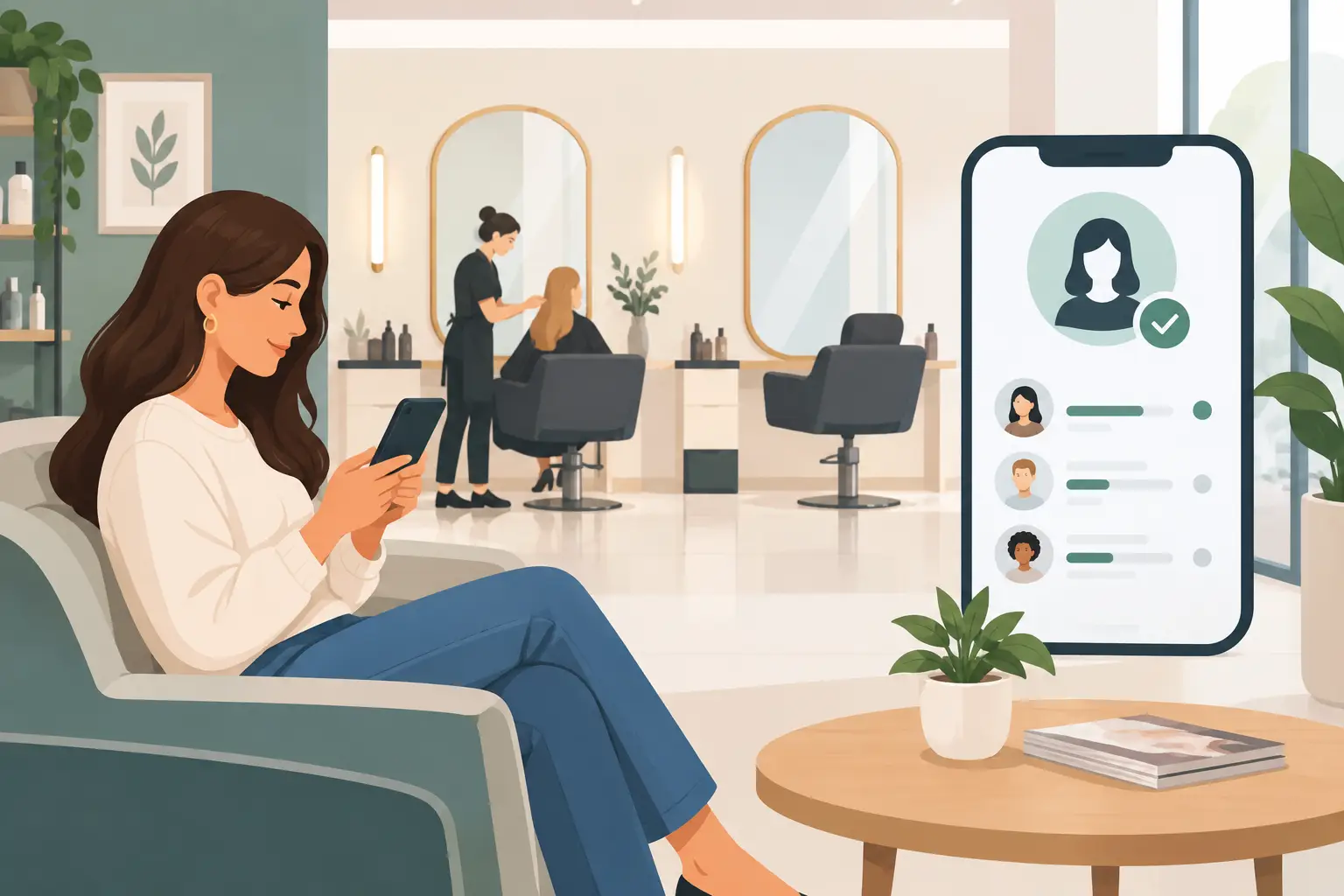
A guest walks in early, another arrives late, and a color appointment runs 20 minutes over. That is a normal salon day. A salon virtual waiting room gives your team a cleaner way to handle the overlap without packing the reception area or making guests repeatedly ask, “How much longer?”
Instead of standing in line or hovering near the desk, guests join a digital queue from their phones. They can check their place and wait nearby. Your front desk sees who is waiting, who is next, and where the schedule is starting to slip.
This is not about making a salon feel less personal. It is about removing the small frustrations that get in the way of a great visit.
Why salon lobbies get crowded fast
A salon’s schedule looks predictable until real life starts happening. A consultation takes longer because a guest wants a bigger change. Foils need more processing time. A walk-in comes through the door between appointments. One stylist is ready while another is finishing a blowout.
The result is often a visible line at reception. Guests do not always know whether they should check in, sit down, ask again, or leave and risk missing their turn. Staff members become traffic controllers when they should be welcoming people, confirming services, and supporting stylists.
A physical waiting line also changes the mood of the space. A busy salon can feel exciting. A crowded lobby can feel disorganized, even when your team is doing everything right.
A virtual waiting room separates waiting from standing around. Guests still receive the attention they need, but they do not need to remain in one place to get it.
What a salon virtual waiting room should do
The best setup is simple enough for a first-time guest to use in seconds. A customer should be able to scan a code or open a short access point, enter the queue, and see their status from their own phone.
For the salon team, the system should make the next action obvious. Who has arrived? Who is ready for a stylist? Who has been waiting longest? Is a specific service or staff member running behind?
A useful salon virtual waiting room should help you:
- let guests join without downloading a native app
- show a live queue position or clear wait-status update
- reduce repeated check-in questions at the front desk
- organize walk-ins, early arrivals, and appointment overflow
- give staff a quick way to move the queue as chairs open up
- support guests who prefer another language
The goal is not to turn every visit into an automated transaction. Your receptionist can still greet guests by name and offer a drink. The queue simply handles the repetitive part: keeping everyone informed when timing changes.
Start with the moments that create friction
Do not build your waiting flow around an ideal schedule. Build it around the moments that create confusion.
For most salons, that includes appointment arrivals, walk-ins, delayed services, and pickup traffic. A guest picking up a product should not have to stand behind someone checking in for a balayage appointment. A walk-in requesting a quick bang trim needs a clear expectation before settling in. A client whose stylist is running late deserves an update before frustration sets in.
Decide which visitors should enter the virtual queue. Some salons use it for every guest arrival. Others reserve it for walk-ins and overflow while keeping scheduled check-ins in their existing booking system. Both approaches can work.
It depends on your volume and front-desk workflow. If your salon has frequent appointment delays and a compact reception area, a broader queue may help. If appointments are usually on time but Saturday walk-ins create a bottleneck, start there instead.
Make joining feel like one tap
A digital queue only works if guests can enter it without instruction from a staff member. Put a clear sign at the entrance, reception desk, and waiting area. Use direct language: “Check in from your phone” or “Join the waitlist here.”
Avoid asking guests to create an account, remember a password, or download another app. Those extra steps are where adoption drops.
QGO uses a lightweight mobile web experience that guests can install to their home screen if they want faster future access. On an iPhone, the flow is familiar: tap Share, select Add to Home Screen, then tap Add. Done. But installation should be optional. A guest who only visits once should still be able to join quickly.
Have a backup for guests who do not use smartphones. A team member can add them manually, or you can provide a simple tablet option at reception. Digital-first should not mean excluding anyone at the door.
Give guests updates they can act on
“Please wait” is not useful communication. Guests need a sense of what is happening and what they should do next.
A good waiting-room message confirms that they are checked in, shows their status, and tells them when to return to the reception area. If the wait is short, they may choose to stay nearby. If it is longer, they can browse neighboring stores, grab coffee, or wait comfortably in their car.
Be realistic about timing. A precise estimate can backfire when salon services vary. In many cases, a queue position or status such as “two guests ahead” is more dependable than promising a specific number of minutes.
If you do use time estimates, give your team an easy way to adjust them. A delayed color service should not leave the next guest staring at an outdated message. A quick update is better than silence, even when the update is not ideal.
Keep the front desk in control
A virtual queue should reduce staff work, not create another screen that needs constant attention. Assign ownership before launch. During a quieter shift, that may be the receptionist. During peak hours, a floor manager or lead stylist may be better positioned to advance the queue.
Agree on simple rules. Mark a guest as arrived when they enter. Move them forward when a chair or consultation spot opens. Contact them when it is time to return. If they do not respond, set a reasonable hold period and move to the next guest rather than freezing the entire flow.
Keep the language consistent across the team. If one person says “you’re next” while another says “we’ll text you soon,” guests receive mixed signals. A few standard phrases protect the experience:
“Your stylist is finishing up. Please keep an eye on your phone.”
“You’re next in line. Please return to reception.”
“We’re running about 15 minutes behind. Thank you for your patience.”
These are small details, but they make the process feel organized instead of improvised.
Use the queue to protect the salon experience
The strongest benefit is not just a shorter-looking line. It is a calmer room.
When guests can wait from their phones, the reception area has more breathing room. Stylists can move between stations without navigating a crowd. Your team can give a late-running client their full attention instead of rushing because three people are visibly waiting nearby.
That matters for premium services especially. A guest spending several hours on color, extensions, or a major transformation should not feel like the team is watching the clock over their shoulder. A digital queue makes timing more visible to everyone else, which gives the stylist room to finish the work properly.
There is a trade-off: guests still need human reassurance when a delay is significant. Automation cannot replace a sincere apology or a direct conversation about a changed appointment time. Use the virtual waiting room to handle routine updates, then step in personally when the situation calls for it.
Launch small, then refine the flow
Start with your busiest window, such as Friday afternoon or Saturday morning. Train the team on one simple process and watch what happens for a week. Are guests joining without help? Are staff members updating the queue consistently? Do certain services create the longest delays?
Ask the people at reception what changed. They will quickly tell you whether the queue reduced interruptions or added unnecessary steps. Look for practical signals: fewer people standing near the desk, fewer repeated wait-time questions, and fewer guests leaving because they did not know what was going on.
Then refine the signs, wording, and handoff rules. A salon virtual waiting room works best when it fits your actual floor, your service mix, and your team’s habits. Give guests a clear next step, give staff a simple control point, and let the lobby feel like part of the experience again.
Give your customers a line they don't have to stand in
QGO turns any counter into a smart digital queue: customers scan a QR code, take a number on their own phone and get alerted when it is their turn. No app download, no hardware, 16 languages.
Try QGO free How it works