 QGO
Retail Queue Management That Keeps Lines Moving
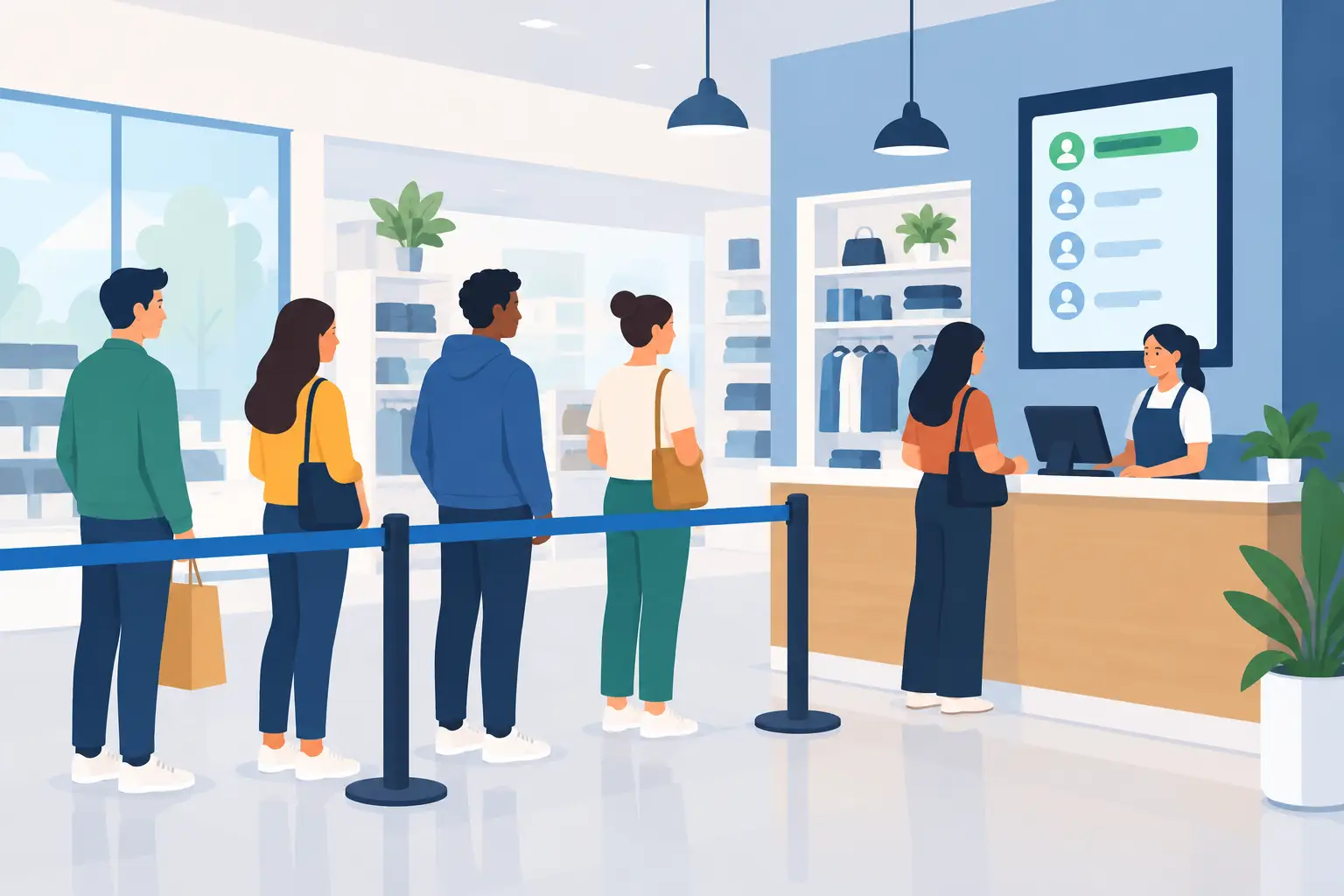
A line that reaches the entrance changes the mood of the whole store. Shoppers start checking their phones, asking staff for updates, or leaving before they reach the counter. Retail queue management gives customers a clear next step instead: join the line, see their place, and keep moving until it is their turn.
For store teams, this is not just a customer experience issue. It is a floor-management issue. Every employee pulled into answering “How long is the wait?” has less time to sell, restock, prepare orders, or solve a real service problem.
Why retail queue management matters on the floor
A physical line is highly visible, but it is not always useful. It can block aisles, crowd pickup counters, create uncertainty about who arrived first, and make a store look understaffed even when the team is working at full capacity. The longer it looks, the longer it feels.
Digital queue management separates waiting from standing. A shopper can join from their phone, receive a place in line, and browse nearby products or wait where they are comfortable. Staff keep the order organized without managing a cluster of people at the counter.
That difference matters most during predictable rushes: lunch-hour pickup, weekend promotions, product launches, returns after the holidays, and appointment overflow. It also helps when traffic is less predictable. A sudden rush does not need to turn into a visible crowd before the team can respond.
The goal is not to make every wait disappear. Some services take time, and customers generally understand that. The goal is to make the wait understandable. Clear expectations feel shorter than uncertainty.
Start with the bottleneck, not the software
The best queue setup starts with a simple question: where does the line actually break down?
For some retailers, the issue is checkout. For others, it is order pickup, returns, fitting rooms, consultations, financing, repairs, or a service desk. A single store may have more than one queue problem, and each may need different rules.
Watch the customer journey during a busy hour. Notice where people stop, what questions they ask, and which staff members get interrupted. Then identify whether the delay comes from demand, service time, unclear instructions, or the physical layout.
For example, a pickup counter may not have a true staffing shortage. The real issue may be that customers arrive early, form a line before their order is ready, and ask for status updates one by one. A digital queue can help customers join when they arrive and receive a clear notification when staff are ready for them.
Do not digitize confusion. If the process has unclear handoffs or inconsistent rules, fix those first. A queue tool should make a good workflow easier to run, not hide a broken one.
Make joining the queue take seconds
Adoption depends on the first interaction. If customers need to find a kiosk, create an account, download a native app, or fill out a long form, some will simply stay in the physical line. That defeats the point.
The simplest flow is usually the strongest: scan, join, and get a place in line. A QR code at the entrance, counter, or pickup area gives customers a clear path. Use direct signage such as “Join the line on your phone” and “Get notified when it is your turn.”
Keep the form short. Ask only for the details staff need to serve the customer. A name and mobile number may be enough for a basic service queue. If the visit requires more context, such as a repair type or pickup order number, make that field purposeful and easy to complete.
Mobile access also needs to work for people who do not want another app. A lightweight installable web experience lets customers keep the queue page handy from their phone home screen without going through an app store. Open it, use the Share button, select Add to Home Screen, then tap Add. Done.
QGO is built around this kind of low-friction mobile access, so stores can create digital waiting experiences without installing kiosks, printing tickets, or asking customers to download a conventional app.
Give customers useful wait information
A queue position alone is helpful, but it does not answer the question customers really have: “What should I do now?” Give them enough information to make a decision without promising a wait time your team cannot control.
A clear position in line, an estimated range when appropriate, and a notification when their turn is approaching can reduce counter check-ins. If the queue is delayed, communicate that early. Customers are more forgiving when they are informed before they have to ask.
Be careful with overly precise estimates. A service that normally takes five minutes can take fifteen when an exchange gets complicated, a payment system stalls, or a shopper needs extra help. For variable services, a range or status message is more honest than a countdown clock that repeatedly changes.
The language should be plain. “You’re 3rd in line” is better than vague messages about processing. “Please return to the counter when notified” gives a shopper a practical instruction. Good queue communication is short, specific, and calm.
Give staff a simple operating rhythm
Digital queue management should reduce staff decisions, not add another screen that needs constant attention. Before launch, decide who starts the queue, who calls the next customer, how staff handle no-shows, and what happens when capacity changes.
A few rules make a big difference. Set a reasonable grace period for customers who are called but not ready. Create a standard response for customers who walk directly to the counter. Decide whether staff can prioritize appointments, accessibility needs, or urgent service cases, and make that policy consistent.
Train the team with real scenarios, not a long presentation. Practice a rush with five people joining at once. Practice a customer whose phone battery dies. Practice a customer who needs language support. The team should know what to say in one sentence: “You can join right here on your phone, and we’ll notify you when we’re ready.”
Multilingual support is especially valuable in stores that serve diverse neighborhoods or visitors. Instructions should be understandable at the moment a customer is deciding whether to join. If the queue experience supports the languages your customers use, it removes one more reason to fall back on a crowded physical line.
Measure what changes after launch
Do not judge a queue system by how modern it looks. Judge it by what changes on the floor.
Track visible line length during peak periods, average time from joining to service, the number of customers who leave before being served, and staff interruptions related to wait questions. For pickup operations, watch how long completed orders sit before collection. For consultations, look at no-show rates and whether staff have enough time between customers.
Customer feedback matters too, but ask focused questions. Did customers understand how to join? Did they receive useful updates? Did they feel free to browse or take care of something else while waiting? These answers point to practical improvements faster than a broad satisfaction score alone.
It may take a week or two to find the right settings. If customers join too early, move the QR code closer to the service point or clarify when to scan. If too many people miss their turn, send an earlier alert or adjust the grace period. Queue management works best as an operating habit, not a one-time installation.
When a digital queue is not the full answer
A digital queue will not solve every line. If checkout capacity is consistently below demand, the store may still need another register, a revised staffing schedule, or a faster payment flow. If customers are waiting for inventory checks, repair approvals, or other back-office steps, the underlying process needs attention as well.
There is also a customer-access consideration. Some shoppers may not have a smartphone, may be unable to scan a code, or may prefer direct assistance. Keep a staff-supported option available. The point is to offer a better path, not to make service harder for the people who need help.
The strongest setup is flexible: mobile-first for speed, with a clear human fallback. That approach keeps the experience inclusive while reducing the pressure on the physical line.
A better queue does not need a bank of kiosks or a complicated rollout plan. Start where waiting creates the most friction, give customers one easy action, and let your team spend more time serving people than organizing them.
Give your customers a line they don't have to stand in
QGO turns any counter into a smart digital queue: customers scan a QR code, take a number on their own phone and get alerted when it is their turn. No app download, no hardware, 16 languages.
Try QGO free How it works