 QGO
Queue Management for Service Desks That Works
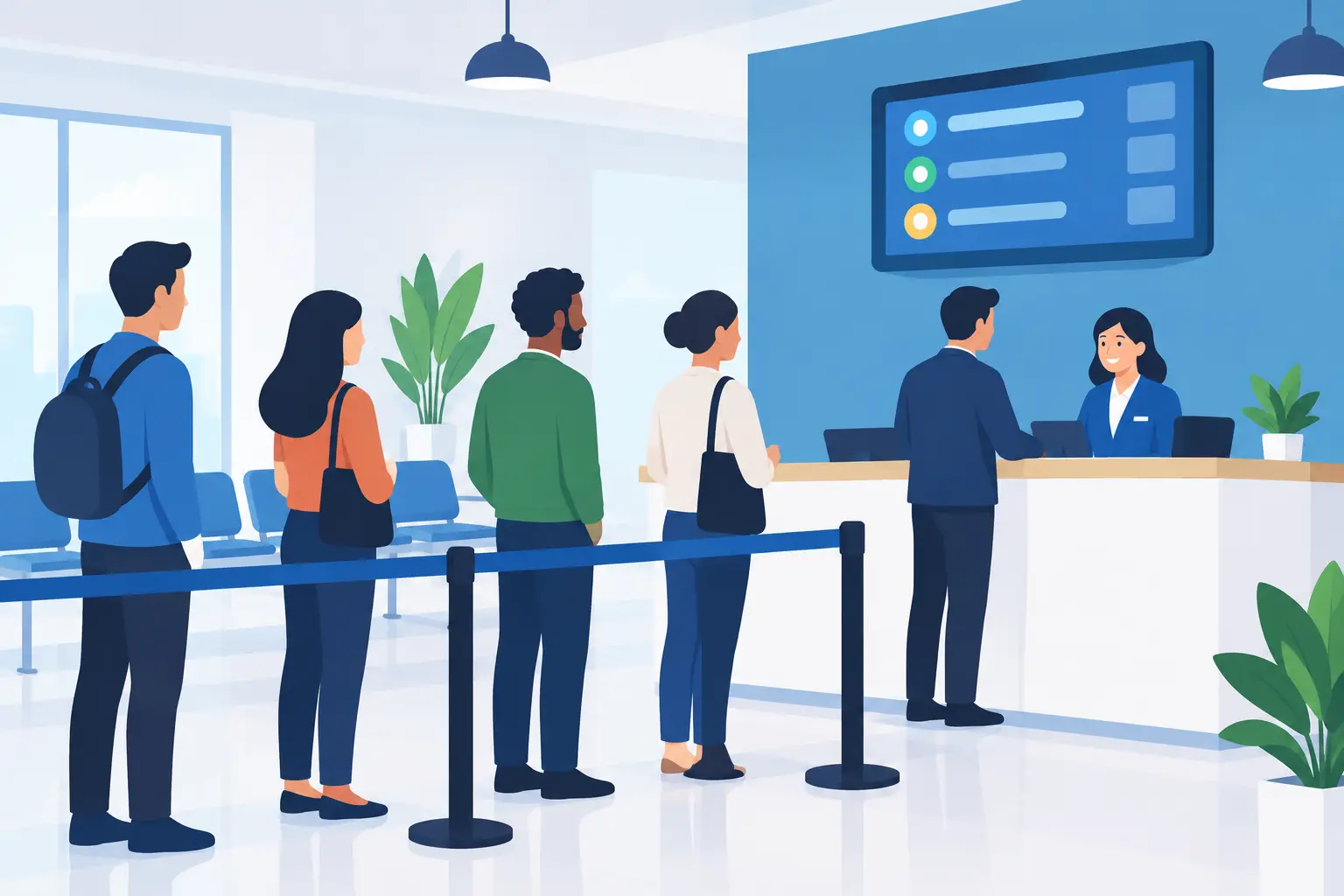
A crowded service desk creates two problems at once. Customers cannot tell how long they will wait, and staff must answer the same question while trying to serve the next person. Queue management for service desks changes that dynamic. It gives customers a clear place in line and gives teams a practical way to manage demand without turning the front counter into crowd control.
For a retail return desk, clinic check-in, hotel reception, salon front desk, or pickup counter, the goal is not simply to move people faster. Some visits take longer than others. The real goal is to make waiting feel organized, visible, and fair - while protecting staff focus.
Why service desk lines become a business problem
A physical line is more than a line. It is a highly visible signal that service may be slow, confusing, or understaffed. A customer who sees six people standing near a counter may leave before asking how quickly the line moves. Another may wait, grow frustrated, and take that frustration into the interaction.
The pressure lands on employees too. A team member helping with a complicated exchange may hear, “Who’s next?” several times before the transaction ends. Staff end up directing foot traffic, answering wait-time questions, and resolving disputes about order. Those are small interruptions, but they add up quickly during busy periods.
A better queue does not promise an unrealistically short wait. It makes the wait understandable. Customers know they are checked in. They can see their position or receive updates. Staff can focus on service rather than maintaining a line with verbal reminders and guesswork.
What good queue management for service desks looks like
The best setup is simple enough to use when the lobby is busy. Customers should be able to join the queue in seconds, preferably from their own phone. They should not need to create an account, download a native app, find a ticket printer, or wait for an employee to explain a kiosk.
For the business, the queue should show who is waiting, how long they have waited, and which service type they need. That last detail matters. A customer picking up an order may need two minutes. A customer disputing a bill, starting a return, or checking in for an appointment may need much longer. Treating every visit as identical can make the line look fair while making the actual wait less predictable.
A useful service-desk queue also gives staff control without creating extra admin work. They need to call the next customer, move someone to the right service category, pause a queue if coverage changes, and see when waits are building. The process should feel like a natural extension of the front desk, not another screen that needs constant attention.
Start with the customer journey, not the technology
Before choosing a queue process, walk through the experience from the customer’s point of view. What happens when they arrive? How do they know where to join? What information do they need before they walk away from the counter area? What happens when it is their turn?
Clear arrival instructions are essential. A small sign at the service desk, entrance, or pickup area can direct customers to scan and join. The message should be direct: Join the line from your phone. Check your place. We’ll let you know when it’s your turn.
Mobile access works especially well when it removes friction. A lightweight web experience lets customers join from a browser and, if they choose, add it to their home screen for quick access later. No app-store search. No printed ticket to lose. No hardware station forming a second line.
That is the approach behind QGO: a digital queue customers can access from their own smartphones, with support for 16 languages. For locations serving multilingual neighborhoods, tourists, or mixed-language teams, clear queue access in a customer’s preferred language can prevent confusion before it reaches the desk.
Design queues around real service types
One general line may be enough for a small service counter with consistent requests. But it can create frustration when quick tasks sit behind complex ones. The right structure depends on your volume, staffing, and the difference between service needs.
A retail desk, for example, may separate order pickup from returns and product support. A clinic may distinguish scheduled check-in from walk-ins. A hotel may need different paths for check-in, concierge requests, and baggage support. The point is not to build a complicated menu. It is to avoid mixing clearly different jobs in a way that makes waits harder to predict.
Keep the choices plain. Customers should recognize their reason for visiting immediately. If they have to stop and ask which option to select, the system is doing too much.
There is a trade-off. Too many queue types can fragment demand and leave staff unsure where to help next. Too few can hide the reason waits are rising. Start with the two or three most common service needs, then adjust based on what your team sees during peak hours.
Make wait communication part of the service
Silence is usually worse than the wait itself. When customers have no information, they assume they have been forgotten or that others are being served out of order. A simple update changes the experience: you are checked in, there are three customers ahead of you, and you will be notified when staff are ready.
Avoid treating wait estimates as guarantees. Service desks deal with variation. A return may require manager approval. A patient may arrive with additional paperwork. A pickup may involve a missing item. Use estimates to set expectations, then communicate changes if the queue slows down.
The strongest benefit of a mobile queue is freedom of movement. Customers can browse nearby merchandise, sit in a waiting area, or handle another task instead of standing shoulder to shoulder near the desk. The business gets a calmer space. Customers get time back, even if the total wait remains similar.
Give staff a simple operating rhythm
Technology alone will not fix a queue that nobody owns. Assign clear responsibility at the start of each shift. One person may monitor the queue during a rush, while another handles the most time-consuming service requests. If the desk is staffed by one person, decide what happens when they need to step away or when the wait crosses a set threshold.
Train the team on a few repeatable actions: check the queue before calling the next customer, select the right service type when needed, mark service complete promptly, and explain the mobile check-in option consistently. This does not require a long training program. It requires a process staff can follow even when the store is busy.
It also helps to set a service recovery rule. For example, if a customer has waited longer than your target window, a staff member acknowledges it before the customer has to ask. That small moment can preserve trust, especially when a delay is unavoidable.
Measure the bottleneck, not just the line
Long waits do not always mean the same thing. They may indicate too few people scheduled at peak times, but they can also point to a process problem. Perhaps each return requires a second approval. Perhaps pickup orders are not staged close to the desk. Perhaps customers arrive without required documents and need extra help.
Review queue patterns by daypart, service type, and location. Look for when wait times rise, which requests take longest, and whether customers abandon the queue before service. Use that information to make small operational changes. Add coverage for one busy hour. Move a common form online. Create a faster path for pickups. Stage materials before the rush.
Do not chase one perfect wait-time number. A three-minute target may make sense for pickup, while a fifteen-minute target may be realistic for a complex service desk. What customers notice most is consistency, clear communication, and whether the process feels fair.
Keep the front desk open for service
The front desk should be where customers get help, not where they stand waiting for help. Digital queue management creates that separation without adding a bank of kiosks, stacks of tickets, or another app customers will never use again.
Start small. Put mobile check-in where customers can see it, keep the choices clear, and give staff an easy rhythm for calling the next person. When waiting becomes visible and organized, the service desk can spend less time managing the crowd and more time serving the person in front of them.
Give your customers a line they don't have to stand in
QGO turns any counter into a smart digital queue: customers scan a QR code, take a number on their own phone and get alerted when it is their turn. No app download, no hardware, 16 languages.
Try QGO free How it works