 QGO
7 Queue Kiosk Alternatives That Cut the Wait
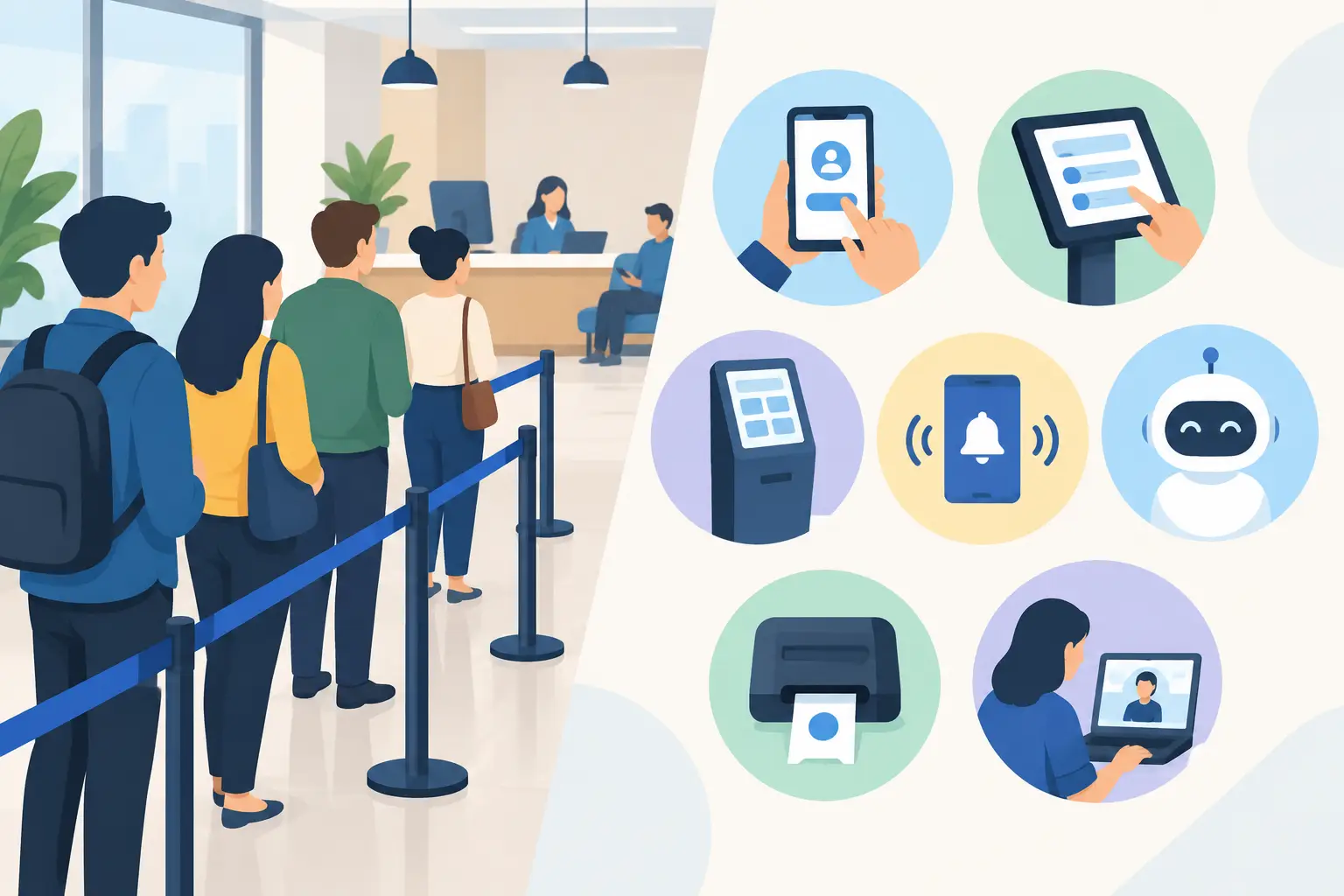
A line at the counter is more than a line. It blocks aisles, makes a store look understaffed, and leaves customers wondering whether they have time to wait. That is why businesses are looking at queue kiosk alternatives that move waiting off the floor without adding another device for staff to manage.
A kiosk can still make sense in certain settings. But it is no longer the default answer to crowd control. Customers already carry the screen they need. The better question is how to give them a clear place in line, accurate updates, and an easy way to return when it is their turn.
Why businesses are moving beyond kiosks
A physical queue kiosk solves one problem: it gives customers a place to take a number. It can also create new ones. Someone has to install it, power it, clean it, maintain it, and troubleshoot it when the printer jams or the touchscreen stops responding. In a busy location, it can become another point of congestion.
The cost is not limited to the device. Consider the counter space, replacement parts, paper tickets, network setup, and staff time spent explaining how it works. Multiply that across locations and a simple line-management project can start to look like an equipment rollout.
Customers have changed, too. Many would rather check their place from a phone than stand near a screen waiting for their number. The strongest alternatives keep the process familiar: scan, tap, join, and get on with your day.
7 queue kiosk alternatives to consider
The right option depends on your service model, customer mix, and how much staff involvement you can support. Here are seven practical approaches, from low-tech systems to mobile-first queue management.
1. Staff-managed waitlists
The simplest replacement is a digital waitlist operated by an employee. A staff member enters a name, party size, service type, and contact information, then calls or texts the customer when a spot opens.
This works well when every customer already starts with a conversation, such as a salon check-in desk or a specialty retail consultation. It gives staff control and can feel personal. The trade-off is obvious: employees still own every entry, update, and status check. During a rush, that can pull them away from service.
2. SMS waitlist systems
Text-message waitlists let customers receive a notification when their turn is close. They are useful for restaurants, clinics, and service counters where people may step outside or shop nearby.
SMS is familiar, but it has limits. Customers may mistype a number, message delivery can vary, and a text alone does not always show a live position or estimated wait. It also adds an extra communication layer for teams that simply need to organize a line quickly.
3. QR code check-in
A QR code placed at an entrance, counter, table, or service area can send customers directly to a check-in page. They scan, enter the queue, and receive confirmation on their phone.
This is a strong option for businesses that want self-service without purchasing hardware. Placement matters. Put the code where customers naturally pause, and add a short instruction such as “Scan to join the line.” Keep a staff-assisted option available for guests who need help or do not have a smartphone.
4. Tablet-based check-in
A tablet offers the kiosk experience without the larger footprint. It can sit on a stand near the entrance and collect basic check-in details, while staff manage the queue from another device.
This is a reasonable middle ground for locations with guests who may not use QR codes. Still, it is hardware. Tablets need charging, securing, cleaning, software updates, and occasional replacement. If the goal is to eliminate device overhead, a tablet only reduces it.
5. Appointment and booking tools
For businesses with predictable service windows, appointment software can prevent many walk-in lines before they form. Customers choose a time, receive a reminder, and arrive closer to when staff can help them.
Appointments are not a complete queue solution when demand is variable. Walk-ins, late arrivals, no-shows, and service times that run long can quickly create an overflow line. Booking tools work best when paired with a clear way to handle real-time arrivals.
6. Virtual waiting rooms
A virtual waiting room lets customers join remotely or on-site, then wait wherever it makes sense for them. That might mean browsing the store, sitting in a car, grabbing coffee nearby, or staying home until travel time makes sense.
This model reduces visible congestion and gives customers more control over their time. It is especially useful for high-demand services, launches, event entry, and public-facing offices. The key is communication: customers need to know they are successfully checked in and when they should return.
7. Mobile-first digital queue platforms
A mobile-first queue platform puts the full experience on the customer’s own phone. Instead of taking a paper ticket or standing at a kiosk, the customer joins digitally, checks status, and returns when called.
For many locations, this is the most direct replacement for a kiosk because it removes the hardware dependency altogether. QGO, for example, gives customers a lightweight, installable web experience that can live on a phone home screen without requiring a conventional app download. That keeps the process simple for customers while giving teams a cleaner way to manage traffic across locations.
How to choose between queue kiosk alternatives
Start with the line you actually have, not the system you think you should buy. A quick-service counter with five-minute transactions needs something different from a clinic with variable appointment lengths or a retail store offering product consultations.
First, look at customer behavior. If most visitors arrive with phones in hand and are comfortable scanning a code, mobile check-in will likely have high adoption. If your location serves customers who need more assistance, use a hybrid setup: mobile self-check-in for most people, with staff available to add guests when needed.
Next, consider how customers wait. If they must remain in one place, a basic staff list may be enough. If they can browse, leave the building, or arrive later, they need live status and clear notifications. A system that only records names will not solve the repeated question: “How much longer?”
Then examine rollout effort. A solution that requires purchasing devices, coordinating installation, training every employee, and maintaining printers may not be worth it for a single location. For multi-location teams, the gap gets bigger. Software that can be configured and deployed without new hardware is often easier to standardize.
Language support also matters. A customer should not have to decipher a check-in screen before joining a line. Businesses serving multilingual communities should choose a system that can present the experience in the languages customers use.
What a low-friction queue experience looks like
The best queue system feels almost invisible. Customers should not need to create an account, download a native app, or learn a new process just to wait for service.
A good flow is short: scan the code, join the queue, and keep an eye on your status. If they want quick access later, they can add the experience to their home screen. On iPhone, tap Share, select Add to Home Screen, then tap Add. On Android, the browser will usually offer an install or add-to-home-screen option.
For staff, the same principle applies. They should be able to see who is waiting, update the queue, and call the next customer without juggling printed tickets or manually explaining the order of service. Clear status labels help: waiting, almost ready, and now serving are easier to act on than a vague list of names.
Do not replace one bottleneck with another
A queue kiosk may look organized while quietly creating maintenance work and a new gathering point near the door. The best alternative is not always the one with the most features. It is the one customers can use immediately and staff can run during the busiest hour of the week.
Test the experience from the customer side before rollout. Can someone join in seconds? Do they know what happens next? Can they leave the crowded area without losing their place? When those answers are clear, the line starts feeling less like a problem and more like a process customers can trust.
Give your customers a line they don't have to stand in
QGO turns any counter into a smart digital queue: customers scan a QR code, take a number on their own phone and get alerted when it is their turn. No app download, no hardware, 16 languages.
Try QGO free How it works