 QGO
Pharmacy Queue Management That Keeps Pickups Moving
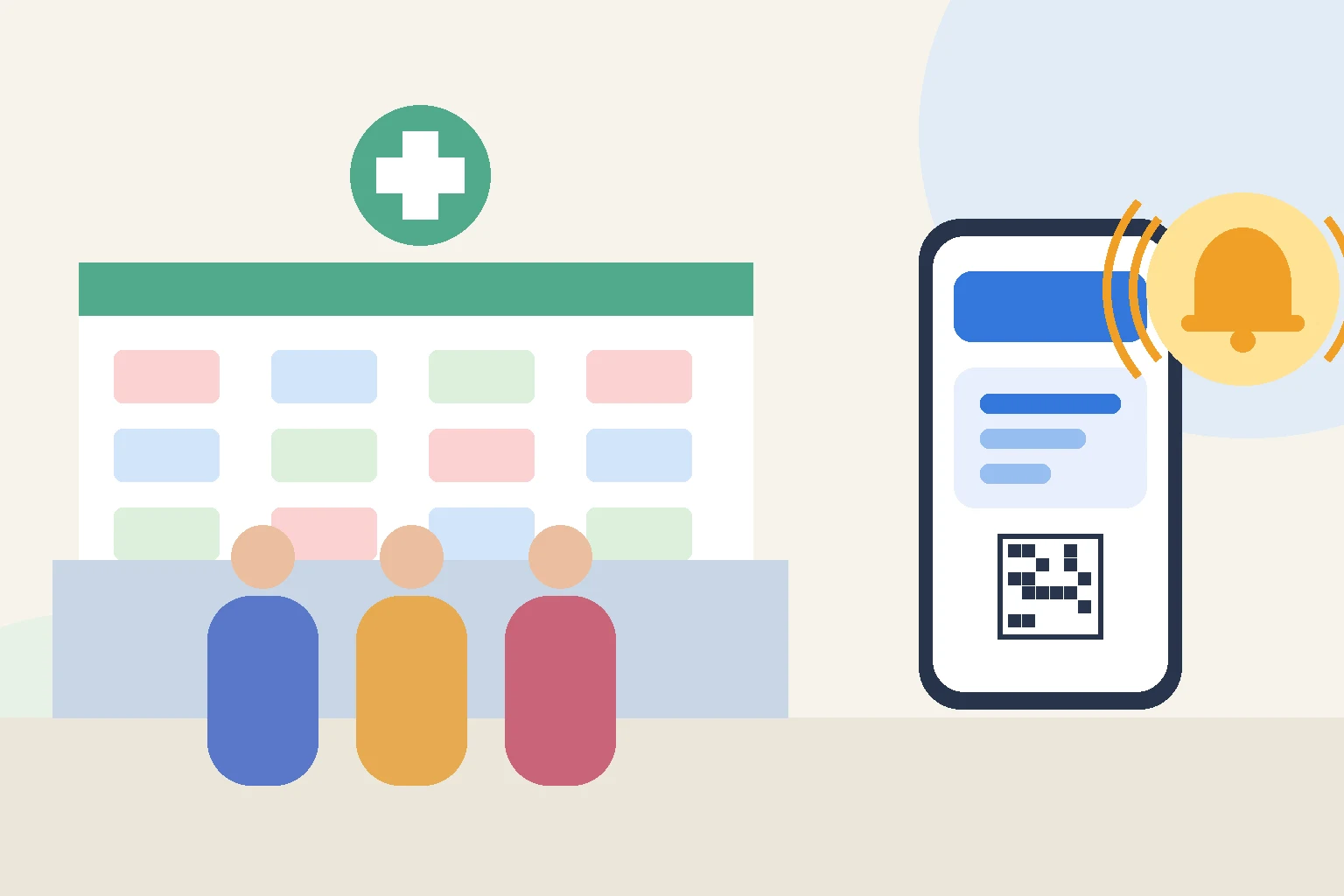
A pharmacy line is different from most retail lines. People are often unwell, in a hurry, or waiting for a prescription that is not ready yet. Some need a quick pickup, others need a conversation with the pharmacist, and everyone ends up standing in the same narrow space near the counter. Good pharmacy queue management separates those needs without making the waiting area feel more crowded.
The goal is not just a shorter line. It is a calmer counter, fewer repeated “Is mine ready yet?” questions, and a clear order of service that customers can trust.
Why pharmacy lines build up so quickly
Pharmacy demand rarely arrives evenly. Lunch breaks, the end of the workday, and the hours after nearby clinics close can bring a wave of customers at once. Each visit can also vary widely in length. A pickup may take a minute, while an insurance question, a new medication, or a consultation can take much longer.
When everyone waits in one physical line, a single long transaction holds up people who only need a quick handover. Customers who are not feeling well have to stand, and the space around the counter becomes crowded at exactly the moment staff need room to work.
Privacy is another pressure point. A crowded counter makes it harder for customers to speak openly about medications or symptoms. The more people waiting within earshot, the less comfortable that conversation becomes.
Pharmacy queue management approaches to consider
There is no single right setup for every pharmacy. The best approach depends on your layout, your mix of pickups and consultations, and how many staff are on the counter during peak hours.
1. Separate quick pickups from longer services
Splitting the queue by service type is one of the simplest improvements. Customers collecting a ready prescription join one line, while those who need advice, a new prescription, or another service join another. Staff can then balance the two based on who is available.
This works best when customers choose the right line on their own. Clear labels at check-in, such as “Pickup” and “Talk to a pharmacist,” keep the decision quick.
2. Let customers wait away from the counter
Once customers have a place in line, they do not need to stand next to the counter. With a digital queue, they can sit down, browse the store, or step outside and come back when their turn is near.
This is especially valuable in a pharmacy, where many customers would rather rest than stand. It also frees the space in front of the counter for the person currently being served, which helps with privacy.
3. Use QR code check-in instead of paper tickets
A traditional ticket machine needs paper, maintenance, and a spot near the entrance. A QR code at the door or counter does the same job without the hardware. Customers scan it with their phone camera, take a number, and see their place in line right away.
Keep a simple backup for customers who do not have a smartphone or need help. A staff member should be able to add them to the same queue so everyone is served in one fair order.
4. Send an alert when the turn is near
Waiting away from the counter only works if customers trust they will not miss their turn. A notification on their phone when they are close to the front gives them time to return without watching a screen the whole time.
That alert also reduces interruptions. When customers know they will be notified, fewer of them come back to the counter to ask how much longer it will be.
5. Show the current number clearly
Customers in the store should be able to see which number is being served. A clear “now serving” status, on their own phone or on a display, keeps the order transparent and avoids disputes about who was first.
What to look for in a pharmacy queue system
Start with the customer’s first step. If joining the queue requires downloading an app or creating an account, many people will simply stand in line instead. A system that opens in the phone’s browser after a single scan removes that barrier.
Next, consider who your customers are. Pharmacies serve older customers, families, tourists, and people who speak different languages. A queue that customers can read in their own language makes the process easier for everyone, and staff spend less time explaining it.
Then look at the staff side. The team should be able to call the next customer, skip someone who has stepped away, and see who is waiting without juggling paper tickets. If the system is hard to use during a rush, staff will stop using it.
QGO, for example, lets customers take a number by scanning a QR code and follow the queue on their own phone, with no app download needed. Customers who want quick access later can add it to their home screen, and there is also an Android app.
Small changes that make the counter calmer
- Place the QR code where customers naturally stop, such as the entrance or the start of the counter.
- Add a short instruction next to it, such as “Scan to take a number.”
- Offer seating within sight of the counter for customers who prefer to wait nearby.
- Keep a staff-assisted check-in for anyone who needs help.
- Review your busiest hours and adjust how many staff handle each service type.
A better wait for people who are not feeling well
A pharmacy visit is rarely something customers look forward to. The waiting part does not have to make it worse. When customers can take a number in seconds, sit down, and get a heads-up when it is their turn, the counter stays clear and conversations stay private.
Try the process yourself before rolling it out. Scan the code, join the line, and step away. If it feels easy from the customer side, it will also feel easier for the team behind the counter.
Give your customers a line they don't have to stand in
QGO turns any counter into a smart digital queue: customers scan a QR code, take a number on their own phone and get alerted when it is their turn. No app download, no hardware, 16 languages.
Try QGO free How it works