 QGO
How to Manage Walk In Demand Without Long Lines
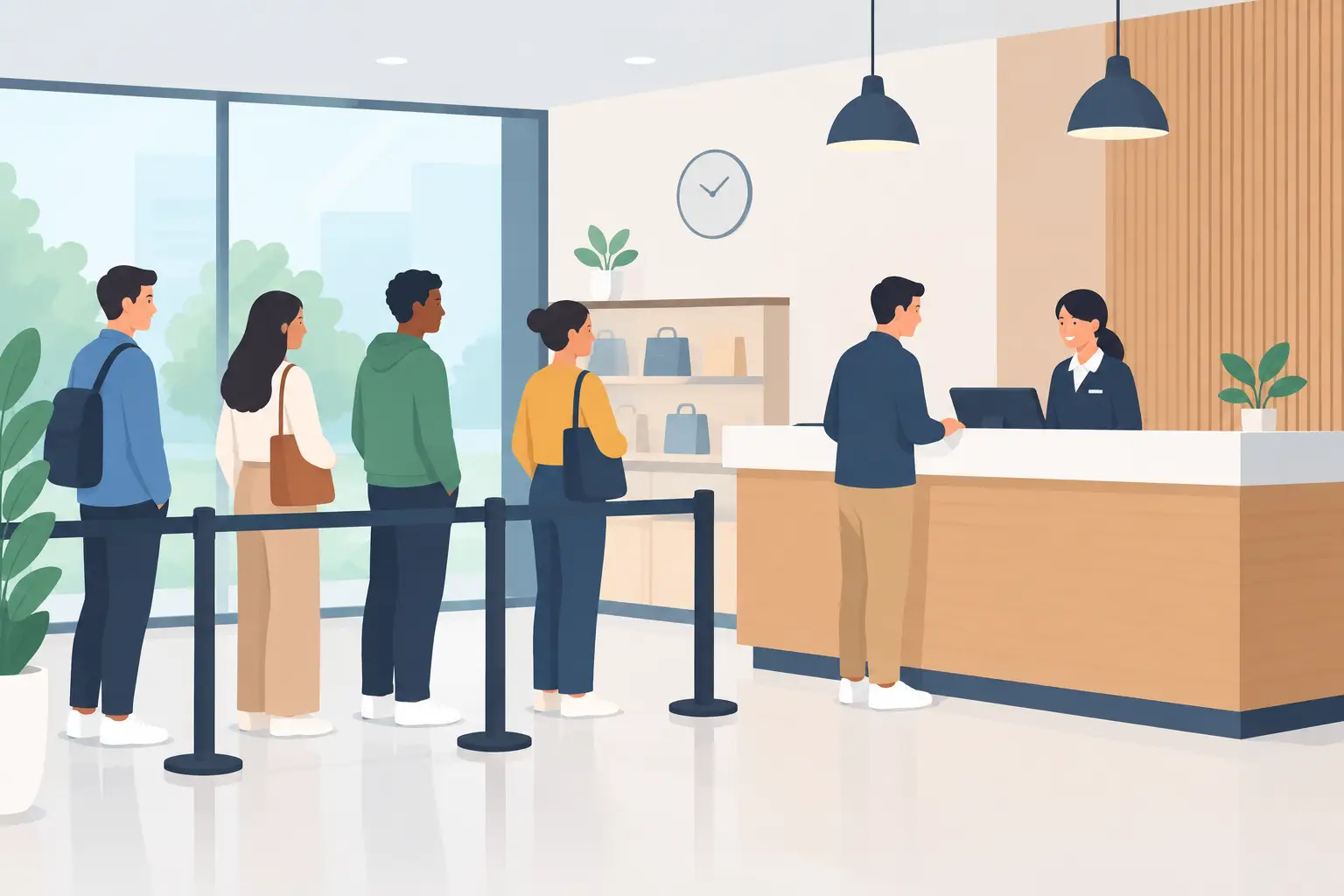
A lunch rush fills the counter. A return takes longer than expected. Two staff members call in sick. Within minutes, a manageable flow of customers becomes a visible line that makes everyone feel like they chose the wrong time to visit.
To manage walk in demand, you need more than a faster line. You need a clear way to capture arrivals, set expectations, and keep customers moving without asking staff to play traffic controller. The goal is simple: turn waiting from a crowded, uncertain experience into a process people can understand from their phones.
Start by seeing demand as a flow
Walk-in demand is rarely steady. It arrives in bursts shaped by lunch hours, weather, local events, promotions, appointment overruns, and one complicated customer interaction at the counter. Staffing for an average hour will not solve a peak 15 minutes.
Start tracking when customers arrive, why they need service, and how long each type of visit typically takes. You do not need a complex forecasting project on day one. Even a few weeks of consistent observations can show where the real pressure sits.
Look for four signals:
- Arrival peaks by hour and day
- The services that create the longest hold-ups
- Times when appointments spill into walk-in capacity
- The point where customers start leaving rather than waiting
This separates a capacity problem from a communication problem. Sometimes the team truly cannot serve more people at once. Other times, the same wait feels far worse because no one knows how long it will be or whether they are still in line.
Give every walk-in a clear next step
A physical line asks customers to stand still to prove they are waiting. That is inconvenient for them and expensive for your operation. Staff lose time answering, “Am I next?” Customers feel trapped near the entrance or service desk. The crowd itself can discourage new visitors from coming in.
A mobile queue changes that moment. A customer scans or taps, joins the line, and sees their place from their own phone. They can browse, sit nearby, pick up another item, or wait outside when appropriate. Your team sees the queue without shouting names across a crowded room.
The key is low-friction entry. If joining requires a kiosk, a printed ticket, an account setup, or another app download, some customers will opt out. Put a simple join point where demand begins: at the entrance, near the host stand, beside a service counter, or in a confirmation message for customers who may arrive early.
For businesses using QGO, customers can access the queue through a lightweight web experience and add it to their phone home screen if they want. No dedicated hardware. No ticket rolls. No native app requirement.
Set a wait expectation early
Customers are usually more patient when the wait is clear. A 20-minute wait with updates often feels better than a 10-minute wait with no information. The issue is not only time. It is uncertainty.
Give people an estimated wait as soon as they join, then update it when conditions change. Keep the language direct: “About 15 minutes,” “You’re third in line,” or “We’ll call you shortly.” Avoid promising an exact minute unless your operation can reliably meet it.
There is a trade-off here. A cautious estimate can feel longer at first, but it protects trust when the rush gets worse. An aggressive estimate may make the queue look attractive, then create frustration if customers wait past it. For services with highly variable durations, use queue position and broader time ranges rather than false precision.
Make wait updates useful, not noisy
One update at the wrong moment can be more valuable than several generic messages. Notify customers when they are getting close, when there is a meaningful delay, and when it is time to return to the service point.
Your staff should also have a simple rule for exceptions. If a customer steps away, how long do you hold their spot? If they arrive late for an appointment, do they join the walk-in queue or receive a separate priority? Decide these rules before the peak, then communicate them consistently.
Match staffing to the bottleneck
Adding people to the front of the line does not always reduce the wait. The real bottleneck may be order preparation, payment approval, consultation rooms, product pickup, or a manager needed for exceptions.
Watch the full customer path. A salon may have chairs available but no stylist ready for a consultation. A retail store may have cashiers open but a backed-up returns desk. A clinic may check patients in quickly, then create a crowded waiting room because rooms turn over slowly.
Once you know where flow stops, make targeted changes. Cross-train one team member for the peak task. Create a faster path for simple requests. Move paperwork or intake questions into the waiting period. Set a temporary service boundary when the queue exceeds what the team can serve well.
That last point matters. Saying “walk-ins are currently limited” can feel uncomfortable, but it is better than accepting every arrival into a wait you cannot realistically support. A visible queue without a capacity rule turns into staff stress and customer disappointment.
Separate quick visits from complex service
Not every customer should enter the same line. A customer picking up a prepaid order should not wait behind someone who needs a 30-minute consultation. A simple exchange should not compete with a detailed account issue.
Create separate paths only when your team can support them. Too many categories confuse customers and force staff to sort people back into the correct place. But two clear options, such as “Quick pickup” and “Service assistance,” can protect capacity for both groups.
Use the queue question to collect only what your team will act on. Ask for service type, not a long form. Ask for a preferred language if it helps your staff communicate accurately. QGO supports 16 languages, which can make joining and waiting instructions easier to follow for diverse communities and visitors.
Prepare for overflow before it happens
The worst time to design an overflow plan is when the lobby is already full. Set thresholds in advance. For example, when the estimated wait reaches a certain point, a manager opens a second station, pauses a lower-priority task, or sends new arrivals to a later window.
Your plan should answer practical questions: Who watches queue volume? Who can open another service position? What do employees say when a wait exceeds your standard? Where can customers wait without blocking the entrance, checkout area, or neighboring businesses?
If demand is tied to predictable events, publish a different operating approach for those times. A restaurant can shift staff toward pickup before the dinner spike. A retail store can add returns coverage after a promotion. A public-facing office can encourage customers with non-urgent needs to arrive outside the first-hour rush.
The point is not to eliminate every wait. It is to keep a short surge from becoming a messy experience that affects the whole day.
Measure the experience, not just the line
A shorter average wait is useful, but it can hide a bad peak period. Review the longest waits, abandonment rate, service time by request type, and the number of times staff had to manually intervene. Also listen for the language customers use. “I didn’t know where to go” points to an entry problem. “I thought I was next” points to poor queue visibility.
Make one operational change at a time when possible. If you change staffing, intake questions, queue rules, and notifications at once, you will not know what improved the result. A small weekly review is enough to build a better system over time.
A line is not proof that your business is busy in a good way. It is a signal that customers need direction. Give them one tap to join, a clear view of what happens next, and the freedom to wait on their terms. That is how a crowded moment becomes a better visit.
Give your customers a line they don't have to stand in
QGO turns any counter into a smart digital queue: customers scan a QR code, take a number on their own phone and get alerted when it is their turn. No app download, no hardware, 16 languages.
Try QGO free How it works