 QGO
Kiosk Versus Smartphone Check In: Which Fits?
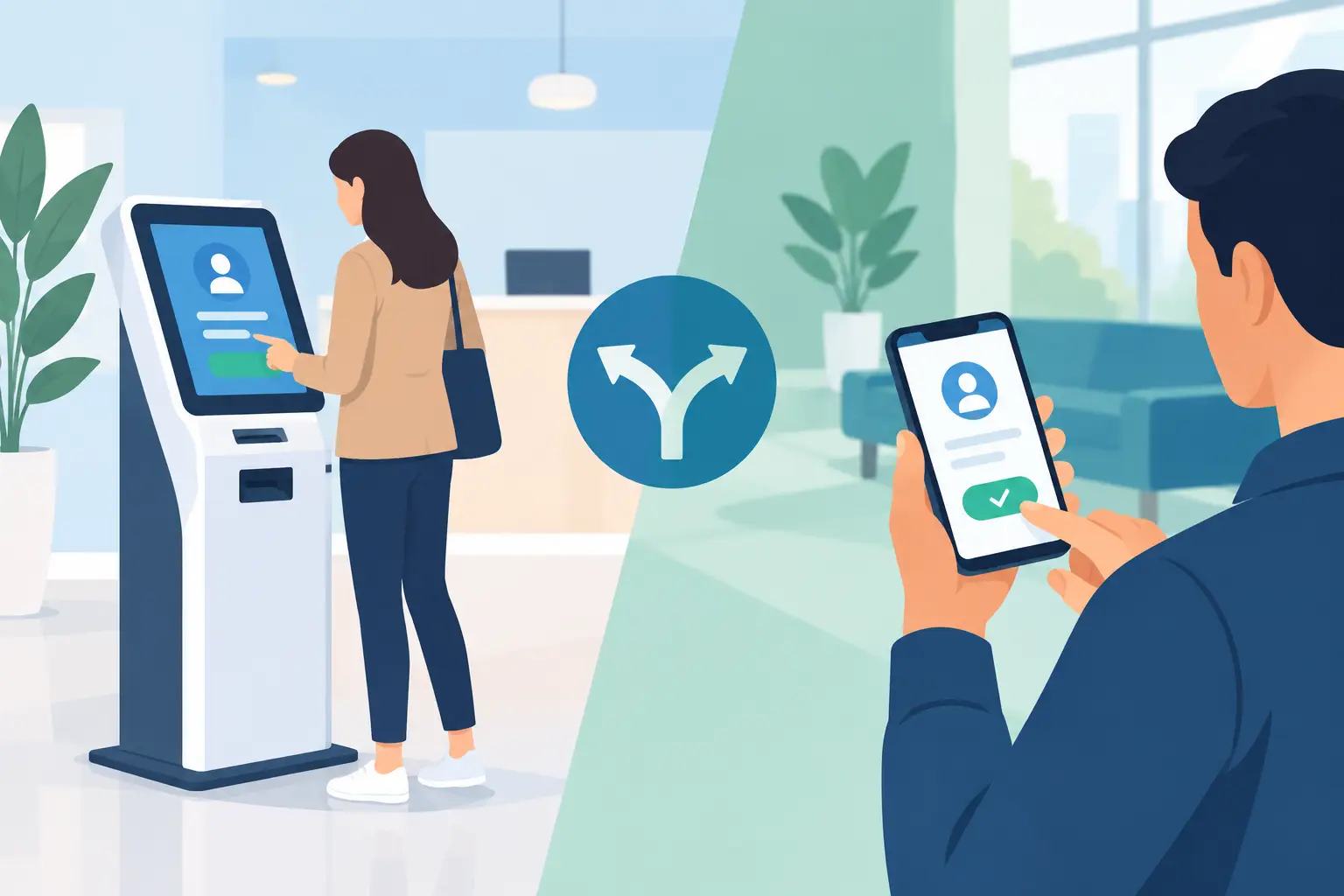
A line starts forming at 11:45. One customer is trying to use the kiosk, another is asking where to check in, and staff are already answering the same question: “How long is the wait?” The kiosk versus smartphone check in decision is not just about a screen. It shapes how customers enter your queue, how visible the crowd becomes, and how much work your team carries during the rush.
For many customer-facing locations, a smartphone-based check-in is the simpler starting point. But kiosks still make sense in specific environments. The right choice depends on your customers, your floor layout, and whether you want to manage hardware or keep the experience in customers’ hands.
Kiosk versus smartphone check in at a glance
A kiosk gives customers a fixed place to begin. They walk up, follow prompts on a shared screen, receive a ticket or confirmation, and wait nearby. It is familiar, especially in locations that have used ticket dispensers or self-service terminals for years.
Smartphone check in moves that first step off the counter and onto the customer’s own device. A customer scans a code or opens a simple web experience, joins the line, and checks their place while they browse, sit down, or wait outside. There is no shared screen to crowd around and no paper ticket to lose.
The distinction matters when your busiest moments are also your most customer-facing moments. A kiosk can become another line. A phone-based queue can distribute arrivals across the space.
Where kiosks work well
Kiosks are useful when you need a highly visible, controlled entry point. Think government service counters, hospital departments, or large venues where visitors may arrive without a smartphone, without mobile data, or without confidence using digital tools.
They also work when the check-in process is more than joining a queue. If a visitor needs to print a label, scan a document, make a payment, or complete a detailed form, a purpose-built kiosk may support that workflow better than a quick mobile check-in.
There is a practical benefit to the physical presence, too. A kiosk signals where to start. In a large lobby or unfamiliar space, that can reduce uncertainty for first-time visitors.
Still, that clarity comes with a trade-off. The device needs a home, power, network access, cleaning, updates, troubleshooting, and a plan for what happens when it goes offline. If it is your only check-in path, a single hardware issue can slow the entire arrival flow.
Why smartphone check in changes the waiting experience
Customers already understand their phones. They use them to check order status, navigate a store, manage reservations, and message friends. Asking them to join a queue on their own device is usually a smaller behavior change than asking them to learn a new terminal.
The biggest operational benefit is not simply digital check-in. It is freedom of movement. Once customers can see their status from their phone, they do not have to stand in front of your service desk to feel confident they still have a place in line. They can shop nearby, wait in their car, find a seat, or step out of a crowded pickup area.
That can make a location look and feel more organized without adding staff. The queue still exists, but it is no longer compressed into a visible cluster of people asking for updates.
A browser-heavy experience can create its own friction, though. Customers do not want to fill out long forms, create an account, or download an app they will use once. The best mobile check-in flow is short: scan, enter the queue, monitor the wait. QGO is built around that model, with a lightweight installable web experience that can sit on a customer’s home screen without a conventional app download.
Cost is more than the kiosk price
The upfront cost of a kiosk is easy to see. The less obvious costs build over time: the device, enclosure, printer if needed, replacement supplies, installation, repairs, software updates, and the staff attention required when something goes wrong.
A smartphone approach removes much of that equipment burden because customers bring the screen. For multi-location operators, that can make rollout faster and more consistent. A new location does not need to wait for hardware to ship, be mounted, configured, and tested before it can begin managing a digital line.
That does not mean mobile is free of operational requirements. You still need clear on-site instructions, reliable connectivity, and a fallback for customers who cannot or prefer not to use a phone. The difference is that the fallback can be simple. A staff member can add someone manually or provide a small assisted check-in option instead of forcing every arrival through a costly physical terminal.
Accessibility needs a real plan
No check-in method is automatically accessible just because it is digital. A kiosk must be placed at an appropriate height, offer readable contrast, support assistive interaction where needed, and provide a usable experience for people with limited mobility, vision, hearing, or dexterity.
Smartphones offer different advantages. Many customers already use personal accessibility settings, including larger text, screen readers, voice controls, and preferred languages. A mobile queue can meet people on the device they have already adapted to their needs.
But smartphone check in should never become a gate. Someone may have a dead battery, no phone, limited data, or a language barrier. Keep a human-assisted path available. Train staff to recognize when a customer needs it without making that person explain themselves in front of a crowd.
Language also belongs in the decision. A multilingual customer base may find a familiar phone interface easier to navigate than a shared terminal set to one default language. QGO supports 16 languages, which can help locations give customers clearer queue information without asking staff to translate every status update.
Consider staff workflow, not just customer convenience
A kiosk can reduce repetitive check-in tasks when it is functioning well. Yet it can also create a new support job. Staff may need to point customers to the terminal, clear paper jams, explain prompts, reset sessions, or manage the line that forms in front of it.
Mobile check-in shifts staff work in a different direction. Instead of directing every person to a machine, your team can focus on exceptions: customers who need assistance, service questions, priority cases, and the actual interaction that brings people in.
For a restaurant host stand, salon reception area, retail pickup counter, or clinic waiting room, that distinction is meaningful. The goal is not to remove people from the experience. It is to stop using skilled staff as human ticket dispensers.
Choose based on your traffic pattern
If customers arrive in waves, spend little time on site, and need to move through a clear transaction, a kiosk can be a practical fit. It can also be a good backup or assisted option in a larger check-in system.
If your location deals with visible lines, appointment overflow, crowded waiting areas, or customers who would rather browse than stand still, smartphone check in is often the stronger choice. It turns waiting into something customers can manage privately from their own device.
A hybrid setup may be right for high-volume locations with diverse audiences. Let most customers check in by phone, then provide staff assistance or a single accessible station for the people who need another path. That approach avoids buying enough hardware to serve every arrival while keeping the experience inclusive.
Start with the smallest useful experience
Do not begin by asking which technology looks more advanced. Ask what happens in the first 30 seconds after a customer walks in. Can they understand where to go? Can they join quickly? Can they leave the crowded area without losing their place? Can staff see who needs help?
If the answer requires more hardware, more instructions, and more staff intervention, the process may be working against you. A good check-in experience should feel like a normal phone action: one tap, clear confirmation, useful updates. Give customers that clarity, and your physical line has less reason to take over the room.
Give your customers a line they don't have to stand in
QGO turns any counter into a smart digital queue: customers scan a QR code, take a number on their own phone and get alerted when it is their turn. No app download, no hardware, 16 languages.
Try QGO free How it works