 QGO
Government Office Queue System Without Crowded Halls
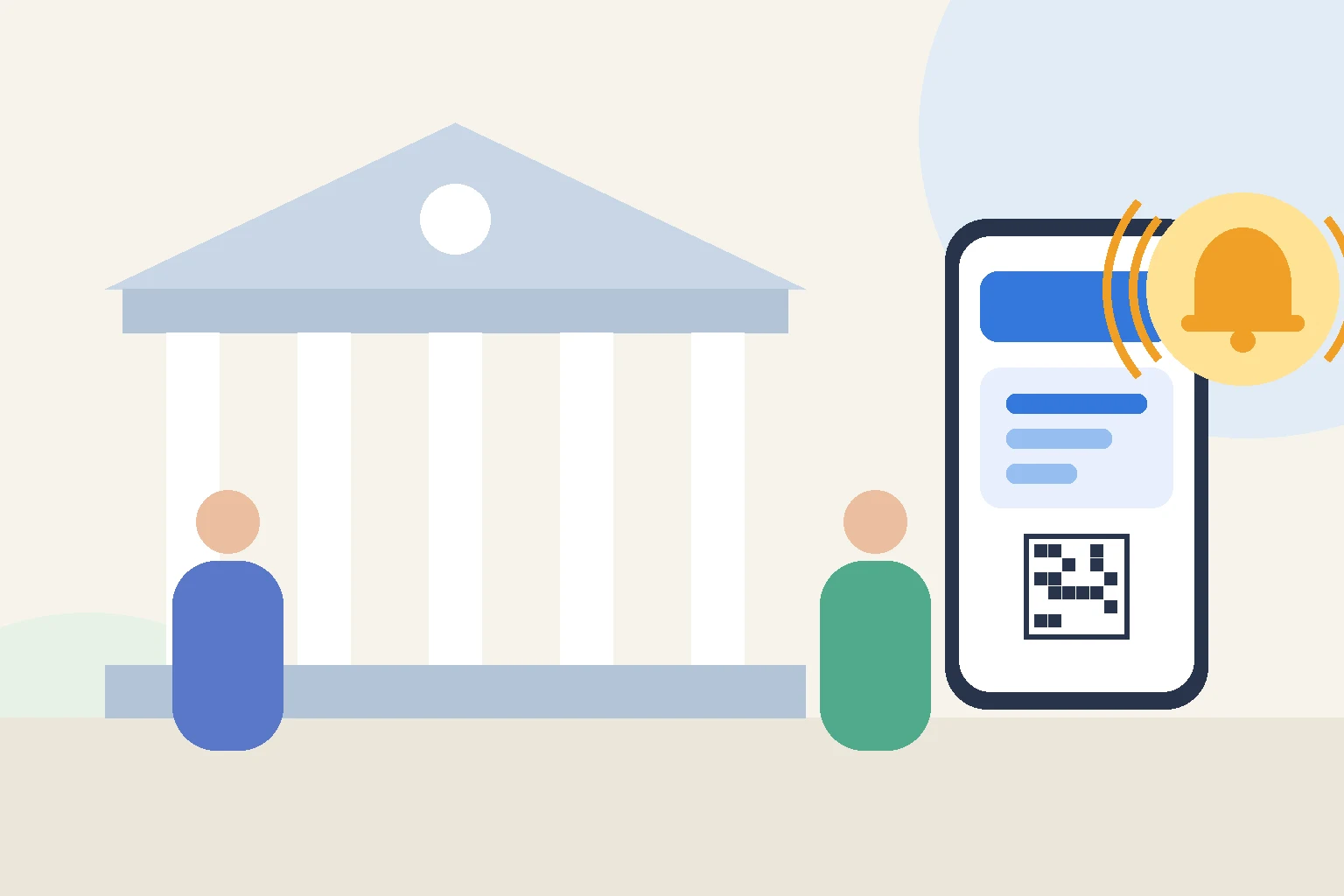
Public service offices handle some of the most important visits in people’s lives: registrations, permits, benefits, licenses, and certificates. Yet the experience often starts with a crowded hall, a paper ticket, and a long stare at a number display. A modern government office queue system can keep the same fair order while giving visitors back control of their time.
The aim is simple: every visitor should know where they stand in line, how the process works, and when to come to the counter, without having to stand in a packed room to find out.
Why public offices struggle with waiting lines
Government offices serve everyone. Visitors arrive with very different needs, from a quick document pickup to a complex application that takes much longer. They also come with different levels of comfort with technology and different first languages.
Demand is hard to predict. Deadlines, opening hours, and seasonal peaks can bring many visitors at once. When the only way to hold a place in line is to stay in the building, waiting halls fill up, seats run out, and frustration rises even if the counters are working at full speed.
Staff feel the pressure too. Every visitor who comes to the counter to ask how much longer it will be, or which line they should be in, takes time away from serving the person in front of them.
Key features of a good government office queue system
1. Easy check-in for everyone
Joining the queue should take seconds. A QR code at the entrance lets visitors take a number on their own phone without downloading an app or creating an account. For visitors without a smartphone, staff should be able to add them to the same queue at a reception desk.
This hybrid setup is important for public services. The system has to work for everyone, not only for people who are comfortable with technology.
2. Separate queues for different services
Not every visit is the same. Splitting queues by service, such as applications, pickups, and inquiries, lets offices direct people to the right counter from the start. Visitors choose their service at check-in, and staff call numbers from the queue they are responsible for.
3. Waiting outside the hall
Once visitors have a number, they do not need to stay in the waiting hall. They can step outside, run a short errand nearby, or wait somewhere more comfortable, then return when their turn is near.
That reduces crowding and makes the hall more pleasant for visitors who prefer to stay, including older people, parents with children, and people with limited mobility.
4. Alerts when the turn is coming up
Leaving the hall only works if visitors are confident they will not miss their turn. An alert on their phone when they are close to the front gives them time to come back. It also means fewer people stand near the counter just to keep an eye on the display.
5. Support for many languages
Public offices often serve residents and visitors who speak different languages. If the check-in page and queue status are shown in the visitor’s own language, they can follow the process without asking for help. Look for a system that offers the languages your community actually uses.
Replacing ticket machines without new hardware
Many offices still rely on ticket machines that print paper numbers. They need paper rolls, maintenance, and floor space, and they create a cluster of people near the entrance. A QR code check-in does the same job with the phones visitors already carry.
Moving to a digital queue does not have to mean a large equipment project. A system that runs in the browser can be set up without installing new devices for visitors. QGO, for example, lets visitors take a number by scanning a QR code and follow their place in line on their own phone, in 16 languages, with no app download needed. Staff and visitors who want quicker access can add it to the home screen, or use the Android app.
Rolling it out smoothly
- Start with one service or one counter before expanding to the whole office.
- Place QR codes at the entrance and in the waiting area with a short instruction.
- Keep a staffed reception point for visitors who need help checking in.
- Train counter staff on calling, skipping, and recalling numbers.
- Ask visitors for feedback during the first weeks and adjust signs and queue names.
Fair, clear, and less crowded
A government office queue system should protect what matters most in public service: fairness and clarity. Everyone still gets served in order. The difference is that visitors no longer have to stand in a crowded hall to keep their place.
When people can take a number in seconds, read the process in their own language, and get a heads-up before their turn, waiting becomes more predictable. Halls become calmer, and staff can focus on the work that brought visitors there in the first place.
Give your customers a line they don't have to stand in
QGO turns any counter into a smart digital queue: customers scan a QR code, take a number on their own phone and get alerted when it is their turn. No app download, no hardware, 16 languages.
Try QGO free How it works