 QGO
Event Queue Management Software That Keeps Lines Moving
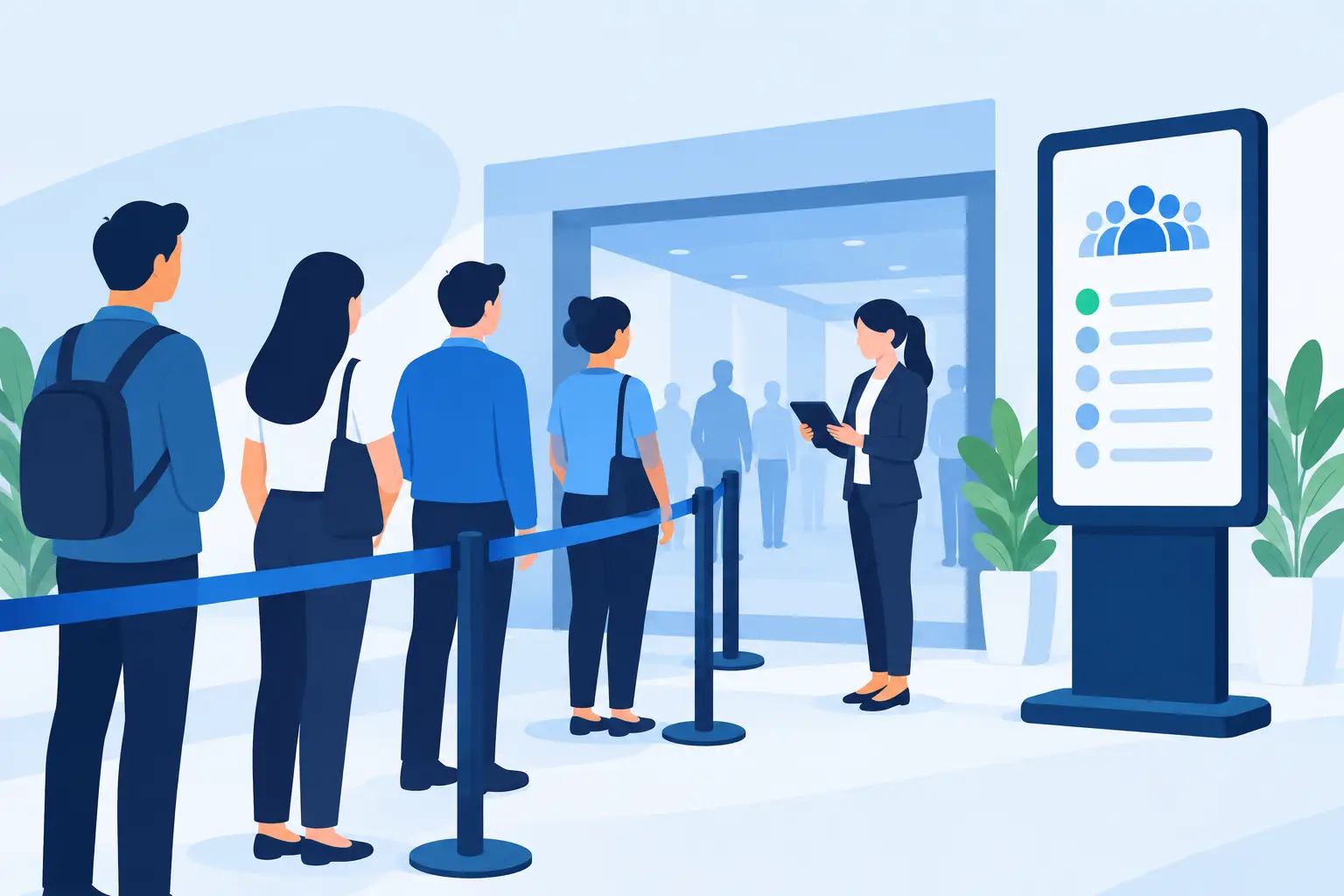
A line at an event is never just a line. It can block an entrance, hide product displays, slow check-in, and make guests question whether the experience is worth the wait. Event queue management software gives organizers a simpler way to handle those busy moments: let guests join from their phones, show them where they stand, and give staff a clear view of demand.
For venues, pop-ups, retail events, food service counters, clinics, and public-facing desks, the goal is not to eliminate every wait. Sometimes demand will exceed capacity. The goal is to make waiting feel organized, visible, and fair without adding another job for staff.
What Event Queue Management Software Should Do
The best systems turn a physical crowd into a digital queue without creating a complicated check-in process. A guest should be able to scan, tap, enter a few details if needed, and get on with their visit. No printed ticket to lose. No dedicated kiosk to maintain. No app-store download that feels like too much effort for a one-time visit.
From the operator side, the system needs to answer practical questions quickly. Who is waiting? How long has the queue been open? Which service point is getting backed up? Who is next? Staff should be able to move the line forward from a phone, tablet, or existing workstation without switching between multiple tools.
That basic visibility changes the work on the floor. Instead of repeatedly answering, “How much longer?” employees can focus on service. Instead of guessing whether the line is growing, managers can see the queue and adjust staffing before frustration spreads.
Start With the Guest Journey
A queue system works only when guests will actually use it. That means the entry point matters as much as the dashboard.
At an event, put the join point where the need is obvious: at the entrance, near a busy counter, at a product launch station, or beside an overflow area. A clear sign can tell guests exactly what to do: scan, join, and check your place from your phone. Keep the language short. If the process needs a long explanation, it is carrying too much friction.
Mobile access should also respect how people use phones. Most guests do not want to download a native app just to wait for coffee, a fitting room, event registration, or a five-minute consultation. A lightweight web experience that can be added to a home screen gives them app-like access without that barrier. On iPhone, they can use Share, select Add to Home Screen, then tap Add. Done.
The experience should work for people who are moving around, not standing beside a screen. They may browse merchandise, find their friends, get a drink, or step out of a crowded lobby while keeping an eye on their place in line. That freedom is one of the biggest reasons digital queues reduce visible congestion.
Give Staff a Simple Control Point
The guest-facing experience gets attention, but staff adoption determines whether the system holds up during a rush. The controls should be fast enough for a busy team member to use between customers.
Staff need a simple way to open or pause a queue, advance the next guest, mark a guest as served, and handle no-shows. If a guest has not returned when called, define the rule before the event starts. Will their spot be held for two minutes? Can they rejoin? Is the queue closed at a certain time? Consistency prevents uncomfortable conversations at the counter.
It also helps to decide who owns the queue. For a small activation, that might be one host. For a larger venue, it may be a front-of-house lead who watches volume while service teams call guests forward. Everyone does not need full access, but everyone should know the workflow.
A good setup should reduce staff coordination, not replace it with more screen work. If employees are spending their shift troubleshooting hardware, searching for ticket rolls, or explaining a complicated login, the system is not doing its job.
Match the Queue to the Event Type
Not every event needs the same queue rules. A product drop, a restaurant counter, and a community clinic may all have lines, but the guest expectations are different.
For timed or capacity-limited experiences, a queue can organize arrivals into small groups. This works well for demos, VIP areas, photo moments, consultations, and fitting rooms. The queue becomes a way to protect the quality of the experience, not just speed people through it.
For first-come, first-served service, the priority is clarity. Guests need to know they joined successfully and need a simple way to monitor progress. Avoid promising an exact wait time unless your service pace is highly predictable. A queue can slow down when a customer needs extra help, a register goes offline, or a staff member is pulled away. A realistic status is better than a promise that will be missed.
For high-volume arrivals, consider separate queues by purpose. Registration, bag check, will-call pickup, accessibility support, and general entry often move at different speeds. Combining them into one digital line can create the same bottleneck you were trying to solve. Separate only when it makes the guest decision easier, though. Too many choices at the start can cause confusion.
Use Wait Time as an Operating Signal
A digital queue is more than a nicer version of a ticket dispenser. It gives teams a live signal that something on the floor may need attention.
If the queue grows quickly after doors open, you may need another check-in station. If one service type consistently runs longer, it may need different staffing or a clearer pre-service instruction. If guests leave before being served, the wait may be too long, the notification process may be unclear, or the experience may not feel valuable enough to wait for.
Look for patterns across events rather than judging the setup by one unusually busy afternoon. Compare demand by time of day, location, service type, and staffing level. Then make one operational change at a time. Adding two team members, changing signage, and splitting a queue all at once makes it hard to know what actually improved the flow.
Build for Real-World Access
Events serve a mix of guests: regulars, first-time visitors, tourists, older customers, people with limited connectivity, and customers who speak different languages. The queue experience should feel straightforward to all of them.
Use plain labels. “Join queue” is clearer than “initiate service request.” Confirm the action after a guest joins. Show the key information without making them hunt for it. If your audience is multilingual, offer the queue in the languages your guests use. QGO supports 16 languages, which can be especially useful for venues serving diverse local communities or international visitors.
You should also have a human fallback. A digital-first queue does not mean digital-only in every circumstance. Train staff to help someone join, add a guest when appropriate, or explain the process without making that person feel like they are holding up the line. The technology should make service more accessible, not create a new barrier.
Avoid the Common Setup Mistakes
The biggest mistake is treating a queue tool like a plug-in for a broken process. If the service station cannot handle the volume, a digital queue will make the wait more transparent, but it will not create capacity. Use that visibility to fix the underlying bottleneck where possible.
Another mistake is hiding the queue behind too many steps. A QR code that opens a page, requires account creation, asks for unnecessary details, and then sends a confirmation email will lose people. For most event queues, the shortest path wins.
Finally, do not leave communication to chance. Tell guests what happens after they join, where to wait, and what to do when they are called. A queue feels fair when the rules are visible. It feels frustrating when guests have to keep asking staff for the next step.
The right system makes the line less of a destination. Guests can keep moving, staff can keep serving, and your event can feel organized even when demand is high.
Give your customers a line they don't have to stand in
QGO turns any counter into a smart digital queue: customers scan a QR code, take a number on their own phone and get alerted when it is their turn. No app download, no hardware, 16 languages.
Try QGO free How it works