 QGO
Digital Queue Management Software That Fits Real Life
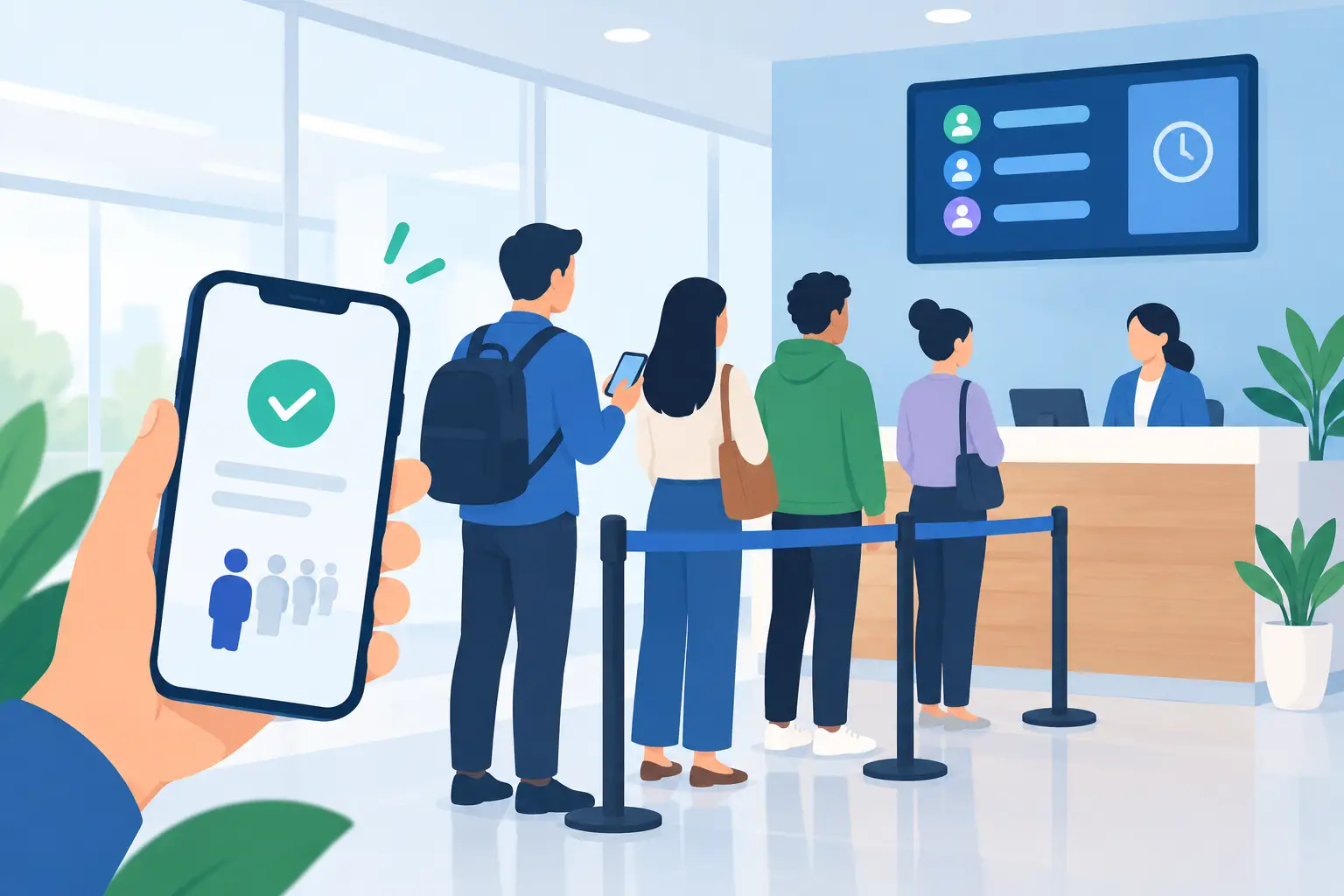
A line outside the register, reception desk, pickup counter, or service window changes how a business feels. Customers see delay before they see service. Staff get pulled into answering the same question: “How much longer?” Digital queue management software gives both sides a clearer next step. Customers join from their phones and monitor their place. Your team manages flow instead of managing a crowd.
The goal is not to make waiting exciting. It is to make waiting understandable, mobile, and less disruptive to the customer experience.
What Digital Queue Management Software Actually Solves
A physical line is a blunt tool. It tells customers where to stand, but not how long they will wait, whether they can browse, or what happens next. It also creates a visible signal that your operation is backed up, even when your team is moving quickly.
A digital queue replaces that uncertainty with status. A customer checks in, receives a place in line, and follows the queue from their own phone. They can step aside, shop nearby, sit down, or handle another task without losing their turn. When it is time to return, they know.
For operators, the benefit is not just a cleaner lobby. It is fewer interruptions at the counter, more consistent service order, and a better view of demand during busy periods. If a rush starts at noon every Friday, the queue data gives you something concrete to plan around.
This matters in more places than traditional waiting rooms. Retail returns, fitting rooms, food pickup, beauty services, clinics, municipal desks, event check-in, and hotel service counters all face the same basic problem: too many people need attention at the same time.
The Best Digital Queue Management Software Is Easy to Join
The customer experience determines whether a queue system helps or becomes another point of friction. If joining requires a dedicated kiosk, a printed ticket, a native app download, account creation, or several browser steps, some customers will opt out. Then staff end up running two systems at once: the digital line and the real one.
The better approach is simple: scan, tap, join. A lightweight, installable web experience can give customers app-like access without asking them to visit an app store. On an iPhone, they can use Share, choose Add to Home Screen, then tap Add. On many Android phones, the install prompt is just as quick.
That small detail matters. People are comfortable using their phones, but they are selective about what earns a permanent download. A queue should not ask for more commitment than the service itself.
Language access is equally practical. A multilingual location does not need customers to decode instructions while they are already waiting. Software that supports 16 languages can make check-in clearer for local communities, tourists, and staff serving mixed-language audiences.
Start With the Customer Journey, Not the Feature List
Before comparing platforms, map the moment when customers join the line. Is it at the front door? Next to a product display? At a host stand? In an overflow pickup area? The right setup depends on how customers already move through your location.
A salon may want guests to check in when they arrive, then wait comfortably until a chair is ready. A retail service desk may need separate queues for returns, repairs, and consultations. A restaurant may use a queue for walk-in seating or busy pickup windows. The software should reflect those real workflows without forcing staff to explain a complicated process every time.
Ask three direct questions:
- Can a first-time customer join in seconds without staff assistance?
- Can staff see who is waiting and call the next customer without switching between tools?
- Can customers understand their status without repeatedly approaching the counter?
If the answer to any of these is no, the experience will feel heavier than the problem it is meant to solve.
Hardware-Free Can Mean Faster Rollout
Legacy queue systems often start with hardware: ticket printers, kiosks, display screens, cables, replacement parts, and support calls. Those tools can make sense in high-volume environments with specific accessibility or check-in needs. But they also add cost, installation time, and maintenance.
For many customer-facing businesses, the phone is already the screen. A mobile-first queue can reduce the need for dedicated equipment and make deployment easier across multiple locations. Instead of coordinating a hardware rollout, teams can set up a queue, place clear entry signage, train staff on the call flow, and begin using it.
There is a trade-off. Not every guest arrives with a smartphone, battery life, or comfort using QR codes. A good operation plans for that reality. Keep a simple staff-assisted option available, especially in healthcare, government, and services that support older customers. Digital-first should not mean digital-only.
The point is to remove unnecessary equipment, not remove human help.
Give Staff a Simple Operating Rhythm
Queue technology works best when it becomes part of the service routine. Staff should know who owns the queue, when customers are called, what happens when someone misses a call, and how exceptions are handled. Without those basics, even polished software can create confusion behind the counter.
Keep the workflow clear. One team member opens or monitors the queue. Service staff call the next customer when ready. If a customer does not respond, staff use a consistent rule: wait briefly, send a reminder if available, then move to the next person. The rule matters more than making it perfect in every edge case.
Use queue settings that match how your business actually serves people. If appointments get delayed, decide whether walk-ins wait in one line or a separate line. If one request takes five minutes and another takes twenty, separate them when possible. A single queue can look fair while producing long, unpredictable waits.
Staff language also shapes adoption. Instead of saying, “You need to use the system,” try, “Scan here to save your place. You can wait wherever you’re comfortable.” It explains the benefit in one sentence.
Measure More Than Wait Time
Wait time is the obvious metric, but it is not the only useful one. A shorter wait is good. A clearly communicated wait can also be good, especially when demand is unavoidable.
Look for patterns in arrivals, service duration, abandoned queues, and peak periods. If customers routinely leave before being called, the wait may be too long, the estimate may be unclear, or the join process may be happening too early in their visit. If one service category creates the bottleneck, adjust staffing or separate that flow.
Visible congestion is another signal worth tracking. A queue can reduce the crowd around a counter even when service capacity stays the same. That creates a calmer environment, helps shoppers move through the store, and gives employees room to work.
Do not treat data as a report card for staff. Use it as an operations tool. The useful question is not “Who caused the wait?” It is “What change would make the next rush easier to handle?”
Where a Digital Queue Can Fall Short
Digital queues are not a substitute for capacity. If only one employee can perform a specialized service and demand doubles, software cannot create another trained team member. It can make the wait more transparent and organized, which is valuable, but it cannot erase the underlying constraint.
They can also fail when notifications are vague, signage is hard to spot, or customers are unsure whether they are checked in. Make the entry point obvious. Tell customers what happens after they join. Confirm their status immediately. Clear instructions prevent the familiar problem of people standing in a physical line “just in case.”
Privacy deserves attention too. Collect only what the queue needs, and make communications feel service-related rather than promotional. A customer who shares a phone number to hold a place expects updates about that place, not an unexpected marketing sequence.
Make the First Day Easy
The strongest launch is usually a small one. Start with the busiest service point, not every workflow in the building. Use plain-language signs. Have staff invite customers into the queue during the first few rushes. Listen for where people hesitate, then simplify the instruction.
QGO is built around that kind of low-friction setup: customers access the queue from their phones, can install it to their home screen if they choose, and do not need dedicated queue hardware or a conventional app download. For busy locations, that keeps the focus where it belongs - serving the next person.
A good queue does not make customers feel processed. It gives them back a little control over their time. Put the join step where people naturally pause, make the status easy to check, and let the line become something customers can leave behind while still keeping their place.
Give your customers a line they don't have to stand in
QGO turns any counter into a smart digital queue: customers scan a QR code, take a number on their own phone and get alerted when it is their turn. No app download, no hardware, 16 languages.
Try QGO free How it works