 QGO
Digital Queue for Clinics That Reduces Waits
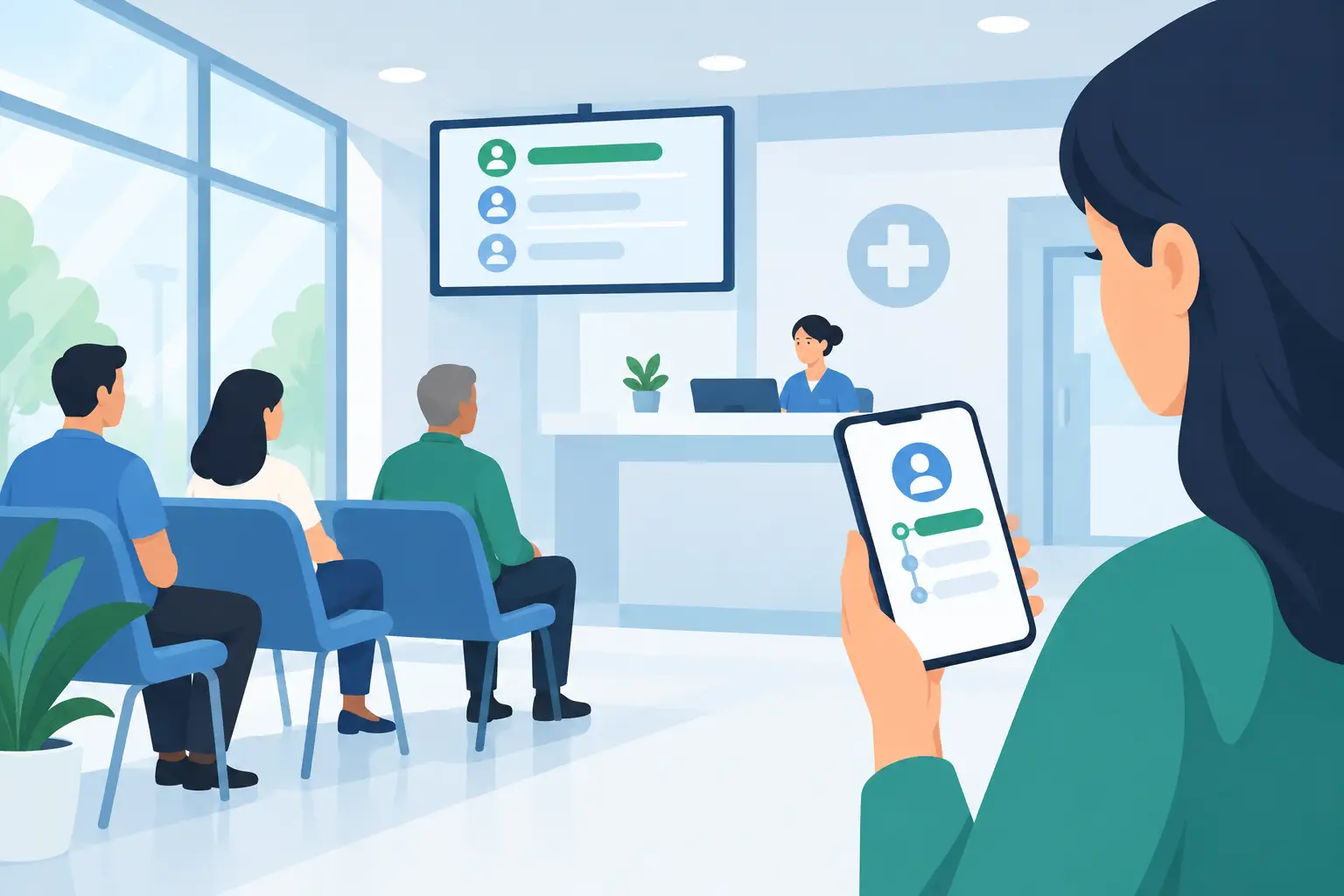
A waiting room can feel full long before every chair is taken. Patients standing at the check-in desk, families asking how much longer it will be, and staff trying to manage late arrivals all create pressure that has little to do with clinical care. A digital queue for clinics gives patients a clearer place in line from their own phones, while giving front-desk teams a simpler way to manage the day.
This is not about replacing appointments with a ticket number. It is about handling the gaps that appointments alone do not solve: walk-ins, delayed providers, lab visits, pharmacy pickup, same-day scheduling, and patients who arrive early because they do not know what to expect.
Why clinic waiting rooms need a different approach
In retail, a line is usually visible. In a clinic, the line is often hidden inside check-in forms, insurance verification, room availability, provider schedules, and urgent cases. That makes wait communication more difficult. A patient may be checked in but still have no idea whether they are next, 20 minutes away, or waiting on a specific step.
When there is no clear update, patients ask the front desk. Staff interrupt their work to answer. The answer may change five minutes later. Meanwhile, a crowded waiting room can increase stress for everyone, especially patients who are sick, in pain, caring for children, or worried about an upcoming visit.
A digital queue creates a shared, simple view of the next step. Patients can join through their phones and monitor their place without repeatedly approaching the desk. Staff can update the line as the schedule changes instead of managing a physical crowd by memory.
For clinics, the goal is not to make waiting feel acceptable. The goal is to make unavoidable waiting more predictable and less disruptive.
What a digital queue for clinics actually does
A digital queue is a mobile-accessible line that patients can join and monitor without holding a paper ticket or standing in a hallway. Depending on the clinic workflow, a patient may join after checking in, before arriving for a walk-in service, or while waiting for a specific department.
The process should feel familiar. A patient scans a QR code or opens a short access point on their phone. They enter the queue, see their status, and check back when needed. No dedicated kiosk. No printed ticket roll. No native app download.
That last part matters. Patients are unlikely to download an app for one appointment, particularly when they are already dealing with forms, insurance cards, and a visit they may be nervous about. A lightweight web experience removes that extra step. If they want quick access later, they can add it to their phone home screen: tap Share, select Add to Home Screen, then tap Add.
For staff, the queue becomes an operational tool. They can organize arrivals, move patients through service stages, and communicate a more realistic wait without asking people to remain in one physical spot.
Start with the workflow, not the software
The best clinic queue is built around the moments where patients currently get stuck. Before choosing settings or signage, map one busy day. Where do people cluster? Which questions repeat at the desk? When does the schedule fall behind? Which services accept walk-ins?
For many clinics, a digital queue works best in one of these situations:
- Walk-in care, urgent consultations, vaccinations, and testing
- Check-in overflow during high-volume appointment blocks
- Lab, imaging, billing, or document pickup lines
- Specialty departments where patients wait for a room, technician, or provider
Not every patient interaction should become a queue. Scheduled appointments still need schedules, intake processes, and clinical prioritization. A queue is most useful when it makes a waiting period visible and manageable.
For example, a primary care clinic may use it only for same-day visits and flu shots. A multispecialty practice may use separate queues for check-in, lab work, and referrals. A small office with stable appointment times may only turn it on when a provider is running late. The right setup depends on patient volume, service types, and staff capacity.
Give patients a clear path from arrival to care
A queue only reduces friction if patients know how to use it. Place the entry point where the decision happens: at the front door, check-in desk, parking area, or on an appointment reminder. Use direct language such as “Join the waitlist,” “Check your place in line,” or “Wait from your phone.”
Avoid instructions that sound technical. Patients do not need an explanation of queue infrastructure. They need to know what to tap and what happens next.
The message should also set expectations. Let patients know whether joining the queue means they are checked in, whether they still need to complete registration, and what they should do if symptoms worsen. For a clinic, this distinction is essential. A digital queue can organize arrival order, but it should never replace clinical triage or emergency guidance.
Accessibility matters here too. A phone-first option is convenient, but it cannot be the only option. Keep a staff-assisted path for patients without smartphones, limited data access, low digital confidence, or language barriers. The strongest system gives patients a choice while keeping staff in control of the same queue.
Reduce front-desk interruptions without losing the human touch
Front-desk teams are often asked to solve everything at once: greet patients, verify details, answer phones, process payments, and explain delays. A visible queue can remove one of the most repetitive tasks: answering “How much longer?” every few minutes.
That does not mean staff should become less available. It means their conversations can become more useful. Instead of estimating wait times from memory, they can focus on registration issues, accommodation needs, or patients who need immediate assistance.
The practical benefit is especially clear during delays. If one provider is behind, a digital queue gives staff a way to update the flow rather than repeatedly delivering bad news one patient at a time. Patients can use the waiting period more comfortably, whether that means sitting in a quieter area, stepping outside, or staying close to a child in the car.
There is a trade-off: status updates need to be accurate enough to build trust. If the queue never changes or estimated waits are consistently unrealistic, patients will return to the desk for answers. Start with simple, honest status language and train staff on who updates the queue during a shift.
Protect privacy while improving visibility
Clinics have higher privacy expectations than most customer-facing locations. A digital queue should show patients only the information they need for their own wait. It should not display diagnoses, visit reasons, insurance details, or a public list of names.
Keep queue labels neutral. “Waiting for provider” is usually better than a label tied to a sensitive service. Think carefully about what appears on shared screens, printed signs, and staff devices. The line should make the next step clearer without exposing personal information.
It is also wise to separate operational communication from clinical communication. A queue can tell a patient that their turn is approaching. It should not be treated as a channel for medical advice, test results, or urgent instructions. Clear boundaries make the experience safer for patients and easier for staff to manage.
Measure whether the queue is helping
Do not judge a digital queue by how modern it looks at launch. Judge it by whether it improves the clinic day after day. Track visible waiting-room congestion, repeated wait-time questions, average wait by service type, abandoned walk-ins, and the time staff spend organizing arrivals.
Patient feedback is useful, too. Ask a simple question after the visit: was it clear what to do while you waited? That answer often reveals more than a general satisfaction score. If patients still feel uncertain, the issue may be signage, wording, timing, or staff handoff rather than the technology itself.
QGO is designed for this low-friction model: patients access the queue from their phones, businesses avoid dedicated queue hardware, and multilingual support helps clinics serve diverse communities. The system should fit into the front desk routine, not create another device for staff to maintain.
A better waiting experience starts with a small promise: patients should know where they stand and what happens next. When a clinic can keep that promise consistently, the waiting room becomes calmer, staff regain time, and care can stay at the center of the visit.
Give your customers a line they don't have to stand in
QGO turns any counter into a smart digital queue: customers scan a QR code, take a number on their own phone and get alerted when it is their turn. No app download, no hardware, 16 languages.
Try QGO free How it works