 QGO
Customer Wait Time Notifications That Work
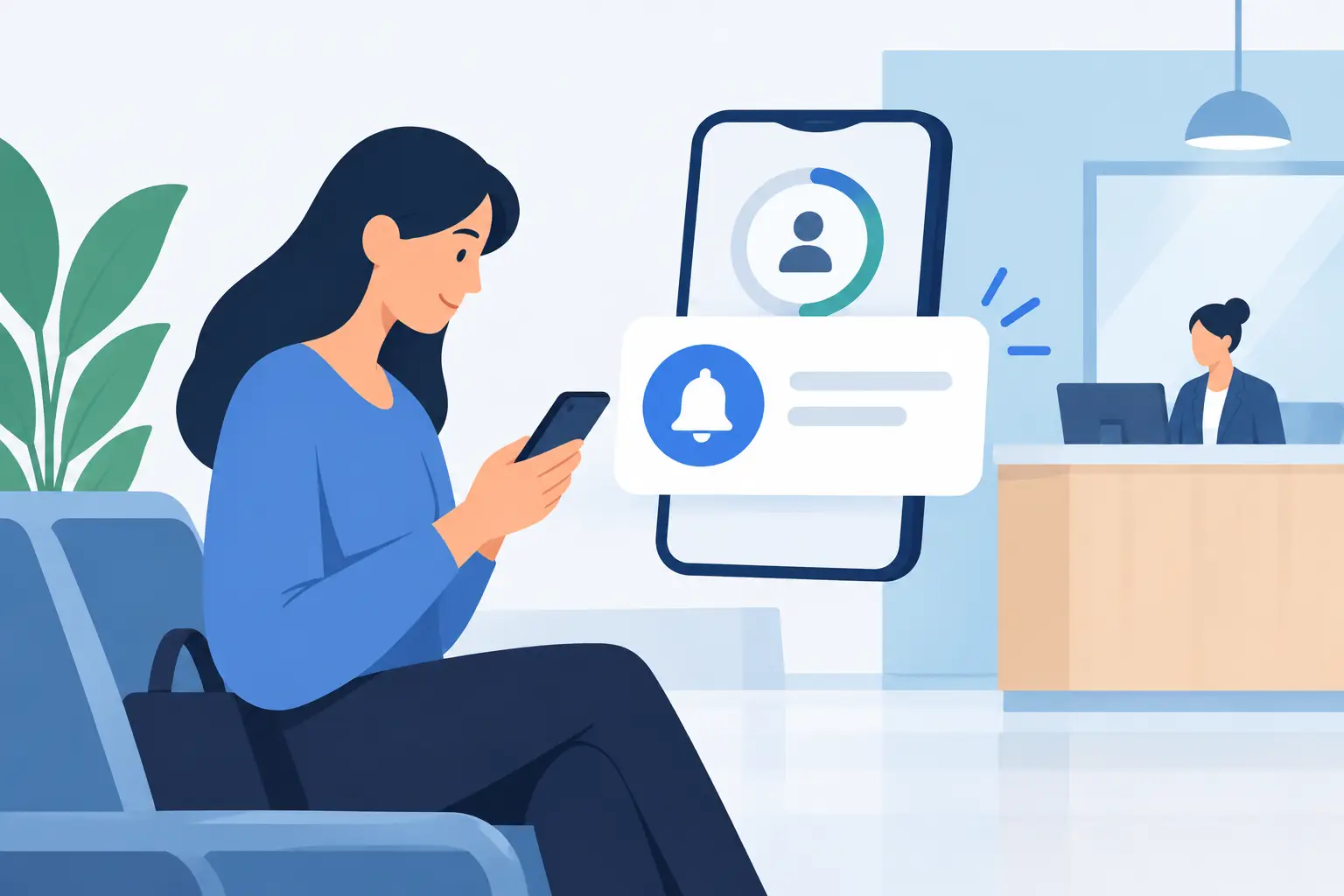
A crowded line creates two problems at once: customers do not know how long they will be there, and staff become the unofficial information desk. Customer wait time notifications solve both. A clear update on a customer’s phone gives them permission to step aside, keep shopping, grab a coffee, or wait somewhere more comfortably while your team keeps service moving.
The goal is not to send more messages. It is to send the right message at the right point in the wait. When notifications are accurate, brief, and tied to real queue movement, they turn uncertainty into a simple next step: check in, carry on, come back when called.
Why customer wait time notifications change the line
People can handle a wait better than they can handle a mystery. A customer told they are about 20 minutes away from service has context. A customer standing in a line that appears not to move has none. That uncertainty leads to repeated questions, abandoned purchases, and frustration directed at the nearest employee.
A digital queue changes the visible experience immediately. Instead of a group gathered around a counter, customers can join from their phones and monitor their place remotely. Notifications keep that system useful after the initial sign-up. They confirm that the customer is in line, show progress, and let them know when it is time to return.
For operators, that means less crowding around pickup counters, fitting rooms, service desks, host stands, and clinic reception areas. It also gives staff a more consistent answer than estimating a wait from memory during a rush.
There is a practical limit, though. A notification cannot make an understaffed operation faster. It can make the wait clearer and less disruptive. That distinction matters. Set expectations honestly, then use alerts to keep customers informed as the queue changes.
The notifications customers actually need
Most queues do not need a long chain of alerts. Too many pings feel like noise, especially when a customer has already joined through their phone. A useful notification plan usually covers three moments.
1. Confirmation right after joining
The first message should answer one basic question: “Did it work?” Confirm the queue name, their place or estimated wait, and what they should do next. Keep it direct.
For example: “You’re checked in. Your estimated wait is 25 minutes. We’ll notify you when you’re getting close.”
This is the moment when customers decide whether they can leave the immediate area. If your process requires them to stay nearby, say so. If they can continue shopping anywhere in the store, say that instead. Vague instructions create the same confusion a digital queue is meant to remove.
2. A heads-up before service is ready
The most valuable alert is the advance notice. A five- or 10-minute heads-up gives customers time to finish browsing, walk back from another part of the venue, or collect a family member. It reduces the number of people who miss their turn because they only learned they were next after staff had already called them.
The best timing depends on your location. A compact salon may only need a five-minute alert. A large retail store, a busy restaurant, or an event venue may need 10 to 15 minutes. Test the timing against actual customer behavior, not what sounds ideal on paper.
3. A clear “please return” message
When staff are ready, the message should be unmistakable. Name the place the customer needs to return to and, if useful, include a short grace period.
“Your turn is ready. Please return to the service desk within 5 minutes.”
Avoid soft language such as “You may be ready soon” when the customer is already at the front of the queue. The final alert needs to move the line forward, not open another round of interpretation.
Make wait estimates useful, not overly precise
A wait time displayed as “17 minutes” can look sophisticated, but it may create trouble if service times vary. A return, consultation, order issue, or complex appointment can change the pace quickly. If your estimate is not consistently accurate to the minute, use a range or a rounded number.
“About 15 to 20 minutes” is often more credible than “17 minutes.” So is a position update such as “There are three customers ahead of you,” provided customers understand that each service interaction may take a different amount of time.
Use the data you have. If a service normally takes 10 minutes but runs longer on weekends, build that pattern into the estimate. If one counter handles simple pickups while another handles more involved requests, do not treat those queues as identical. Better estimates come from matching the queue setup to the work your team is actually doing.
Accuracy also requires staff habits. If employees forget to mark a customer as served, skipped, or no-show, the digital line stops reflecting reality. Keep staff actions simple. One tap to advance the queue is better than a workflow that asks busy employees to complete several fields before serving the next person.
Design alerts for the phone already in their hand
Customers should not have to download another app just to wait in line. The less setup required, the more likely they are to use the system during a busy visit. A mobile-first queue should open quickly, work from a phone browser, and offer an easy way to keep the queue close at hand.
QGO uses a lightweight installable web experience, so customers can add it to their phone home screen without a conventional app-store download. That matters for walk-in traffic. A customer can join, check their status, and receive timely updates without creating a new account or learning a new process.
Keep the notification copy just as simple as the sign-up. Use the business name customers recognize. State the action. Avoid internal terms such as “ticket state,” “queue node,” or “service resource.” Customers do not need to know how the system is built. They need to know where to go and when.
For multilingual locations, language choice is not a small detail. A clear alert in the customer’s preferred language prevents missed turns and reduces staff translation work. This is especially useful in retail districts, clinics, hospitality settings, and public service environments that regularly welcome international visitors or multilingual communities.
Give staff a plan for late returns and no-shows
Notifications improve return rates, but they will not eliminate late arrivals. Decide what happens before the line gets busy. Can a customer have a two-minute grace period? Will they move to the next available spot? Can staff rejoin them near the front if an alert was delayed?
There is no single rule for every business. A restaurant host stand may hold a table briefly, while a high-volume pickup counter may need to move on immediately. The key is consistency. Staff need a policy they can apply without debating it in front of the next customer.
Send a follow-up only when it has a purpose. If a customer misses the return alert, a short message can say, “We missed you at the counter. Reply or rejoin the queue when you’re ready.” Do not continue sending reminders after the queue interaction has ended. Respecting attention is part of a good mobile experience.
Measure the result beyond wait time
A shorter line is easy to see. The bigger operational gains may show up elsewhere: fewer “How much longer?” questions, less congestion at the entrance, faster customer handoffs, and fewer customers leaving before service.
Watch for patterns over a few weeks. Are customers returning too early after the heads-up alert? Shorten the notice window so the alert goes out closer to their turn. Are they missing turns in a large venue? Send the advance notification earlier or make the return location more specific. Are wait estimates rising every Saturday afternoon? That may point to staffing, counter capacity, or a separate queue needed for quick transactions.
The right notification system does not ask customers to stand still just because your service capacity is limited. It gives them back a little control over their time. When the message says, “You’re almost up,” it should feel less like an interruption and more like a useful cue to come back at exactly the right moment.
Give your customers a line they don't have to stand in
QGO turns any counter into a smart digital queue: customers scan a QR code, take a number on their own phone and get alerted when it is their turn. No app download, no hardware, 16 languages.
Try QGO free How it works