 QGO
Appointment Overflow Management That Keeps Lines Moving
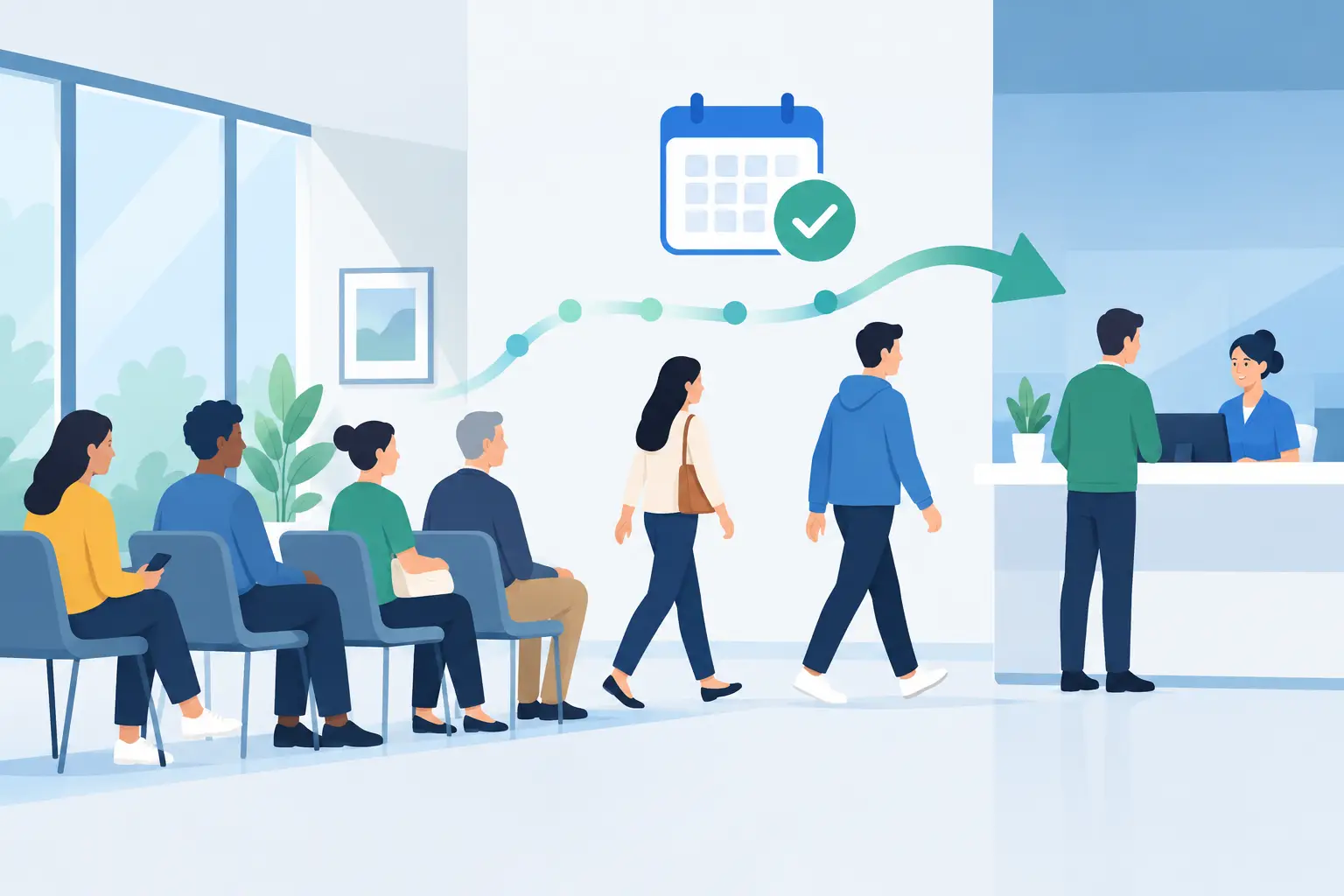
At 4:40 p.m., a fully booked schedule can turn into a crowded lobby fast. One appointment runs long, two customers arrive early, a walk-in needs help, and staff start answering the same question: How much longer? Appointment overflow management gives your team a simple way to handle that pressure without turning the waiting area into another job to manage.
The goal is not to eliminate every wait. That is rarely realistic in a busy clinic, salon, retail counter, restaurant, or service desk. The goal is to make the wait visible, organized, and easier for customers to live with. When people know where they stand, they are less likely to crowd the counter, leave without notice, or ask staff for updates every few minutes.
What appointment overflow actually looks like
Overflow is not only a packed calendar. It happens whenever real customer arrival patterns do not match the schedule on paper. A customer may need more time than expected. A staff member may be delayed. A family might arrive together for separate appointments. A pickup rush can overlap with booked services.
The result is often a physical line layered on top of an appointment book. Scheduled customers feel overlooked because they checked in on time. Walk-ins do not know whether they will be seen. Staff are forced to make decisions verbally, in public, while serving the next person.
That setup creates two problems at once. Operations lose focus, and customers lose confidence. Even a short wait can feel much longer when there is no clear process.
Appointment overflow management starts before the rush
The strongest overflow plan is decided before customers begin arriving. Your team needs a shared rule for what happens when capacity is full. Not a complicated binder. A few clear decisions that staff can use in the moment.
Start by defining the point where appointments become delayed. For some businesses, it may be 10 minutes behind schedule. For others, it may be when three people are waiting to check in or when the pickup area reaches a certain capacity. The right threshold depends on your service model, space, and customer expectations.
Next, decide how you will prioritize customers. An appointment time should matter, but it is not the only factor. Some visits are quick. Some require privacy, accessibility support, or a specific staff member. A restaurant may need to separate dine-in reservations from pickup orders. A retail service desk may need to distinguish returns from complex consultations.
The important part is consistency. If staff make a different call every time, customers notice. A clear priority rule helps employees explain what is happening without negotiating the line one person at a time.
Replace the counter line with a digital waitlist
A visible crowd creates pressure. It makes the location feel understaffed, even when the team is working hard. It also traps customers near the counter because they worry they will lose their place if they step away.
A digital queue changes that. Customers can join the waitlist from their phones, see that they are checked in, and monitor their place while they browse, sit nearby, or handle another errand. Staff can focus on serving instead of manually tracking who arrived first.
This approach works especially well when appointments and walk-ins overlap. A scheduled customer can check in digitally upon arrival. If service is running behind, they receive a clear place in the flow rather than standing in an uncertain line. Walk-ins can be added to the same process with rules that match your availability.
The best experience is low friction. Do not make a customer download another app, create a lengthy account, or find a kiosk before they can join. A mobile-first queue should feel like a familiar phone action: scan, tap, join. If customers want easier repeat access, they can save it to their home screen.
QGO is built around this kind of lightweight digital waiting experience, without dedicated queue hardware or printed tickets. That matters when you need to improve customer flow across locations without adding another device for staff to maintain.
Give customers the information they actually need
When an appointment is delayed, vague language causes more frustration than the delay itself. Telling someone to wait a moment when the wait may be 20 minutes feels dismissive. Giving an overly precise estimate can also backfire if conditions change.
Use clear, practical updates instead. Confirm that the customer is checked in. Show their position or an honest wait range when possible. Let them know when they should return to the service area. If the delay grows, update them before they have to ask.
That communication should answer three questions: Am I in line? What should I expect? What do I need to do next? Customers do not need a detailed explanation of your staffing or scheduling issue. They need confidence that they have not been forgotten.
This is also where multilingual support can make a real operational difference. In locations serving diverse communities, queue instructions and wait updates need to be easy to understand at a glance. Clear language reduces mistakes, repeat questions, and abandoned appointments.
Keep staff actions simple during a surge
A good overflow process should reduce choices for staff, not add screens and scripts. During a rush, employees need a fast routine: check in the customer, place them in the right queue, provide the expected wait, and call the next person when ready.
Build the process around the points where confusion usually appears. Who adds a late arrival? What happens when a customer misses their call? Can a staff member pause new walk-ins when the team is at capacity? Who updates customers if one provider is running behind?
Write the answers in plain language and train them with real scenarios. A five-minute practice session before opening can be more useful than a lengthy training document. Ask one person to play an early arrival, another to play a walk-in, and let the team work through the flow.
Avoid making every exception a manager decision. Managers should set the rules, but frontline staff need enough control to keep the line moving. If every late arrival, no-show, or service delay requires approval, the bottleneck simply moves behind the counter.
Use your data to fix the schedule, not just the line
Digital wait management helps in the moment, but it also shows where the appointment model is breaking down. Look for patterns over several weeks. Are delays concentrated at a certain time of day? Does one service consistently take longer than booked? Are walk-ins arriving in predictable waves?
Track a small set of numbers: average wait time, percentage of appointments starting late, no-shows, abandoned waits, and peak arrival windows. You do not need a giant dashboard to make useful changes. A recurring pattern is enough to adjust staffing, appointment lengths, or walk-in capacity.
Be careful with the response. If a service often runs over, shortening every appointment may make the problem worse. You may need a buffer between complex visits, a separate pickup flow, or a clearer policy for walk-ins. The best fix depends on whether the constraint is time, staffing, physical space, or customer communication.
Set boundaries when demand exceeds capacity
There are times when the right answer is not to keep adding names to the queue. If the projected wait is unreasonable, tell customers early. Offer the next available appointment, a return window, or a way to join later if that fits your business.
This can feel counterintuitive. Teams often worry that turning away a walk-in means losing revenue. But accepting more customers than you can realistically serve can damage trust with everyone already waiting. A clear boundary is better than a crowded room and a string of broken expectations.
Appointment overflow management works best when it respects both sides of the counter. Customers get clarity and room to wait on their terms. Staff get a process they can run without constantly apologizing. Start with the next rush, make the wait visible, and give every customer one clear next step.
Give your customers a line they don't have to stand in
QGO turns any counter into a smart digital queue: customers scan a QR code, take a number on their own phone and get alerted when it is their turn. No app download, no hardware, 16 languages.
Try QGO free How it works